Point Grey Flea3 USB 3.0 Technical Reference Appendix A: Control and Status Registers
Appendix A: Control and Status Registers
A.1 General Register Information
A.1.1 Register Memory Map
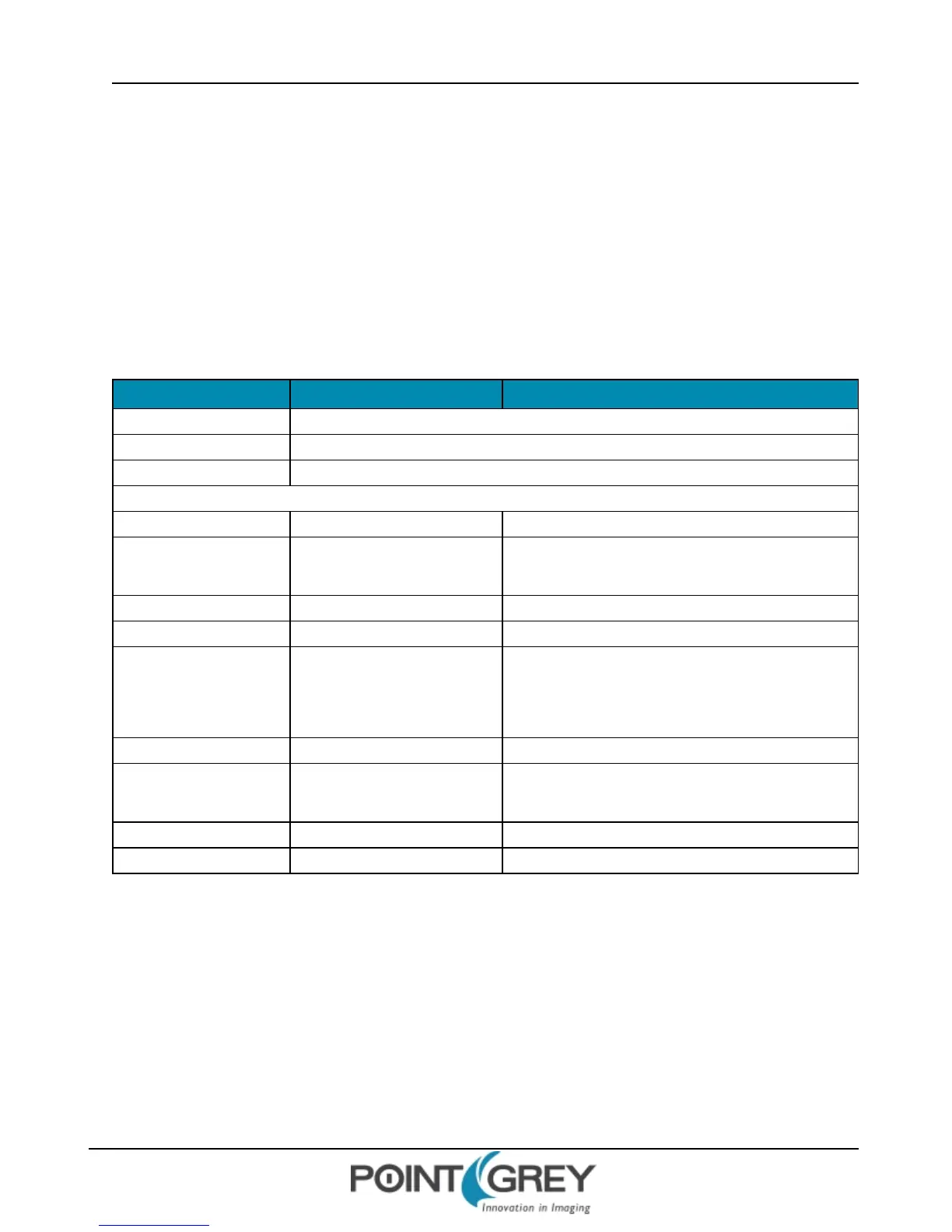
The camera uses a 64-bit fixed addressing model. The upper 10 bits show the Bus ID, and the next six bits show the
Node ID. The next 20 bits must be 1 (FFFF Fh).
Address Register Name Description
FFFF F000 0000h Base address
FFFF F000 0400h Config ROM
FFFF F0F0 0000h Base address for all camera control command registers
The following register addresses are offset from the base address, FFFF F0F0 0000h.
000h INITIALIZE Camera initialize register
100h
180h
V_FORMAT_INQ
V_MODE_INQ_X
Inquiry register for video format
Inquiry register for video mode
200h V_RATE_INQ_y_X Inquiry register for video frame rate
300h Reserved
400h
BASIC_FUNC_INQ
FEATURE_HI_INQ
FEATURE_LO_INQ
Inquiry register for feature presence
500h Feature_Name_INQ Inquiry register for feature elements
600h
640h
CAM_STA_CTRL
Status and control register for camera
Feature control error status register
700h ABS_CSR_HI_INQ_x Inquiry register for Absolute value CSR offset address
800h Feature_Name Status and control register for feature
The FlyCapture API library has function calls to get and set camera register values. These function calls automatically
take into account the base address. For example, to get the 32-bit value of the SHUTTER register at 0xFFFF F0F0 081C:
FlyCapture v1.x:
flycaptureGetCameraRegister(context, 0x81C, &ulValue);
flycaptureSetCameraRegister(context, 0x81C, ulValue);
FlyCapture v2.x (assuming a camera object named cam):
cam.ReadRegister(0x81C, ®Val);
cam.WriteRegister(0x81C, regVal, broadcast=false);
Revised 9/27/2012
Copyright ©2011-2012 Point Grey Research Inc.
130



 To Next Page