Point Grey Flea3 USB 3.0 Technical Reference 5 Video Formats, Modes and Frame Rates
5.3.3 FL3-U3-13E4 Video Modes
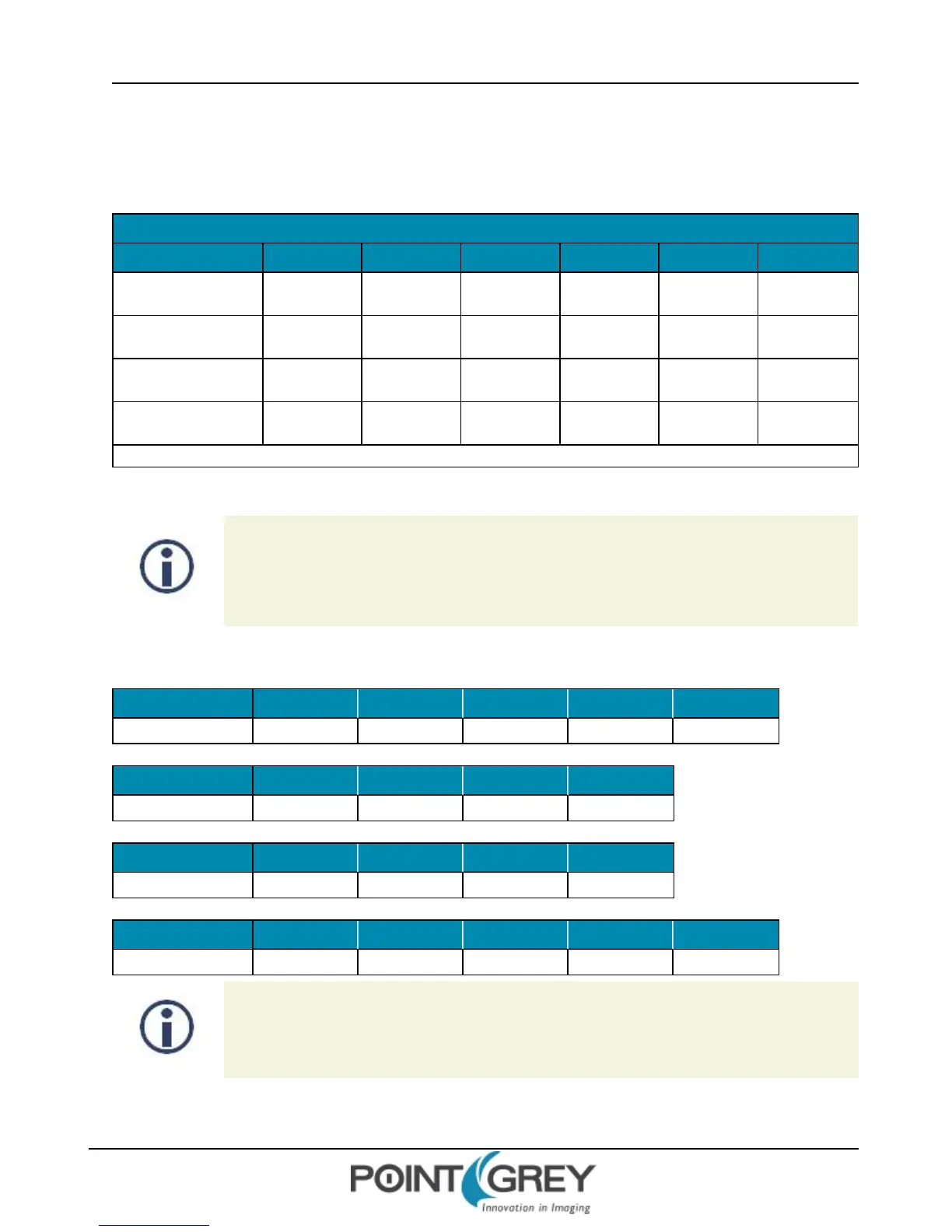
5.3.3.1 FL3-U3-13E4 Standard Formats, Modes and Frame Rates
Models: •13E4M • 13E4C
Modes 1.875 FPS 3.75 FPS 7.5 FPS 15 FPS 30 FPS 60 FPS
1280 x 960 YUV422
• • • • • •
1280 x 960 RGB
• • • • •
1280 x 960 Y8
• •• •• • • •• ••
1280 x 960 Y16
• • •• •• •• •• ••
Modes default to highest frame rate.
5.3.3.2 FL3-U3-13E4 Custom Formats, Modes and Frame Rates
Many USB 3.0 PCI Express Gen 2.0 motherboards limit data rates to ~180MByte/s. The FlyCap2
Camera Selection dialog shows the supported PCIe bus speed. If you select a video format/mode
that requires data rates above what is supported, the camera will skip images.
For example: 1920 x 1080, 60 FPS, YUV422 = ~248 MB/s
Table 5.4: FL3-U3-13E4M Custom Formats, Modes and Frame Rates
Pixel Format 1280 x 1024 1280 x 960 640 x 480 320 x 240 160 x 120
All Formats 60 64 124 230 410
Mode 0
Pixel Format 640 x 512 640 x 480 320 x 240 160 x 120
All Formats 60 60 60 60
Mode 1
Pixel Format 640 x 512 640 x 480 320 x 240 160 x 120
All Formats 118 118 118 118
Mode 2
Pixel Format 1280 x 1024 1280 x 960 640 x 480 320 x 240 160 x 120
All Formats 60 60 60 60 60
Mode 7
Images acquired by color cameras using Mono8, Mono12 or Mono16 modes are converted to
greyscale on the camera. Users interested in accessing the raw Bayer data to apply their own
color conversion algorithm or one of the FlyCapture library algorithms should refer to Accessing
Raw Bayer Data on page 117.
Revised 9/27/2012
Copyright ©2011-2012 Point Grey Research Inc.
72



 To Next Page