Point Grey Flea3 USB 3.0 Technical Reference 5 Video Formats, Modes and Frame Rates
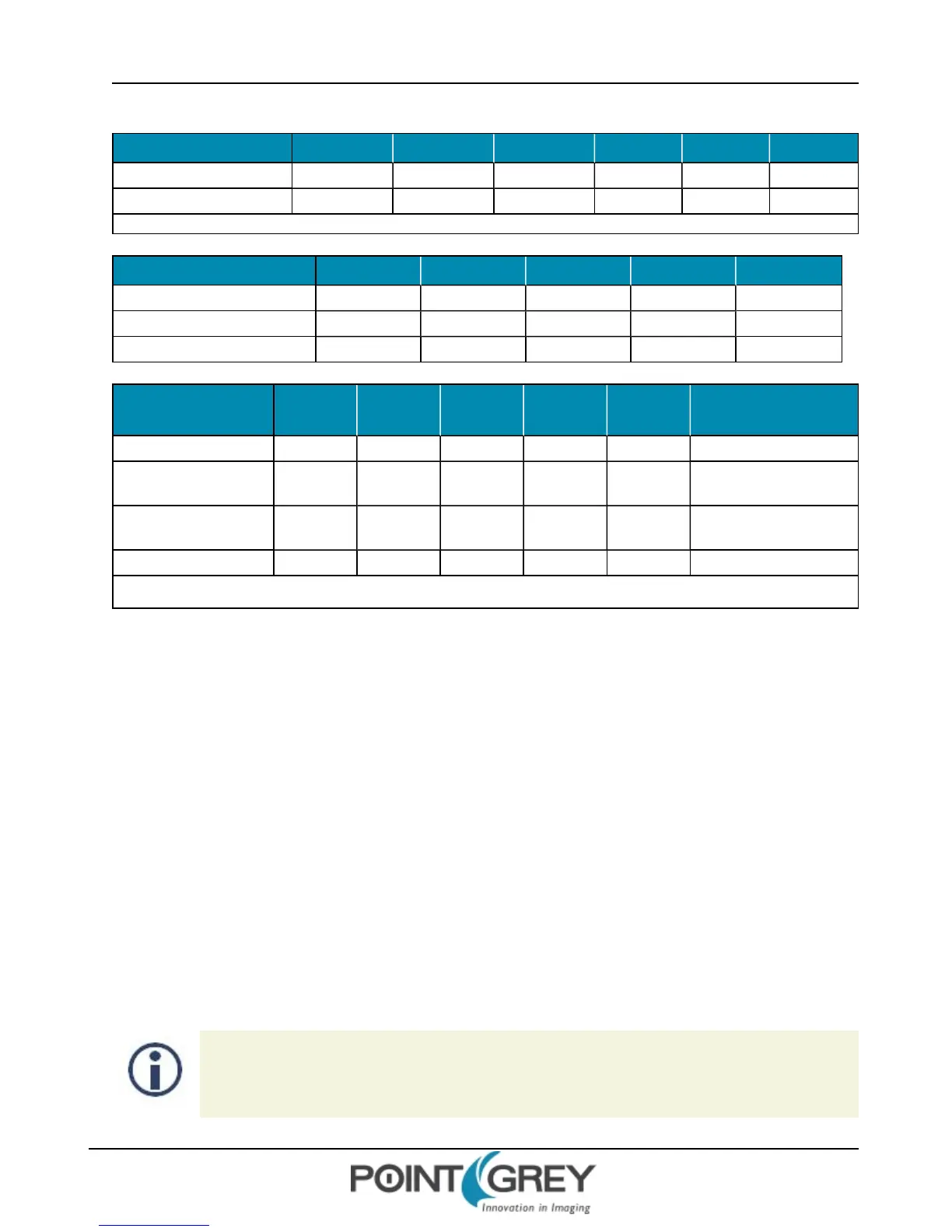
Pixel Format 4096 x 2160 1600 x 1200 1280 x 960 640 x 480 320 x 240 160 x 120
16-bit (Mono, Raw, YUV422) 12 28 28 28 28 28
24-bit (RGB, YUV444) 9* 28 28 28 28 28
*In Mode 0 24-bit, the FL3-U3-88S2C supports a maximum size of 7.5 MP (for example, 3440 x 2160 or 4096 x 1820)
Mode 0
Pixel Format 2048 x 1080 1280 x 960 640 x 480 320 x 240 160 x 120
8-, 12-bit (Mono, Raw, YUV411) 60 60 60 60 60
16-bit (Mono, Raw, YUV422) 46 60 60 60 60
24-bit (RGB, YUV444) 28 55 60 60 60
Mode 4
Pixel Format
4000 x
3000
4000 x
2750
4000 x
1860
1280 x
960
640 x 480 320 x 240 160 x 120
8-, 12-bit (Mono, Raw) 15 15 15 19 19 19 19
12-bit (Mono, Raw,
YUV411)
11 13 13 19 19 19 19
16-bit (Mono, Raw,
YUV422)
N/A 10* 13 19 19 19 19
24-bit (RGB, YUV444) N/A N/A 8.5** 19 19 19 19
*In Mode 10 16-bit, the FL3-U3-88S2C supports a maximum size of 11 MP (for example, 4000 x 2750 or 3666 x 3000)
**In Mode 10 24-bit, the FL3-U3-88S2C supports a maximum size of 7.4 MP (for example, 4000 x 1860 or 2480 x 3000)
Mode 10
5.4 Video Format, Mode, and Frame Rate Settings
The following settings control the video format and mode of the camera.
Frame Rate —This provides control over the frame rate of the camera. When this feature is in auto mode, exposure
time is limited by the frame rate value dynamically, which is determined by the Current Frame Rate. When this
feature is in manual mode, the actual frame interval (time between individual image acquisitions) is fixed by the frame
rate value. The available frame rate range depends on the current video format and/or video mode.
This is set to OFF when the camera is operating in asynchronous trigger mode . For more information, see
Asynchronous Triggering on page 81.
Current Frame Rate—Allows the user to query and modify the current frame rate of the camera.
Current Video Mode—Allows the user to query and modify the current video mode of the camera.
Current Video Format—Allows the user to query and modify the current video format of the camera.
5.4.1 FRAME_RATE: 83Ch
Formulas for converting the fixed point (relative) values to floating point (absolute) values are not
provided. Users wishing to work with real-world values should refer to Absolute Value CSRs (page
148).
Revised 9/27/2012
Copyright ©2011-2012 Point Grey Research Inc.
76



 To Next Page