Point Grey Flea3 USB 3.0 Technical Reference 2 Getting Started with Flea3 USB 3.0
2.2 Installing Your Interface Card and Software
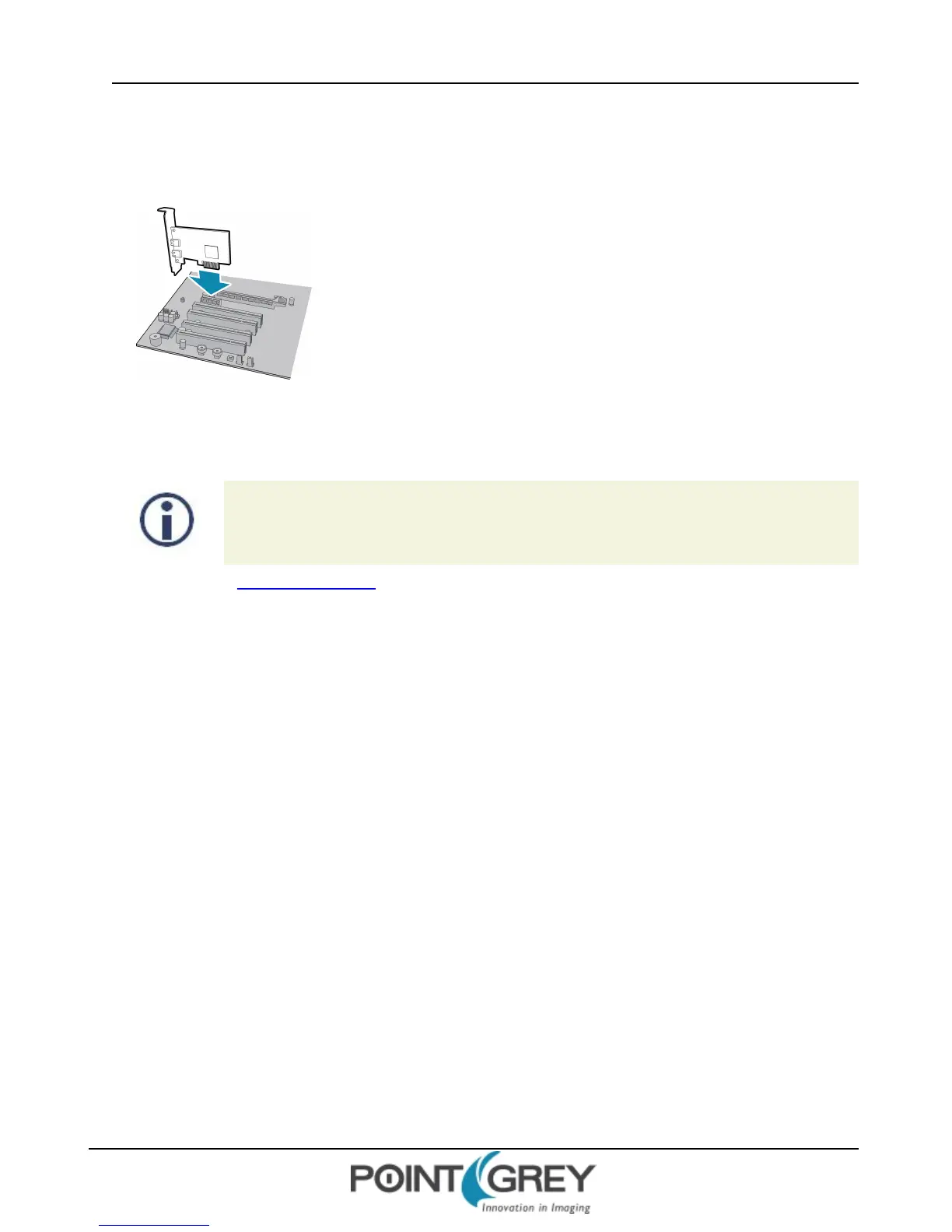
1. Install your Interface Card
Ensure the card is installed per the manufacturer's instructions.
Alternatively, use your PC's built-in host controller, if equipped.
Open the Windows Device Manager. Ensure the card is properly installed under Universal Serial Bus Controllers. An
exclamation point (!) next to the card indicates the driver has not yet been installed.
2. Install the FlyCapture® Software
For existing users who already have FlyCapture installed, we recommend ensuring you have the
latest version for optimal performance of your camera. If you do not need to install FlyCapture,
use the DriverControlGUI to install and enable drivers for your card.
a. Login to the Point Grey downloads page.
b. Select your Camera and Operating System from the drop-down lists and click the Search button.
c. Click on the Software search results to expand the list.
d. Under FlyCapture v2x, click the appropriate link to begin the download and installation.
After the download is complete, the FlyCapture setup wizard begins. If the wizard does not start automatically, double-
click the .exe file to open it. Follow the steps in each setup dialog.
3. Enable the Drivers for the card
During the FlyCapture installation, you are prompted to select your interface driver.
In the Interface Driver Selection dialog, select the I will use USB cameras.
For optimal performance, after setup, we recommend configuring the pgrxhci (UsbPro) driver on the host
controller to operate directly with the camera.
To uninstall or reconfigure the driver at any time after setup is complete, use the DriverControlGUI (page 27).
Revised 9/27/2012
Copyright ©2011-2012 Point Grey Research Inc.
23



 To Next Page