342
Appendix E Removing The Power Stacker
11. Lower the elevator assembly to its lowest position. Tilt the vertical rails
towards the front of the printer to make room for removing the control
panel.
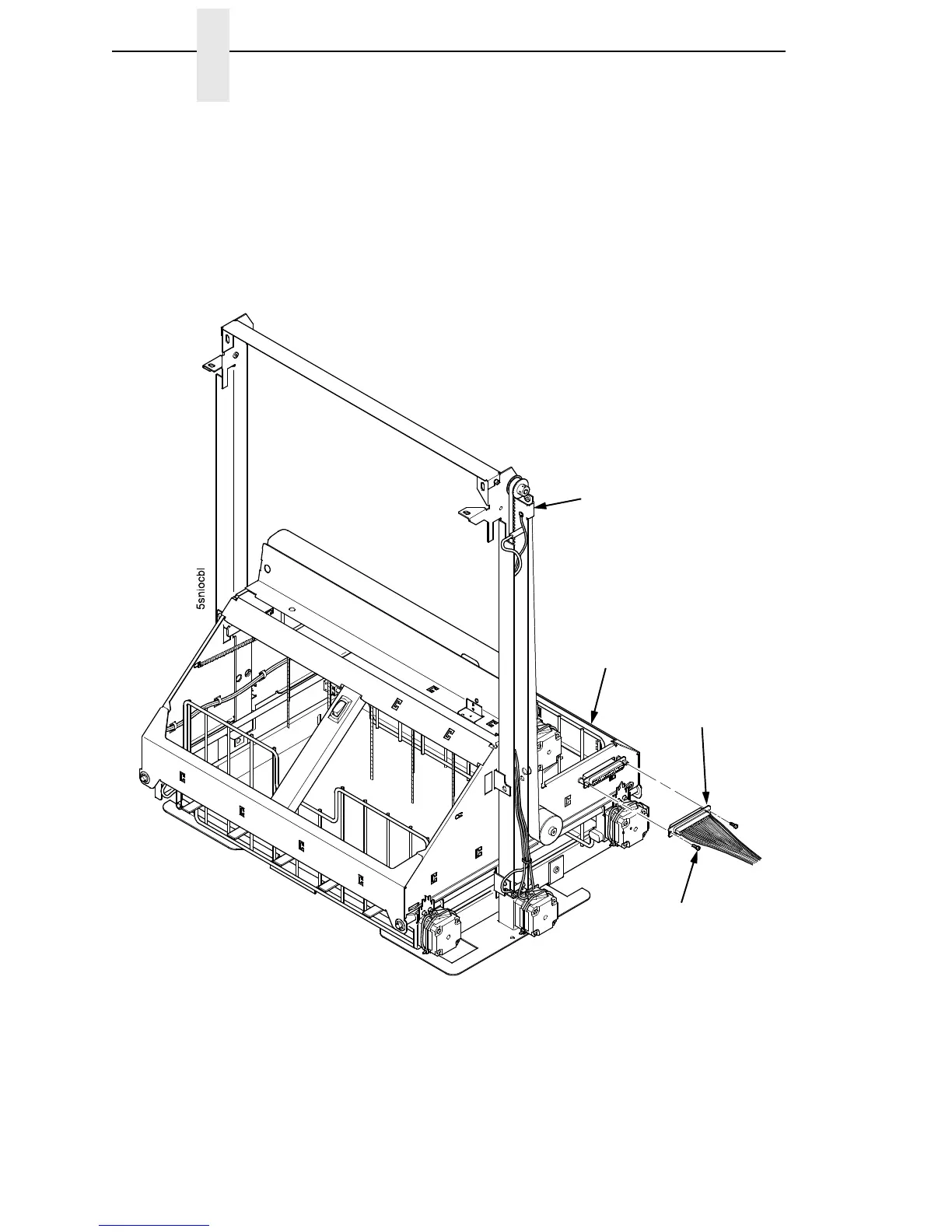
12. Remove the two 4-40 x 1/4 inch screws securing the elevator I/O cable to
the elevator assembly and disconnect the stacker I/O cable. (Figure 67.)
Figure 67. Disconnecting the Stacker I/O Cable
Stacker I/O
Cable
Vertical Rail
Elevator Assembly
Screw, 4-40x1/4,
Pan Head (2)













 To Next Page