6.5. Reset to Factory Default Settings
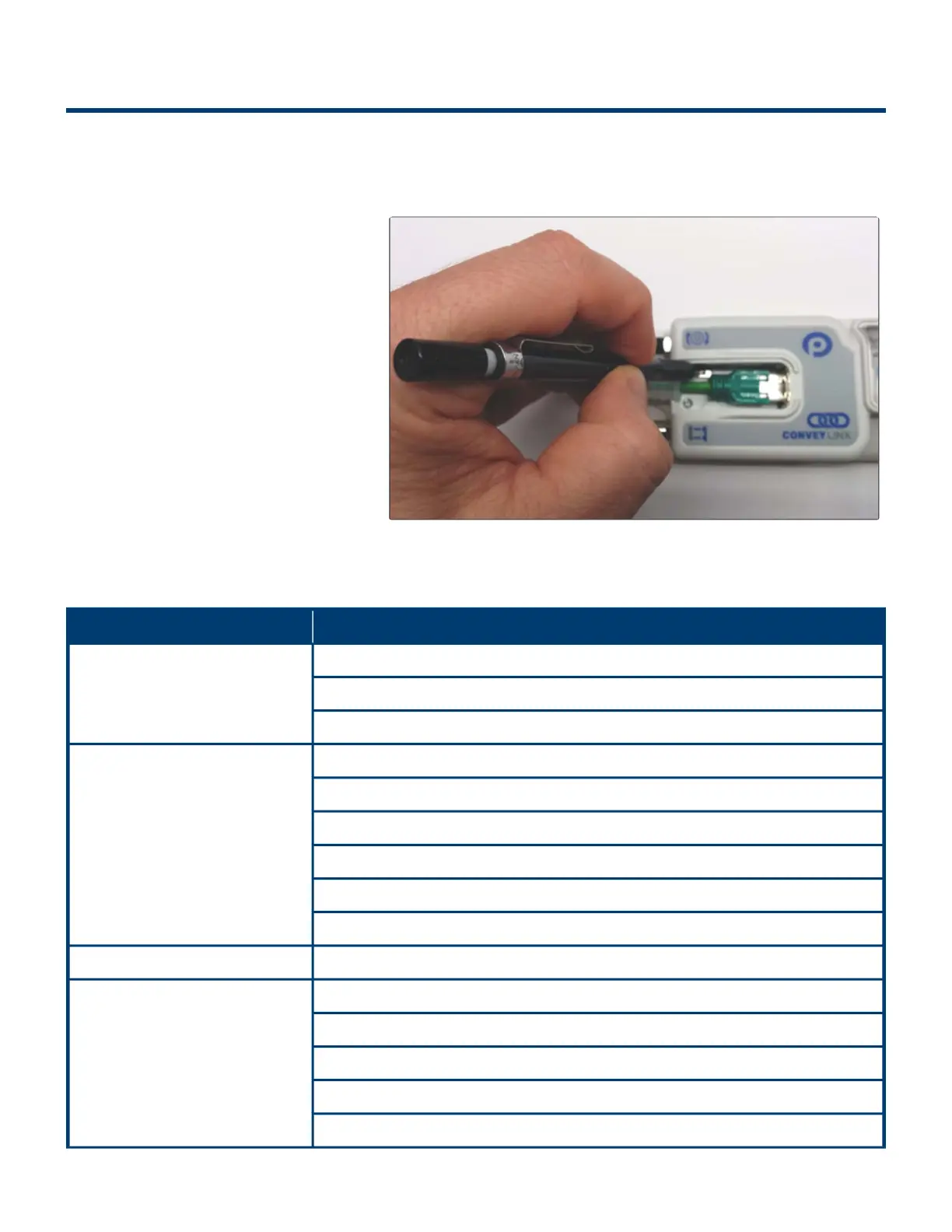
There may be instances when you want to return a Ai2 Module to its “factory default” state. The procedure
to do this is the following:
1. Unplug all sensors, devices,
motors, and network cables such
that the only thing connected is
power
2. Press and hold the Module
Replacement Button until the
Module LED begins to flash and
then release
3. When the Module Status LED
blinks green, the procedure is
complete
Factory Default Settings
Item Value or Setting
IP Address Settings
IP: 192.168.21.20
Subnet Mask: 255.255.128.0
Default Gateway: 192.168.202.1
Left & Right Motor Settings
Senergy ECO
Normal Braking
1 m/s Speed
CW Direction
30 mm Acceleration
30 mm Deceleration
Module Mode PLC I/O
Look Ahead & Timing Settings
JAM Timer = 5.00
Auto Clear Timer = 5.00
Run After Timer = 5.00
Sensor Debounce = 0.10
All Induct Timers = 0.00
PULSEROLLER ConveyLinx-Ai2 User's Guide - 1.7
Page 66 of 154


 To Next Page