Instrument Functions
R&S
®
NRP2
137User Manual 1173.9157.02 ─ 03
Y Start ← Stat's Config / Scale
Enters the start value of the Y axis. Depending on the distribution function only a restricted
range of value or no entry at all is allowed.
Y Division ← Stat's Config / Scale
Defines the scaling of the Y axis.
Note: Start and division values of the Y axis (probability) are fixed in logarithmic displays
and can not be modified (relating to CDF or CCDF functions). You can modify the y axis
in linear displays (CDF, CCDF, PDF). Unit of the CCDF / CDF is %, while the PDF function
is dimensionless.
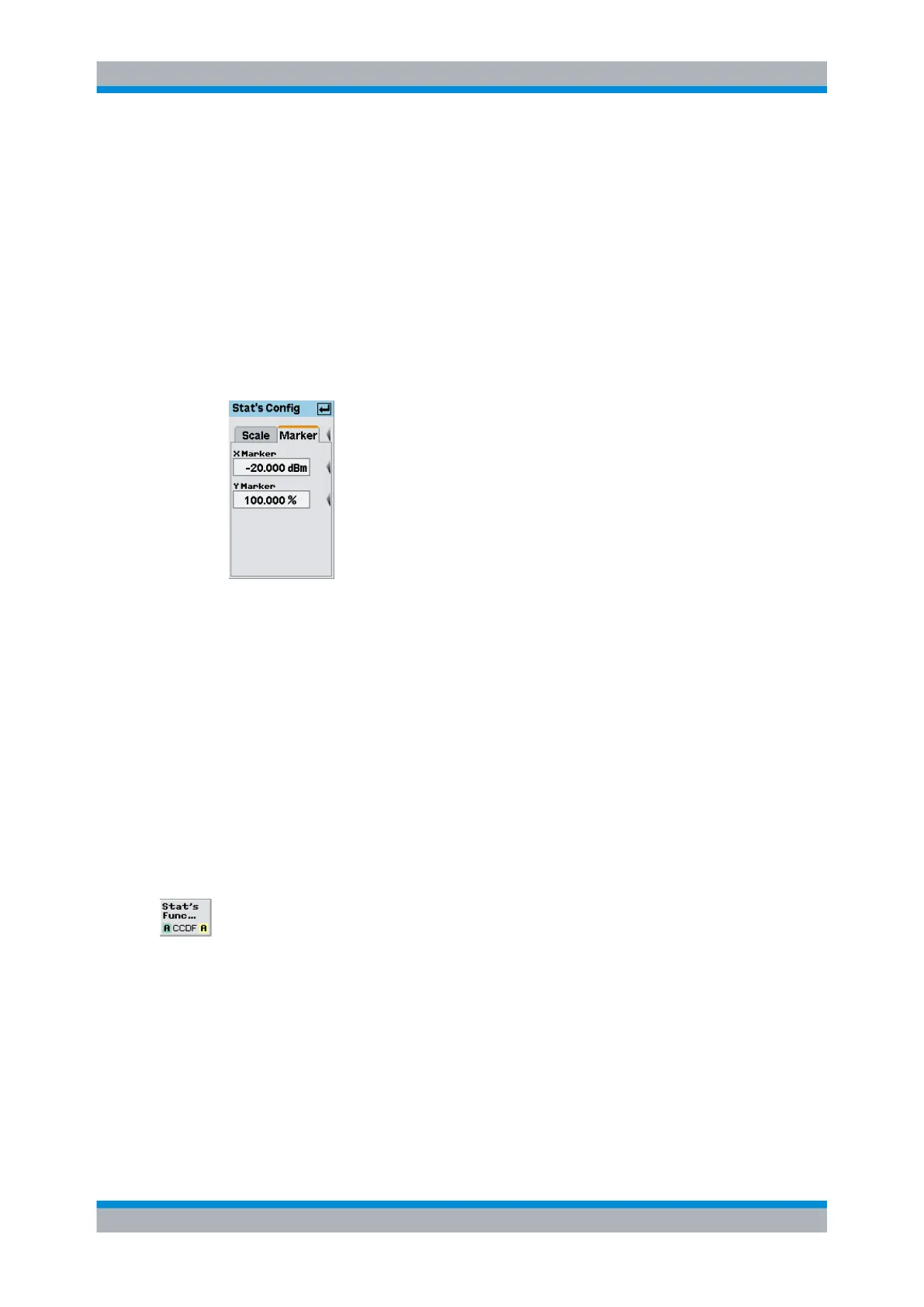
Stat's Config / Marker
Fig. 4-65: Stat's Config / Marker tab
The "Marker" tab covers two markers, one for each axis. It enables you to numerically
position the markers.
X Marker ← Stat's Config / Marker
Defines the position of the power marker in dBm or in dB; dB is used in the case of a
normalized X axis.
Y Marker ← Stat's Config / Marker
Defines the position of the result marker in % ("CDF", "CCDF") or dimensionless
("PDF").
4.5.8.3 Statistic function settings
Set the function of the statistics measurement in the "Stat's Function" dialog box.
►
Select "Stat's Func..." in the control panel opened via the Window→Graph→"Dis-
play"→"Stat's" control panel ("Trace&Statistics" sensor mode).
Displaying traces



 To Next Page