Instrument Functions
R&S
®
NRP2
148User Manual 1173.9157.02 ─ 03
Table 4-12: Example of a network configuration for a direct R&S
NRP2 – PC connection using a cross-
over cable.
R&S NRP2
PC
"IP Address" 192.168.0.2 192.168.0.1
"Mask" 255.255.255.0 255.255.255.0
"Gateway" 192.168.0.3 192.168.0.3
DHCP ← IP Config
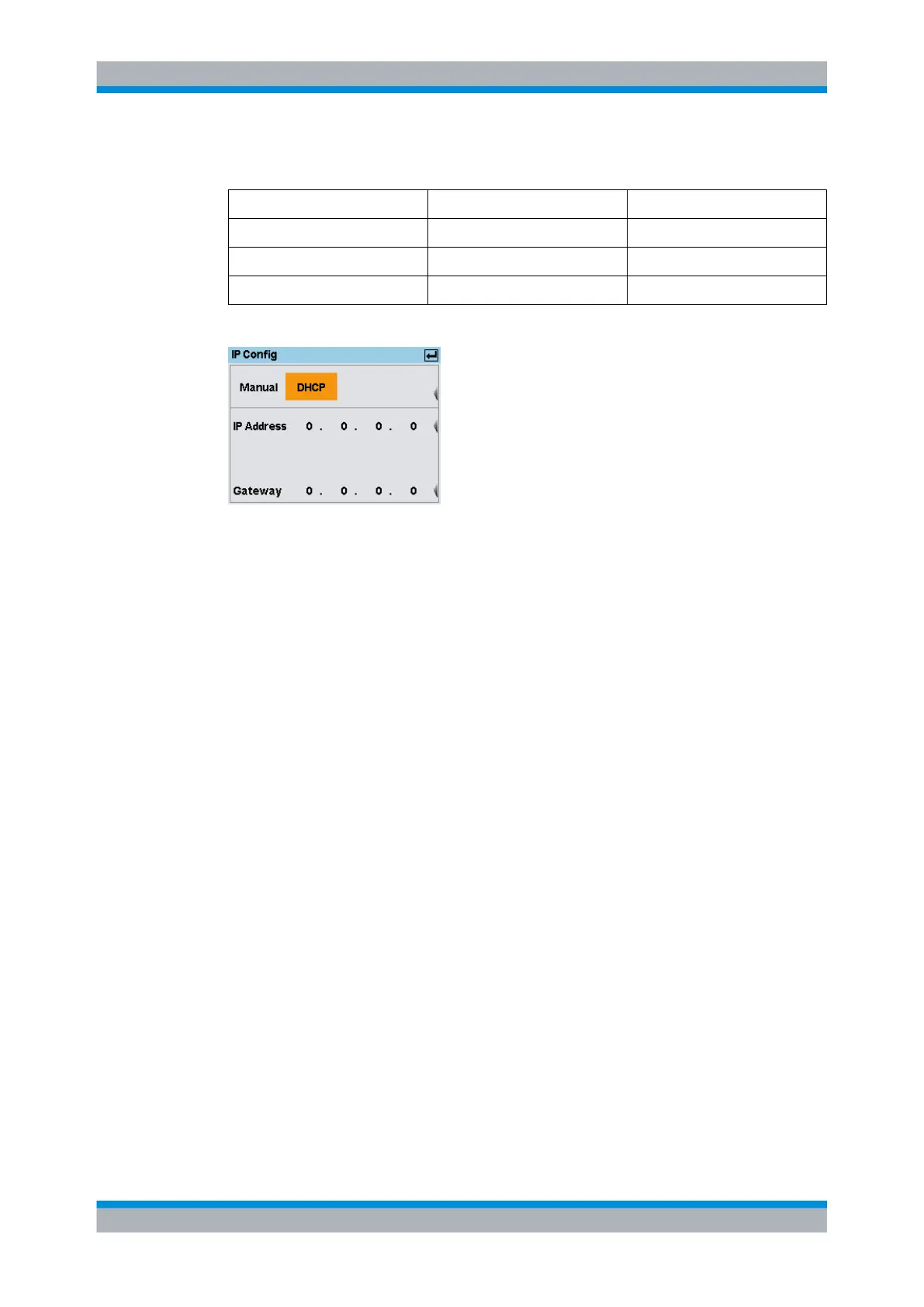
Fig. 4-78: IP Config dialog box / DHCP
Note:
For automatic assignment, a DHCP server must be available in the network.
If the R&S NRP2 is to be integrated into a larger network, contact your network admin-
istrator regarding the data to be set.
The instrument assigns address and gateway automatically. The automatic configuration
mode uses DHCP server to obtain the instrument IP address.
Command Set
Selects the instrument type for emulation, see "Command Set" on page 145.
4.7.1.5 Raw Ethernet (socket communication) settings
An alternative way for remote control of the software is to establish a simple network
communication using sockets. The socket communication, also referred as “Raw Ether-
net communication”, does not require a VISA installation on the remote controller side.
The simplest way to establish socket communication is to use the build-in telnet program.
The telnet program is part of every operating system and supports a communication with
the software on a command-by-command basis. For better utilization and to enable auto-
mation by means of programs, user defined sockets can be programmed.
Socket connections are established on a specially defined port. The socket address is a
combination of the IP address or the host name of the instrument and the number of the
port configured for remote-control. The R&S NRP2 uses port number 4002 for this pur-
pose. The port is configured for communication on a command-to-command basis and
for remote control from a program.
For a description on how to set up the connection for remote control, see chapter 5.2,
"Connecting a Controller to the Base Unit", on page 168.
If the R&S NRP2 is to be integrated into a larger network, contact your network admin-
istrator regarding the data to be set.
System settings



 To Next Page