Getting Started
R&S
®
NRP2
26User Manual 1173.9157.02 ─ 03
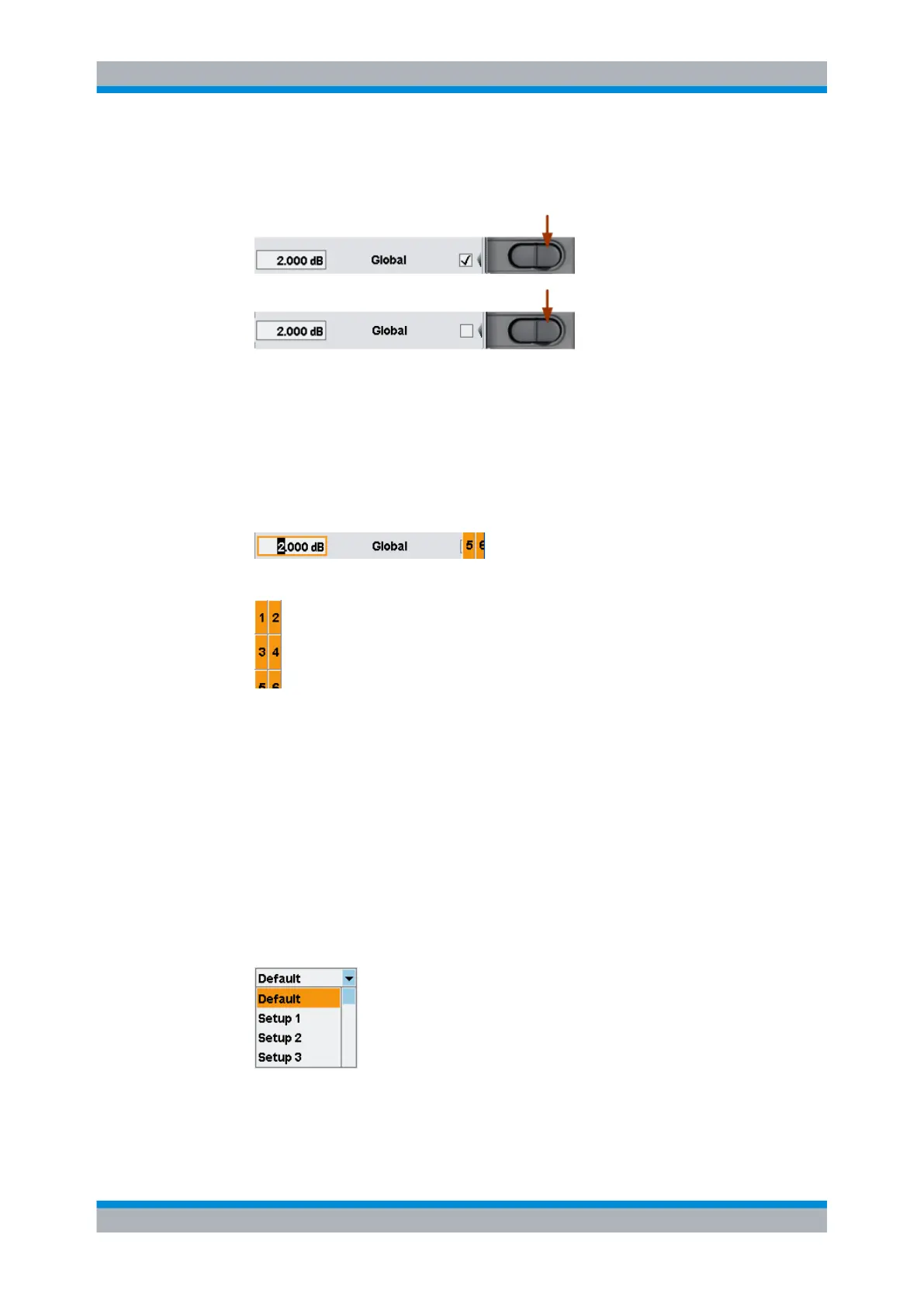
Check boxes
► To toggle between the two states of "Global" press the right side of the softkey.
Note: The left side of the softkey activates the entry of the "Global" value, see below'
'Entry fields'.
Entry fields
1. Activate the entry field using the associated softkey.
The activated entry field is marked by a yellow frame. The position in the value to be
changed is inverted.
A digit (or a letter) panel, appears on the right side of the display.
2.
Select the position to be changed using the cursor keys ⇦ ⇨.
3. To change the entry at the marked position, either
a) select the digit in the panel using the associated softkey.
or
b)
increase / decrease the value using the cursor keys ⇧ ⇩
4.
Confirm the selection with the ↵MENU hardkey or reject with ESC hardkey.
Lists
1. Select the function that is set by selecting an item in a list using the associated softkey.
The list folds out.
2.
Select the item using the softkey associated with list or the ⇧ ⇩ cursor keys.
Brief introduction to the operation



 To Next Page