Manual Operation
R&S
®
NRP2
54User Manual 1173.9157.02 ─ 03
3.5.1 Title bar
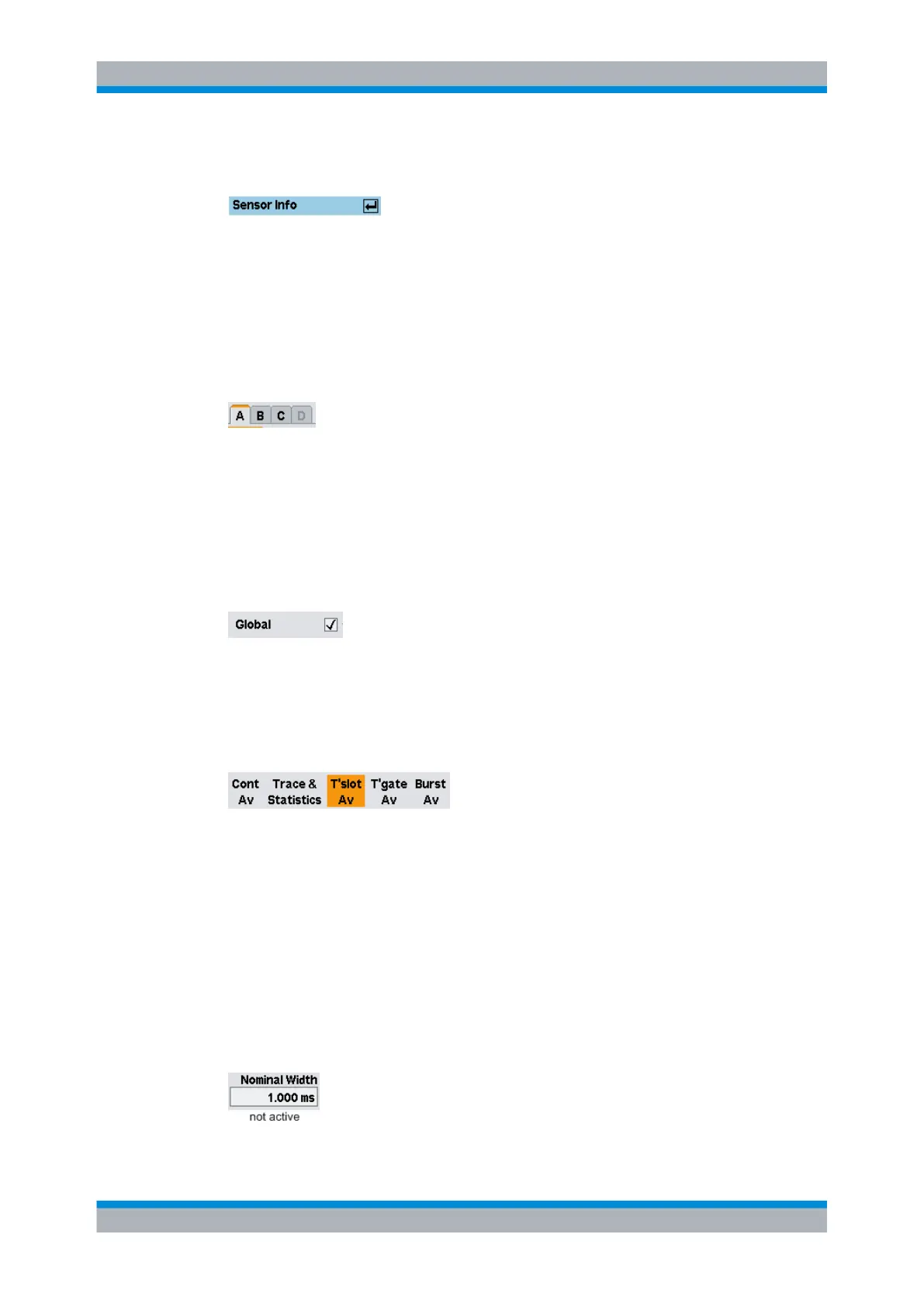
Dialog boxes have a title bar which displays the name of the dialog box and the ↵ symbol
which is a reminder that the dialog box can be closed with the ↵MENU hardkey.
Settings made in dialog boxes are immediately set on the R&S NRP2 - in other words
you do not need to close the dialog box to activate the settings in the box.
3.5.2 Dialog boxes with tabs
Channel-specific settings are made in a special page in a super-ordinate dialog box. In
the top row of the dialog box, there are tabs which you can use to switch between pages.
Channels which do not have a sensor connected and channels that have not been instal-
led are shown in gray and cannot be selected.
3.5.3 Check boxes
Check boxes are used to activate and deactivate functions. You can toggle between the
two states by pressing the appropriate softkey.
3.5.4 Option fields
Option fields contain groups of mutually exclusive operating modes.
When you press the left-hand side of the rocker switch, the next option on the left is
selected. When you press the right-hand side of the rocker switch, the next option on the
right is selected.
In the "System I/O" dialog box, option fields are assigned to only one side of a rocker
switch. It is therefore only possible to scroll through in one direction.
3.5.5 Editing fields
Editing fields are used to enter or modify numbers and text.
Dialog boxes and their controls



 To Next Page