Manual Operation
R&S
®
NRP2
56User Manual 1173.9157.02 ─ 03
If you enter a new value with the digit/letter panel (see below), the new value has to be
confirmed before it is accepted. The symbol ↵ appears above the editing field to indicate
that the new value is not accepted until you confirm it with the ↵MENU hardkey.
3.5.8 Drop-down lists
Drop-down lists are used to select an item from a list of predetermined values. When the
drop-down list is activated, the list “folds out” upwards or downwards.
The up/down cursor keys, or one of the rocker switches next to the list, are used to select
items from folded out pop-up menus. Confirm the selection with the ↵MENU hardkey or
reject with the ESC hardkey.
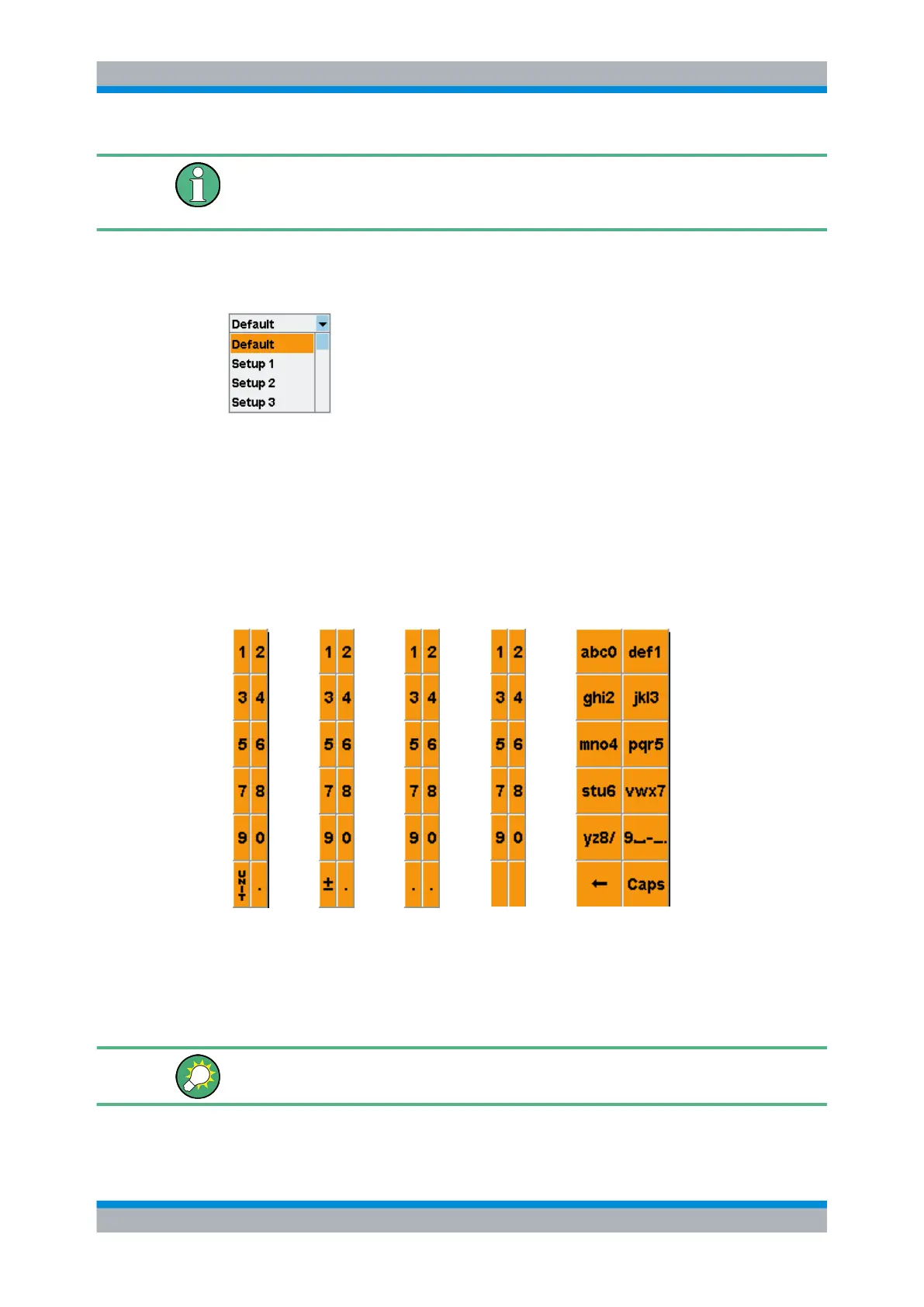
3.5.9 Digit and letter panels
Panels which are displayed when an editing field is activated (see above) are used to
enter digits, letters and units.
Entering letters with the letter panel is like entering letters on a phone keypad. "Caps" is
used to select upper case for the next letter.
To edit the Trigger Delay, you must select the unit by means of the cursor keys (see
above).
Dialog boxes and their controls



 To Next Page