50 / 280
5. Installation
5.1. Switching the control unit on & off
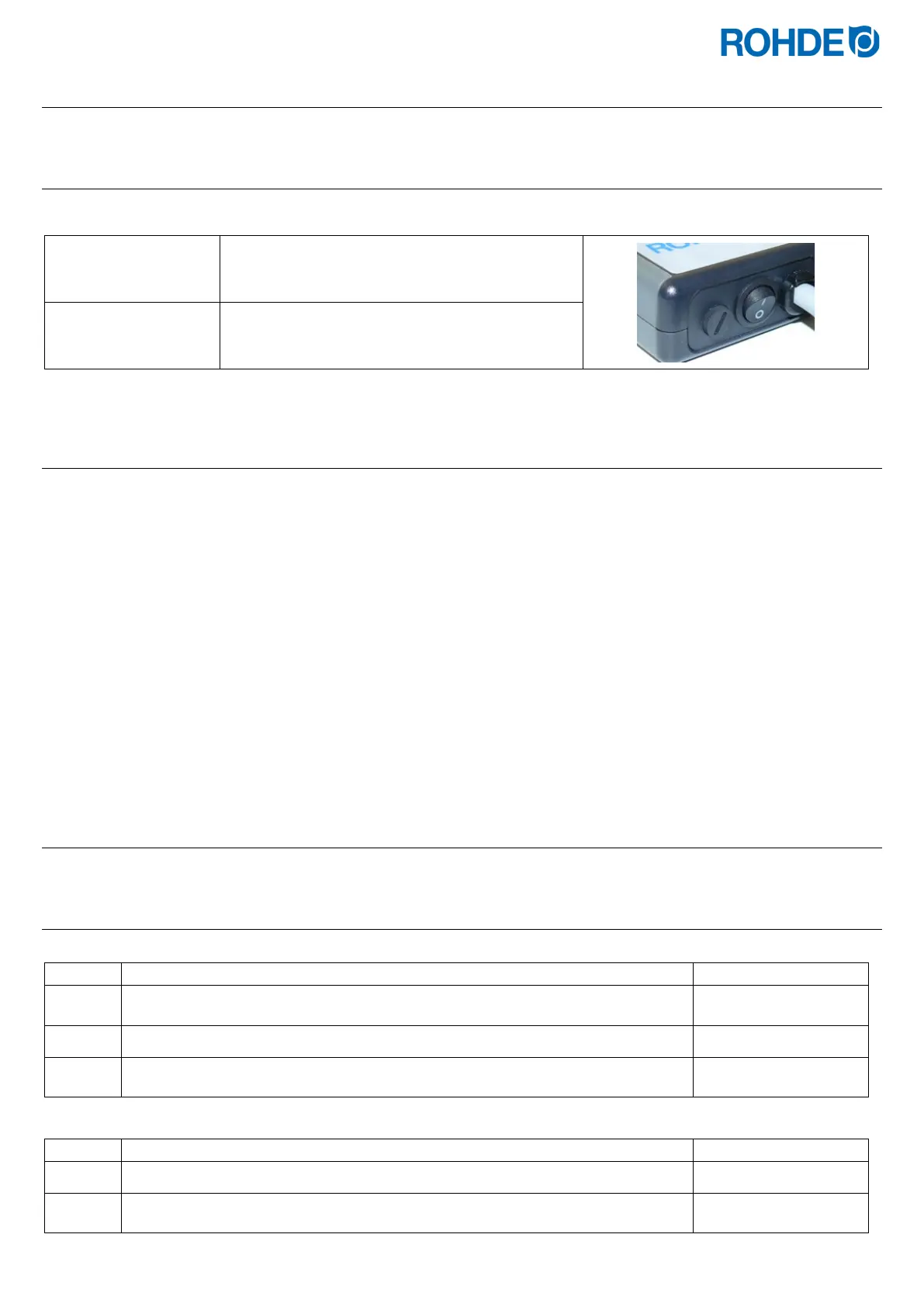
The rocker switch for switching the control unit on and off is located on the underside of the housing.
Switching the control
unit on
Set the rocker switch to position “I”.
Switching the control
unit off
Set the rocker switch to position “0”.
5.2. Quick start guide
• Switch on and wait for the kiln temperature display.
• Call up firing programs with the
g key.
• Select the firing program with the
f or d key.
• To start the selected program, press the
j key.
• To stop the firing at any time, press the
j key again.
• The firing data and the programming mode can be called up again with the
g key.
• Change the firing data and change the displayed value with the
f or d keys.
• Use the
g key again as necessary to step to the next firing value or segment to be reviewed or changed.
• Use the
h key to switch back to the previous value.
• To mark the end of a program, set the ramp rate to END with the
f key.
• To exit programming mode, either wait 20 seconds or press the
j key to start firing.
6. Operation & use
6.1. Keylock
Unlock keys:
1 If any key is pressed and “LOC” appears in the display, the keys are locked.
2
Press the
d and f keys simultaneously.
3
Hold down the
d and f keys for 5 seconds to unlock.
Lock keys:
1
Press the
d and f keys simultaneously.
2
Hold down the
d and f keys for 5 seconds to lock.


 To Next Page
 Loading...

