51 / 280
6.2. Display screens after switching on
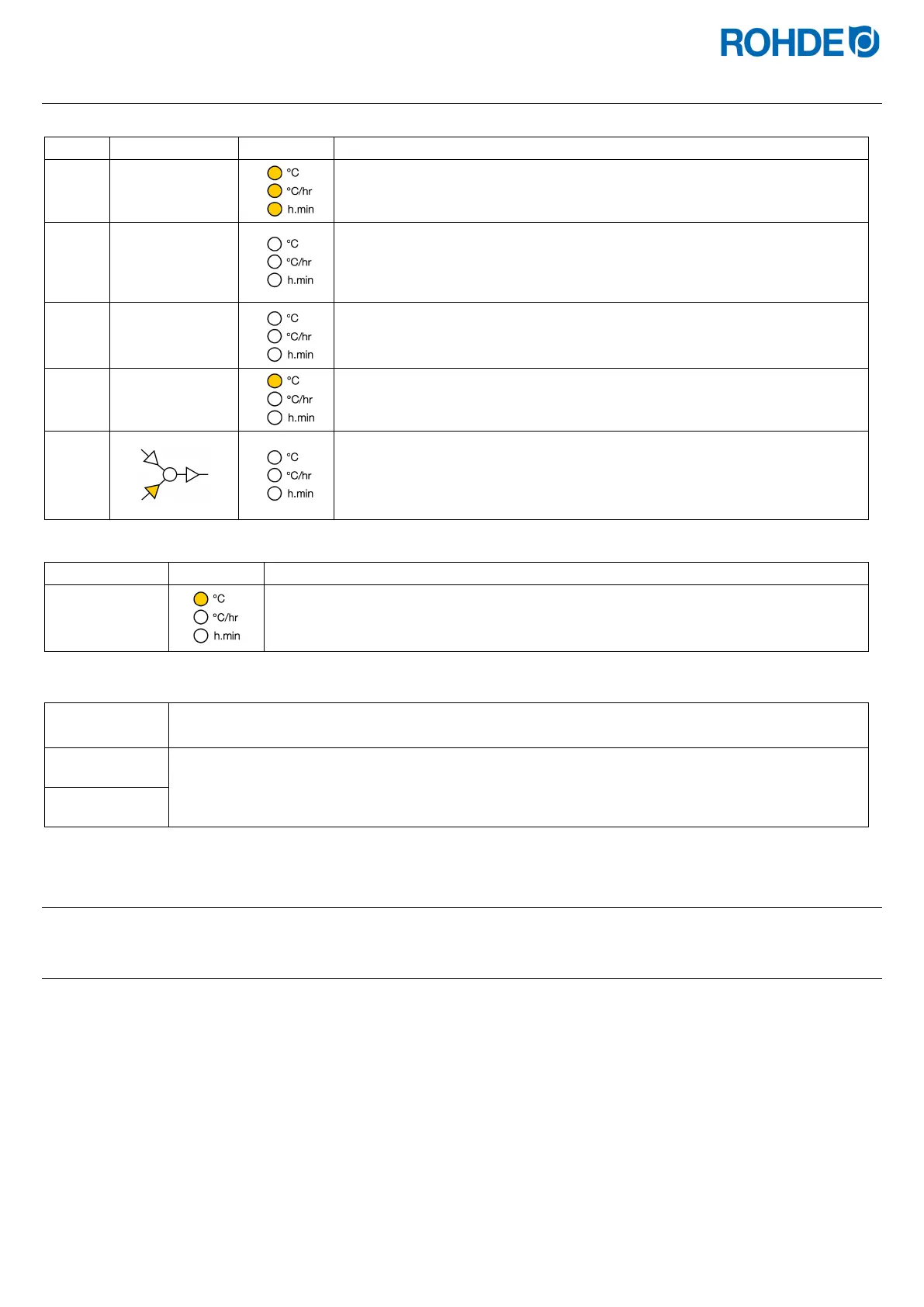
Display screens after switching on:
8.8.8.8.
• After switching on, the controller carries out a display test.
• All indicators light up.
•
The controller will sound a short beep.
F 6.0 3
• The controller displays the version number of the integrated software.
• When contacting technical customer support, you will need:
- the version number
the serial number of the device
t C.S
• The thermocouple type setting is now displayed.
•
This should match the type of thermocouple fitted to the kiln and can be R,
S, K or N.
20
• The final display shows the kiln temperature.
• No other illuminated elements should not light up during this time.
• If any graphical display LEDs are on, then the control unit is firing.
• The firing process can be stopped with the
key.
Display in firing mode:
4 1 1 .
During firing, the illuminated (decimal) point to the right of the temperature (“411”) in the
display shows that the kiln is heating up.
Segment display:
When the controller is switched on, the segment display shows the possible temperature units
during operation (°C/°F).
The temperature units can be configured as parameters (see Section 10.).
6.3. Firing segments
6.3.1. Explanation of firing segments
Each firing program consists of individual firing segments. Each firing segment consists of 3 values. The 3 values of a firing
segment are:
• a heating (1.1) or cooling ramp (1.2)
• the soak or target temperature (2)
• a soak time (3)
When programming a firing program, the three values must be entered for each segment.
During programming and the course of a firing program, the graphical display shows which value of the respective firing
segment is currently selected or which is currently running with an illuminated LED display.
The "Segment" display shows which segment you are currently in during programming and the program run.


 To Next Page
 Loading...

