75 / 280
10. Parameter configuration
10.1. Available parameters
4 different operating parameters can be changed in the control system.
14 Kiln output to determine the energy consumption in kW
45 Activate additional switch output
50 Time interval of the USB logging in seconds
60 Temperature unit in °C or °F
⇒ These parameters can be changed in the parameter level of the controller (see Section 10.).
10.2. Parameter details
14
Kiln performance
display in kW
0 9999 0
1 unit = 0.1 kW
E.g.:
For a kiln with an output of
10 kW (see kiln
nameplate), enter the value
“100”.
45
Additional switch
output 230 V
(ST 411 only)
0 3 0
0 = disabled
1 = event
2 = flap
3 = fan
50
Logging interval data
on USB in s
5 300 60 1 unit = 1 s (second)
60
Temperature display in
°C or °F
0 1 0
0 =°C
1 = °F
⇒ To call up the kiln performance (parameter no. 14), see Section 6.7.!
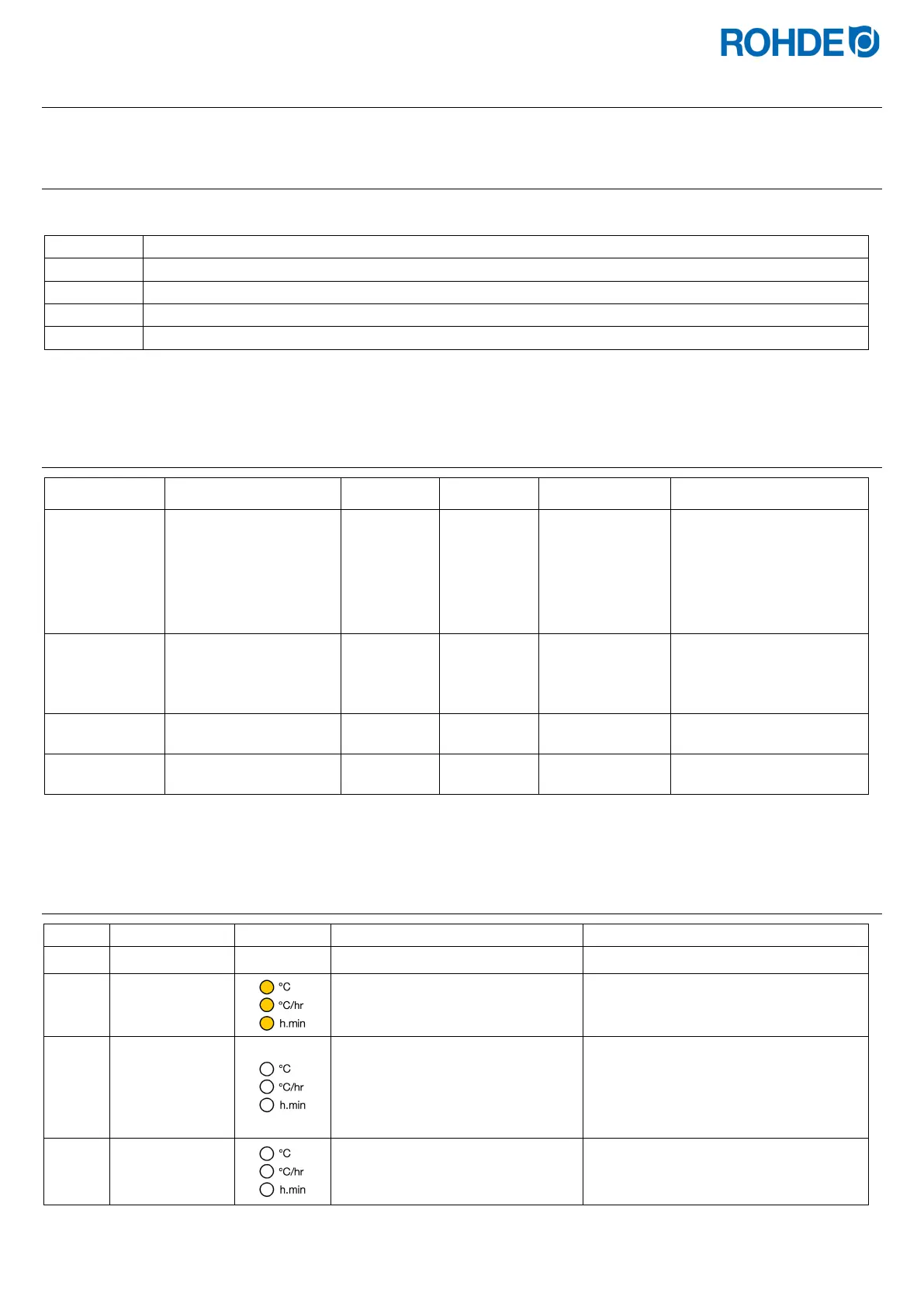
10.3. Changing parameters
Switching the control unit off
8.8.8.8.
Switch on the control unit and
press the
j key at the same time.
tC.S
Hold down the
j key until the set
thermocouple type is shown in the
main display.
⇒ The thermocouple type is only
displayed and cannot be changed
here.
⇒ The thermocouple is preconfigured
at the factory.
tC.S
Release the
j key.



 To Next Page
 Loading...
