70 / 280
8.1.10. Saving on USB flash drive
The control system does not overwrite any files that have already been created on the inserted USB flash drive. It is
recommended that you regularly move files that have already been generated from the USB flash drive to a computer, to
save the files for evaluation and not to exceed the storage capacity of the flash drive.
8.2. Wi-Fi module (ST 411 only)
The ST 411 control unit can be connected to a wireless network (Wi-Fi).
8.2.1. Functions possible with Wi-Fi (ST 411 only)
Various functions between the (kiln) control systems and a computer or smartphone can be carried out using a Wi-Fi
connection.
Possible function:
• Measured values recorded by the controller can be sent wirelessly to a computer or smartphone for evaluation.
• The kiln operation can be observed and monitored in real-time from a computer or smartphone (appropriate software
on the computer or smartphone is required).
• Configuration data (provided by the manufacturer) can be loaded into the control system.
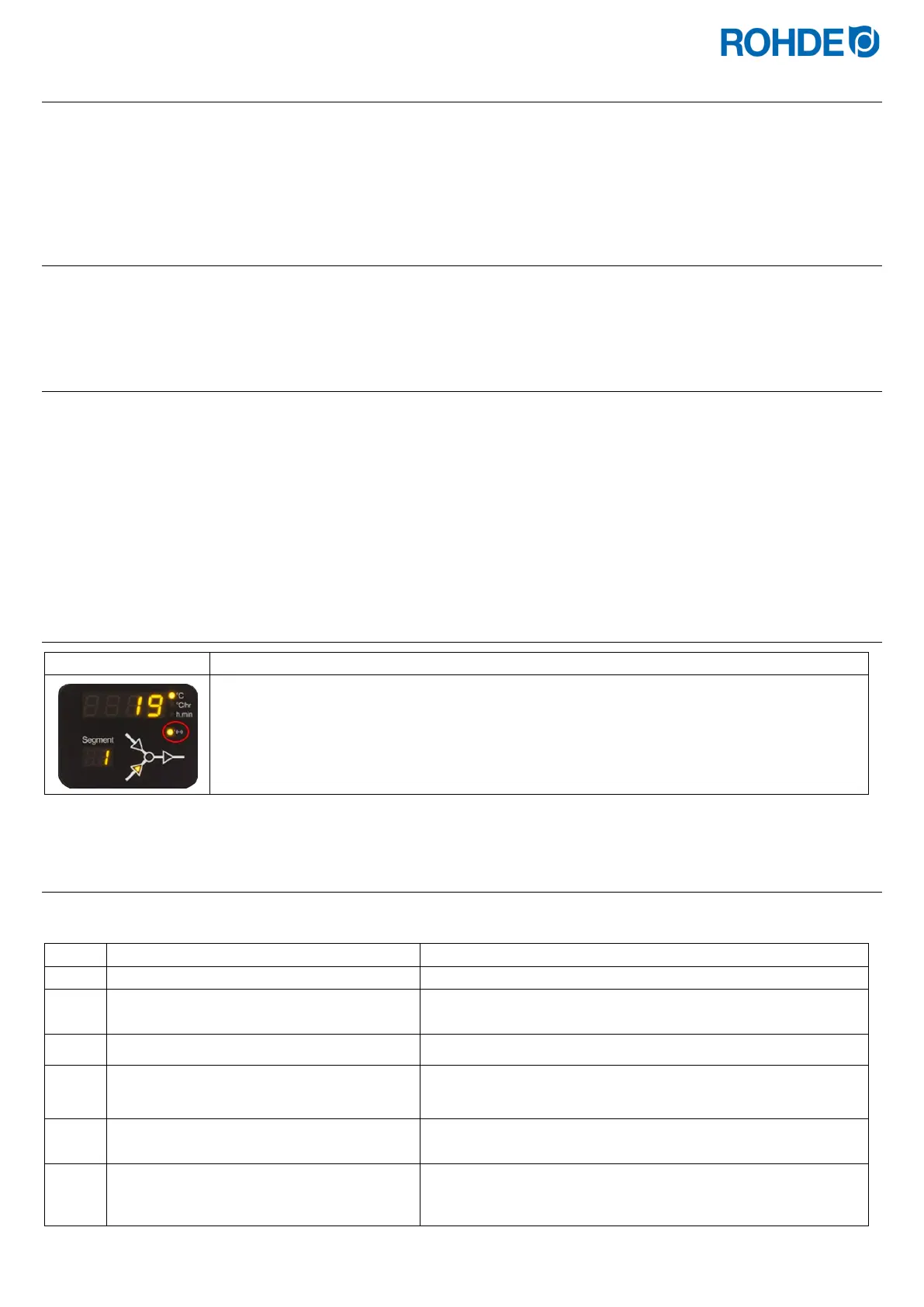
8.2.2. “Data transmission” indicator (ST 411 only)
The “Data transmission” indicator light flashes when information is being sent over the wireless
network.
8.2.3. Establishing a connection via a Wi-Fi router (WPS function) (ST 411 only)
Connecting the ST 411 control unit to a wireless network (Wi-Fi):
Description of the process
Switch the control unit off.
Press the d key and switch on the control
unit.
Hold down the d key when switching on.
Hold down the d key until “PAIR” appears
in the main display.
Release the d key.
To connect the ST 411 control unit to a wireless network (Wi-Fi).
Press the WPS key on the wireless router.
Information on the WPS key on the wireless router can be found
in the router's instruction manual and generally on the Internet.



 To Next Page
 Loading...
