60 / 280
To be able to program a fan cooling system in the firing program, the additional switch output must first be set to “3” in the
parameter configuration (see Section 10./Parameter no. 45).
⇒ If parameter no. 45 has not been set to “3”, the wrong configuration menu is displayed.
Note:
1. If no button is pressed for 30 seconds, the control automatically exits the cooling system temperature configuration
menu. Previous entries are not saved and will be lost.
2. The controller must not be running a program when programming the cooling system temperature (“Program running”
indicator must not light up).
3. In the sequence described, it is important that the
g key is pressed a total of four times, otherwise, changes will not
be saved.
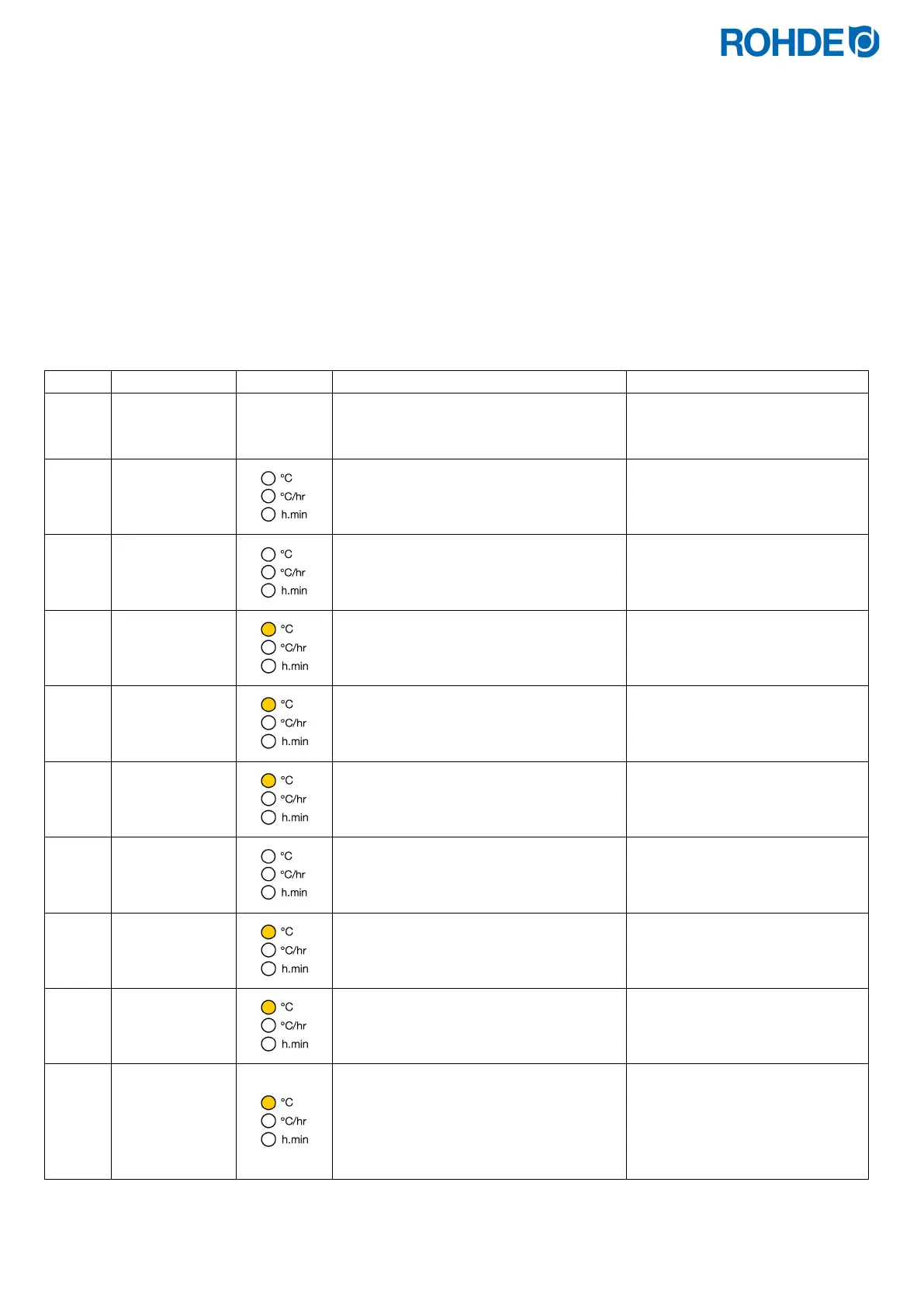
Programming the cooling system using a fan in the configuration menu:
The control unit must not run a firing
program during programming.
If necessary, stop the firing
program with the
j key.
FAn. 1
Press the
h and g keys simultaneously
to open the menu.
The menu for the cooling system
switch-on temperature is
displayed.
FAn. 1
Release the
h and g keys.
410
Press the
g key.
The last set cooling system
switch-on temperature is
displayed.
411
Enter the cooling system switch-on
temperature by pressing the
d or f
key.
The keys can also be held down
for faster input.
411
Press the
g key to confirm the entry.
FAn. O
The menu for the cooling system switch-
off temperature is displayed.
630
Press the
g key.
The last set cooling system
switch-off temperature is
displayed.
632
Enter the cooling system switch-off
temperature by pressing the
d or f
key.
The keys can also be held down
for faster input.
632
To complete the configuration, press the
g key.
The newly entered temperature
values are saved and the
previous entries are reset at the
same time.


 To Next Page
 Loading...

