13
Reference Manual
00809-0100-4108, Rev CA
Configuration
March 2017
Configuration
2.8.1 Setting pressure units
The pressure unit command sets the unit of measure for the reported pressure.
Setting pressure units with a Field Communicator
Setting pressure units with AMS Device Manager
1. Right select the device and select Configure.
2. Select Manual Setup and select desired units from Pressure Units dropdown menu.
3. Select Send when complete.
Setting pressure units with a local operator interface
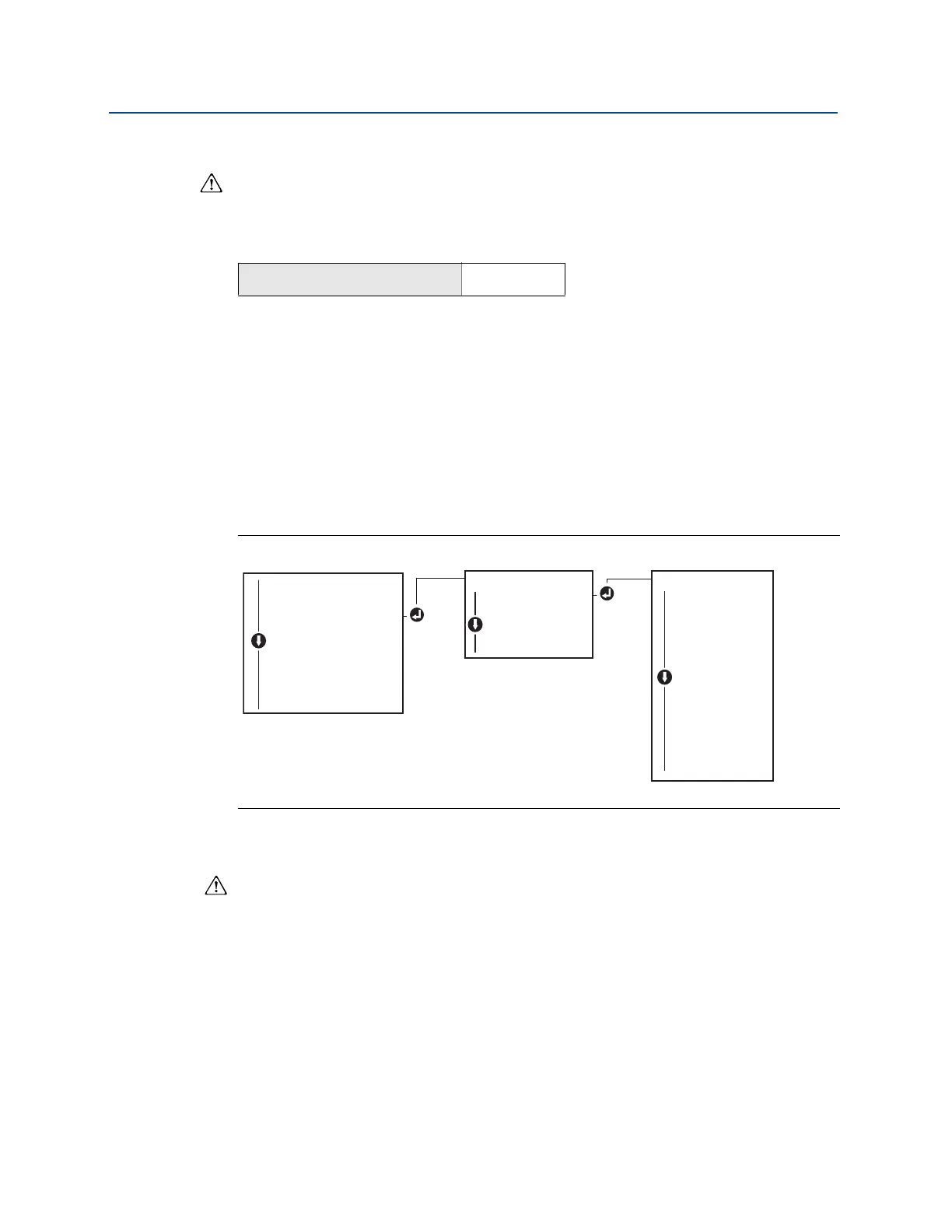
Follow Figure 2-8 on page 13 to select desired pressure and temperature units. Use the
SCROLL and ENTER buttons to select desired unit. Save by selecting SAVE as indicated on
the LCD display screen.
Figure 2-8. Selecting Units with LOI
2.8.2 Rerange the transmitter
The range values command sets each of the lower and upper range analog values (4 and 20
mA/1–5 Vdc points) to a pressure. The lower range point represents 0% of range and the
upper range point represents 100% of range. In practice, the transmitter range values may
be changed as often as necessary to reflect changing process requirements. For a complete
listing of Range & Sensor limits, refer to “Functional specifications” on page 74.
Select from one of the methods below to rerange the transmitter. Each method is unique;
examine all options closely before deciding which method works best for your process.
Rerange by manually setting range points with a Field Communicator, AMS Device
Manager, or LOI.
Rerange with a pressure input source and a Field Communicator, AMS Device Manager,
LOI, or local zero and span buttons
From the HOME screen, enter the Fast Key sequence
Device Dashboard Fast Keys
2, 2, 1, 1, 4
UNITS
PRESS UNITS
PRESS UNITS
TEMP UNITS
BACK TO MENU
EXIT MENU
PRESS UNITS
INH2O
MMHG
CMHG0C
MHG0C
PSI
PSF
ATM
TORR
PA
KPA
...
VIEW CONFIG
ZERO TRIM
UNITS
UNITS
RERANGE
LOOP TEST
DISPLAY
EXTENDED MENU
EXIT MENU















 To Next Page