GB SGM Technology for lighting
User’s Manual 1.00 Pi
lot 3000
- 102 -
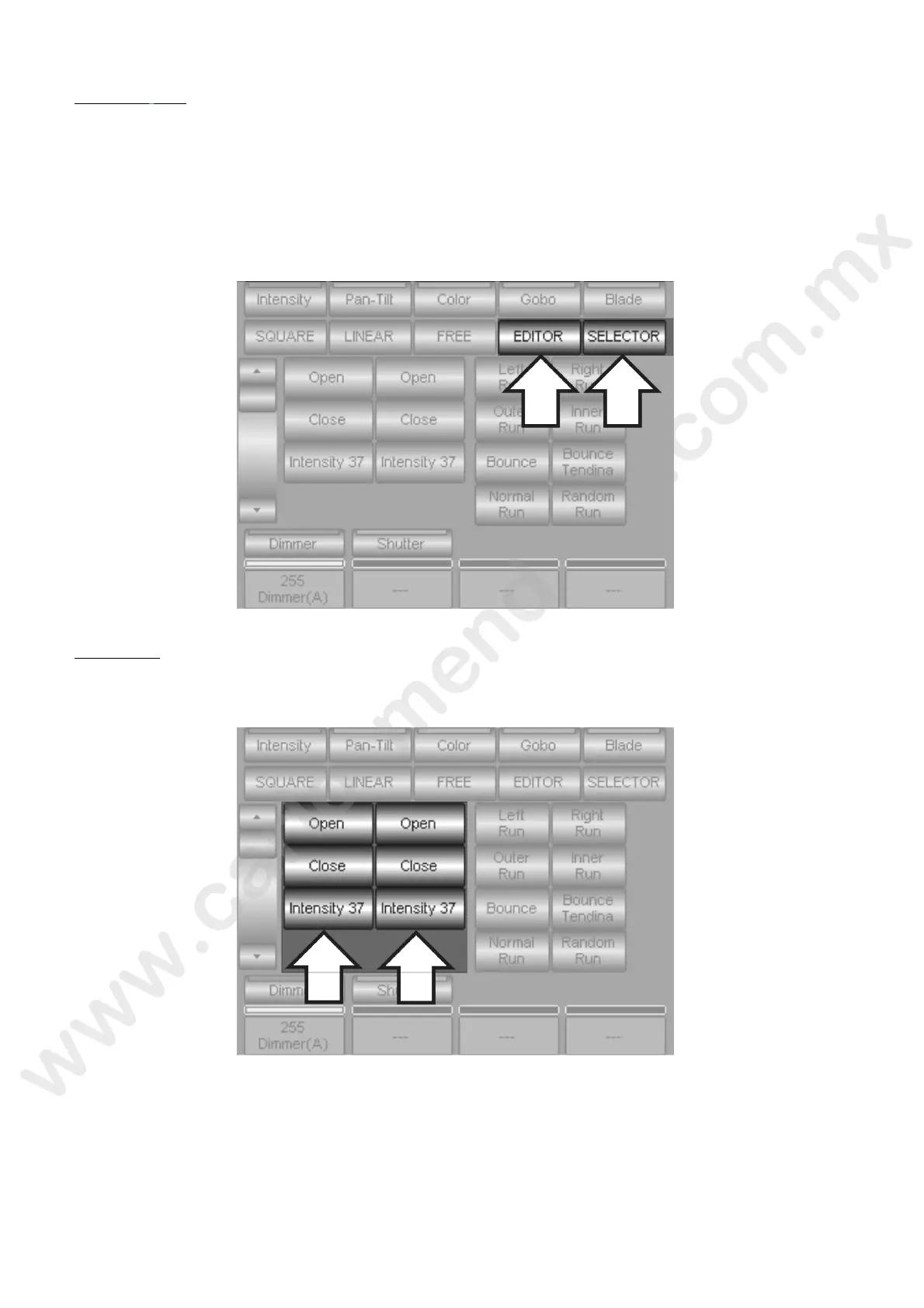
Navigation keys
The navigation keys are two, they allow different fixtures selection in the effects application and to go out
from the Shape engine.
EDITOR: if pressed, it allows going back to the Editor panel. The eventual effects applied will remain
the same as Pilot 3000 doesn’t need their confirmation or saving command.
SELECTOR: when pressed, it allows entering a fixture selection panel dedicated to the Shape Engine.
It is really useful as it allows selecting different fixtures and applying the same number of effects to the
Attributes desired, without obligatorily returning to the Editor panel.
Palette keys
Pilot 3000 offers the chance to use the Palette for the ffects creation. This is really useful as the update
applied to the Palettes grants the consequent m dific ion of the effect involved into the Palette.



 To Next Page