LED Meaning
F R
ed
G
eneral configuration error
o
No error
RUN
9)
O
Green
D
evice has operational status
K Green
D
evice has safe-operational status
F Green
D
evice has pre-operational status
o
Device has initialization status
Ethernet/IP
TM
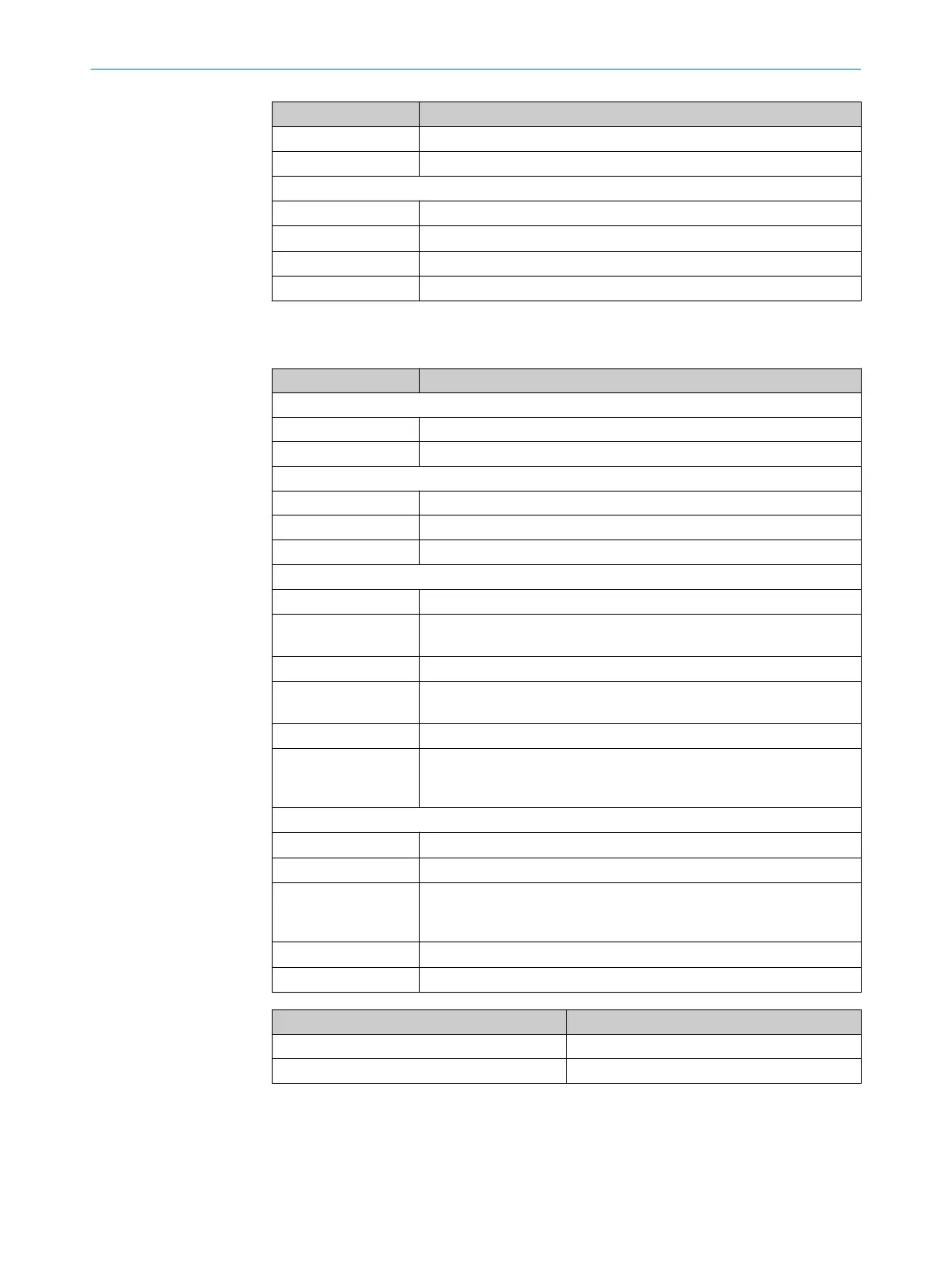
Table 55: LEDs on the fieldbus module
LED Meaning
POWER
O
Supply voltage on
o
Supply voltage off or too low
LINK/ACT
O
Ethernet connection present
o
No Ethernet connection
Ö 1 Hz
Data is being received or sent
ERR (network status)
10)
OGreen
D
evice has an IP address and a CIP connection
FGreen
N
o connection
De
vice has an IP address, but no CIP connection
ORed
Er
ror: IP address has already been assigned to a different device
FRed
W
arning, connection time out; reset by performing a reset or establish‐
ing a ne
w connection
FRed/Green
S
elf-test when switching on
o
No supply voltage
or
No IP addr
ess
RUN (module status)
9)
OGr
een
D
evice in operation
FGreen
S
tandby/device not configured, no IP address assigned
FRed
W
arning, but device again operational
or
Fir
mware update running
OR
ed
Er
ror, device not operational
FRed/Green
S
elf-test when switching on
Meaning Measure
Supply voltage off or too low Check the supply voltage.
Hardware error Contact Service.
9)
The R
UN LED follows the respective fieldbus specification.
10)
The LED ERR follows the respective fieldbus specification.
13 TROUBLESHOOTING
108
O P E R A T I N G I N S T R U C T I O N S | MLG-2 WebChecker 8025190/2020-01-13 | SICK
Subject to change without notice



 To Next Page