NOTE
•
I/O a
s
sembly 109 is the factory setting.
•
Select the I/O assembly as the Connection under Module Properties.
•
In principle, several connections can be established from the control to the MLG-2.
However, the data provided via the MLG-2 is fundamentally restricted. The MLG-2
will reject connections once the limit has been reached. In this case, the MLG-2
outputs the following error codes:
°
01h = general error code
°
0113h = extended error code
10.4 Object library
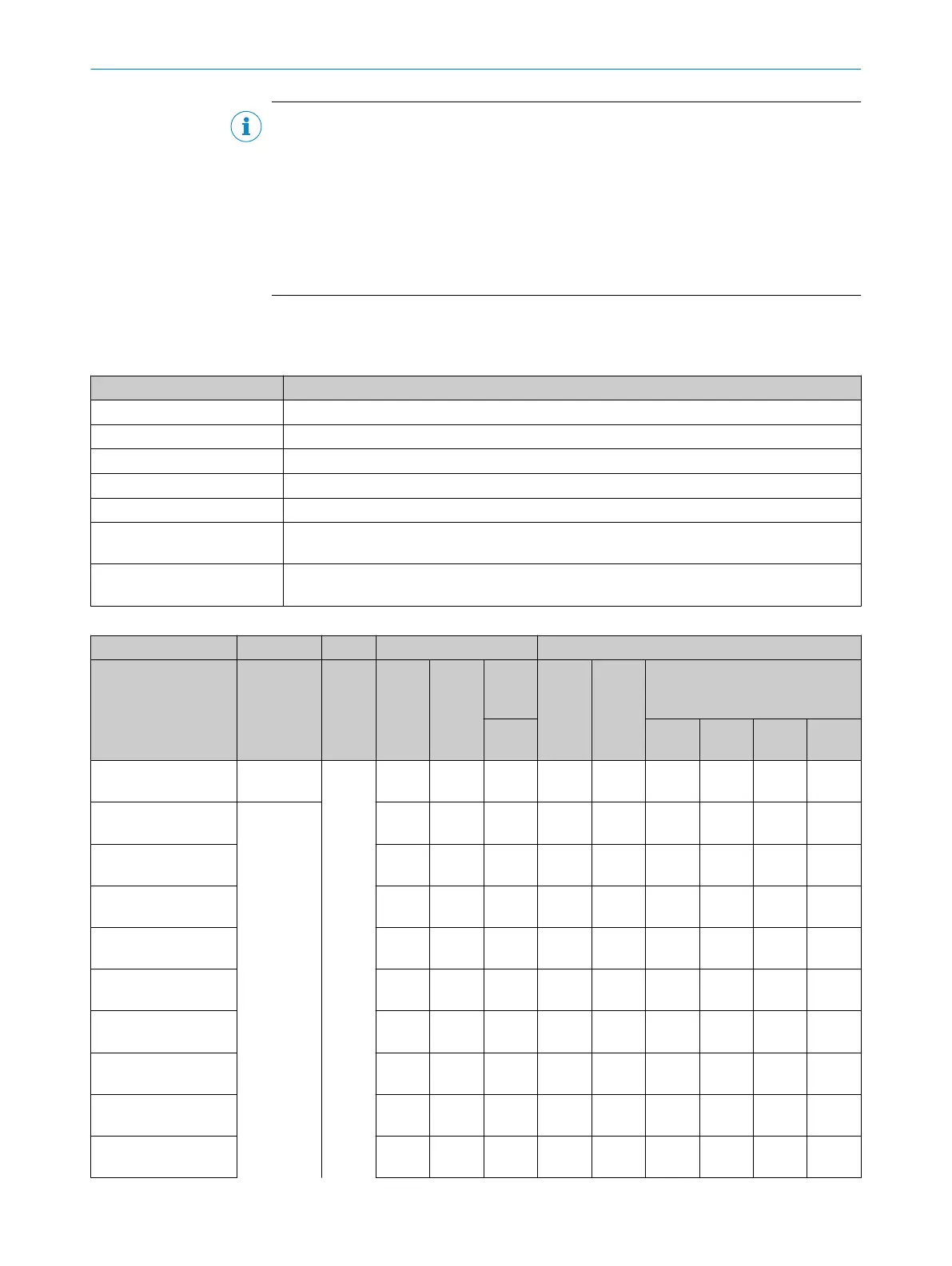
Table 39: Access and data type nomenclature
Abbreviation Meaning
R Read only access
R/W Read/write access
STRG String = a chain of characters of varying length
BOOL Boolean = logical value 0 or 1
ENUM Freely selectable values within a limited value range
UINT Unsigned integer value
(e
. g
., UINT-32 = 0 … 4.294.967.295)
STRUCT Sequence of data containing different data types
(e
. g
., UINT-8, UINT-32, UINT-32, UINT-16)
Table 40: Parameter data
Service data Process data
Parameter name
MLG
-2
Data type Ether‐
CAT
®
PROFI
NET
Ether‐
net/
IP
TM
Ether‐
Cat
®
PROFI
NET
Ethernet/IP
TM
Class
101
Class
100
Class
101
Class
102
Class
103
Position of edges Array ro 0x200
0
0x200
0
1 0x1A0
0
Position of edge 1 UINT16 Sub 1 2 0x1A0
0
x x x x
Position of edge 2 Sub 2 3 0x1A0
1
x x
Position of edge 3 Sub 3 4 0x1A0
2
x x x
Position of edge 4 Sub 4 5 0x1A0
3
x x x
Position of edge 5 Sub 5 6 0x1A0
4
x x x
Position of edge 6 Sub 6 7 0x1A0
5
x x x
Position of edge 7 Sub 7 8 0x1A0
6
x x x
Position of edge 8 Sub 8 9 0x1A0
7
x x x
Position of edge 9 Sub 9 10 0x1A0
8
x x x
10 THE MLG-2 WEBCHECKER IN THE FIELDBUS NETWORK
80
O P E R A T I N G I N S T R U C T I O N S | MLG-2 WebChecker 8025190/2020-01-13 | SICK
Subject to change without notice



 To Next Page