67
9.4 Turning the machine on
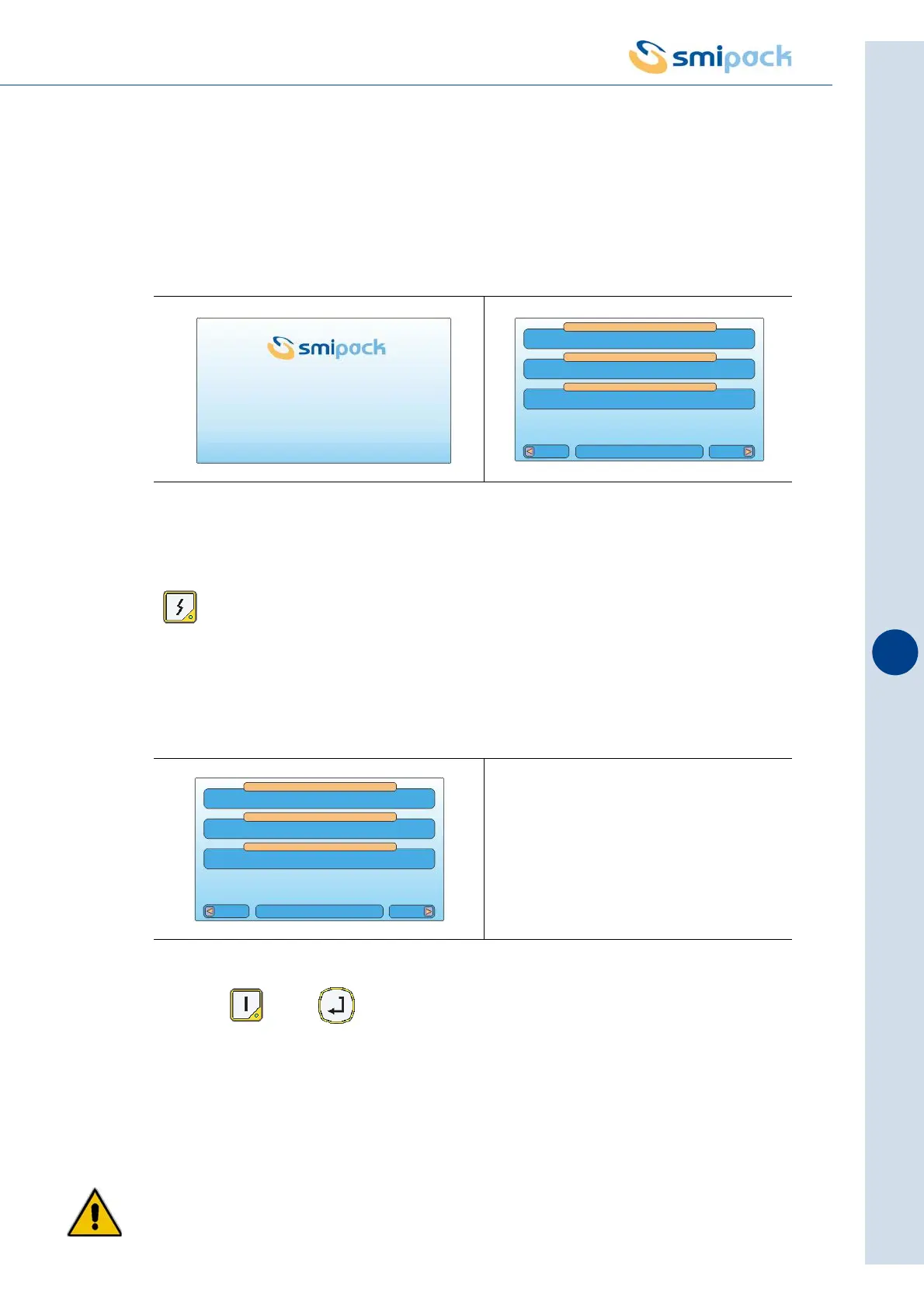
Turn the master switch at the side of the electrical control board of the machine to ON. The
model of the machine together with the version of the software in use will appear on the display
for a few seconds, after which the main menu will be viewed.
When there are no errors preventing machine operation, the operator panel display (in the field
dedicated to messages and errors) will prompt you to turn the power on by pressing the key
.
At this point the sealing bar must be calibrated, phase in which the machine calculates the
operating positions.
Keep the and buttons until calibration is done - the sealing bar should fully
open, then fully close for about 3 seconds, and re-open again.
If the keys are released before the initialisation operation has concluded, the procedure will
have to be performed once again.
ATTENTION! THIS FUNCTION IS AVAILABLE ONLY WITH THE DOOR CLOSED,
HOWEVER BEFORE THAT THE CALIBRATION PROCESS DESCRIBED ABOVE OCCUR,
THE SAFETY ELEMENTS OF SEALING BAR ARE NOT ENABLED, THEN MAKE SURE
Fig. 9.4.1 Fig. 9.4.2
Fig. 9.4.3
FP6000CS
VERSION SOFTWARE 1.00
M01 MODEL 01
ACTIVE FORMAT
AUTOMATIC
SYSTEM IN STOP
MACHINE STATUS
Vers
PACKS NUMBER:0 Menu
OPERATION MODE
M01 MODEL 01
ACTIVE FORMAT
AUTOMATIC
START + ENTER
MACHINE STATUS
Vers
PACKS NUMBER:0 Menu
OPERATION MODE



 To Next Page