71
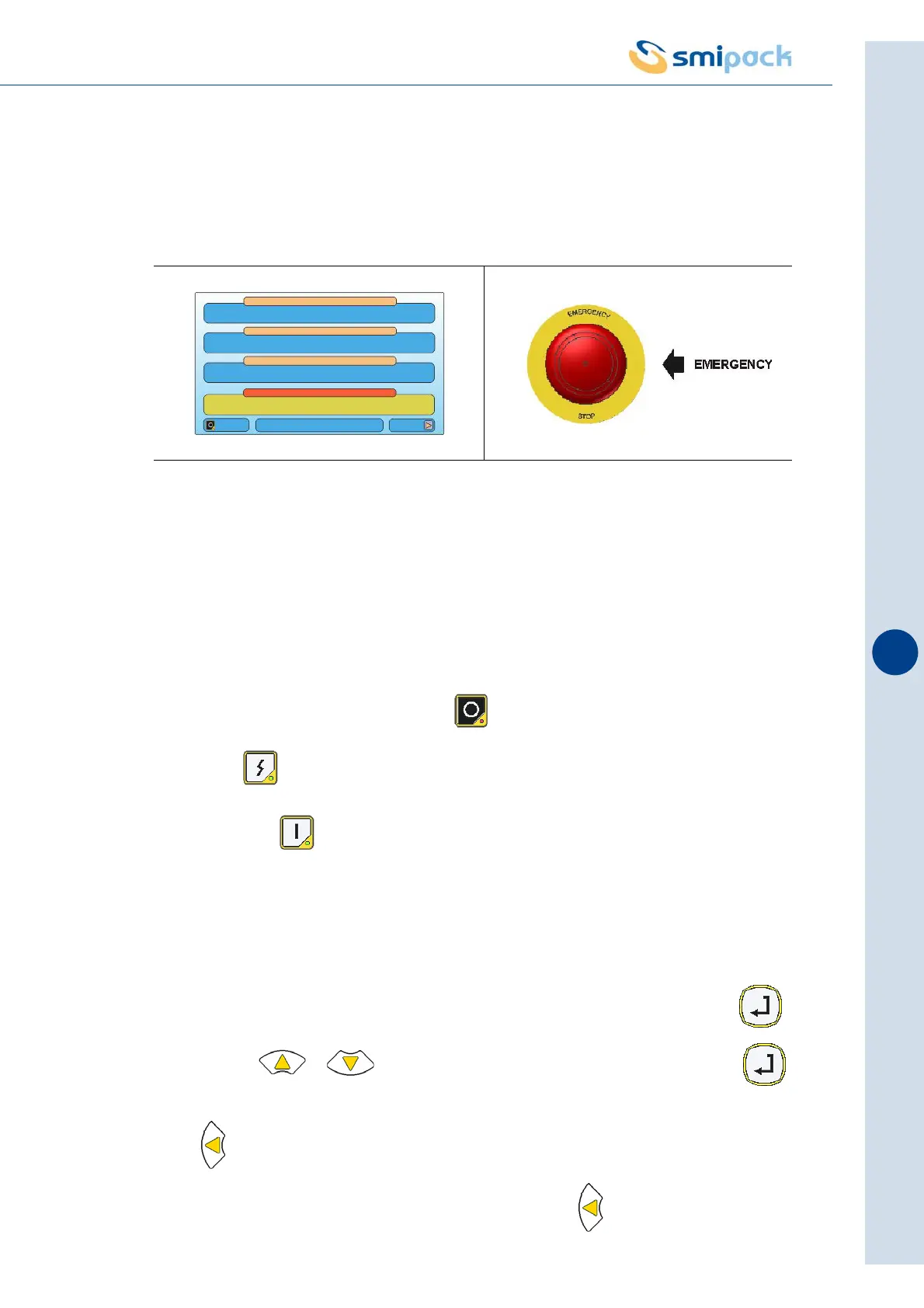
ATTENTION! Only press in the event of imminent danger or mechanical accident.
Pressing the emergency button the machine will stop instantly and the display on the operator
panel will show the message "EMERGENCY".
9.10 Restart the machine after an emergency stop
After a stop using the emergency button it is necessary:
- Release the emergency button
- Cancel the alarm signal by pressing the key:
> Press the key to insert power.
> Then press the key to resume the packaging cycle.
9.11 Parameter saving mode
To access the parameter modification area, you must view it on the display and press .
Use the keys , to modify the value of the parameter and then press
for one second to save it. In order to update the set values, when the operation is complete
press .
If you wish to exit the modification area without saving, press for over 3 seconds.
Fig. 9.9.1
M01 MODEL 01
ACTIVE FORMAT
AUTOMATIC
SYSTEM IN STOP
MACHINE STATUS
Canc
PACKS NUMBER:10 Menu
OPERATION MODE
DIAGNOSTIC ERROR 1/1
EMERGENCY



 To Next Page