9 - Operation and use
100
9.17 System parameters (accessible only with the level 2 menu)
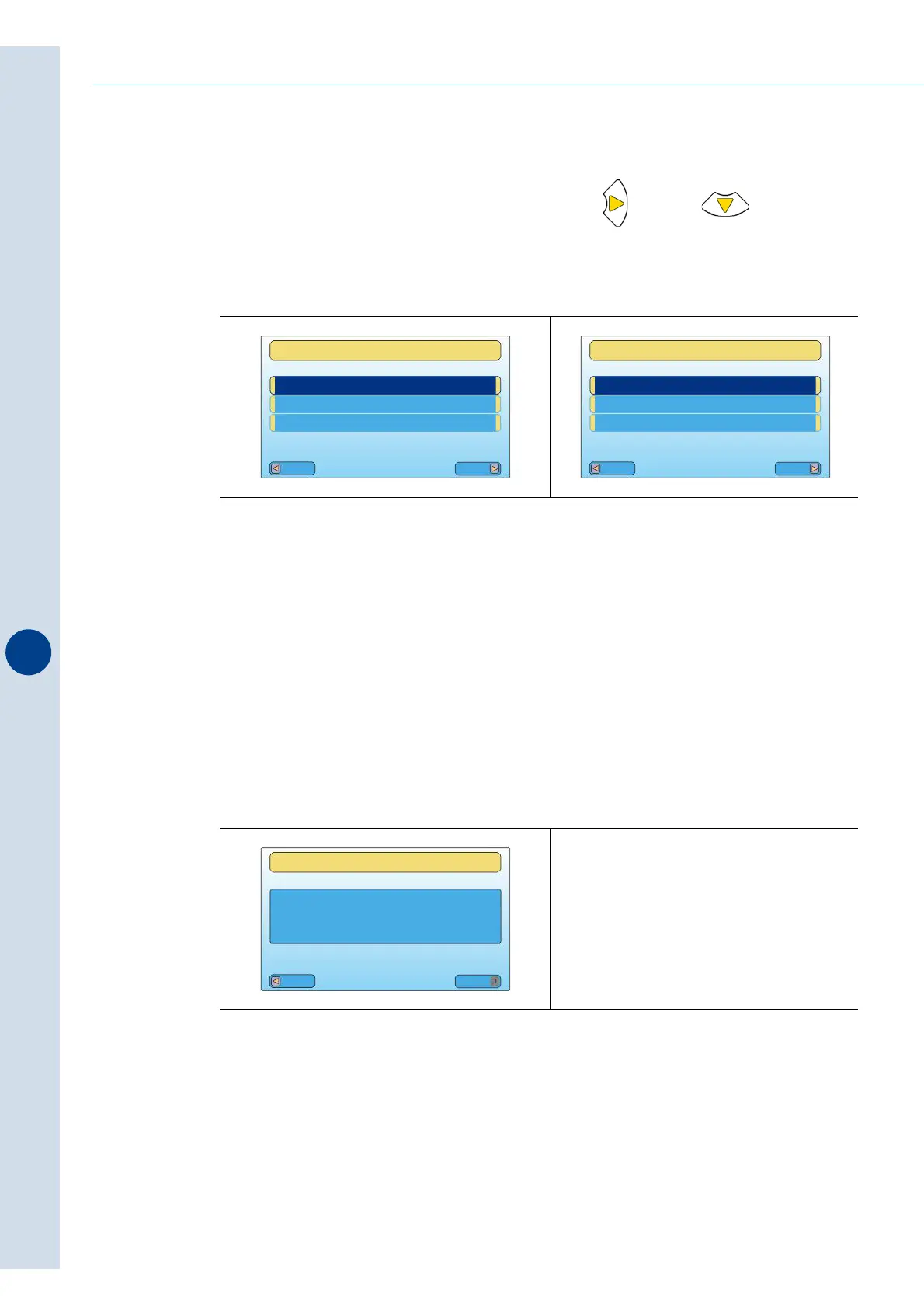
Select the "SYSTEM PARAMETERS" menu and press and then to show all the
menu options.
>FLOW
1 - Infeed flow check delay
This parameter allows you to reduce the speed of the infeed belt.
If the parameter is set at 0, the infeed belt runs at the set speed.
When the parameter is set at ≠0, the value that is entered indicates the time required to start
up the infeed belt at the minimum speed from the moment that the sensor no longer detects
the passage of products.
2 - Accumulation activation time
This indicates the max time for the photocell to signal "OUTFEED ACCUMULAT" on the
electronic board's display and stop the machine after detecting the accumulation of products
at machine outfeed.
Fig. 9.17.1
Fig. 9.17.2
Esc
Menu
SYSTEM PARAMETERS
MAIN MENU
INSERT PASSWORD
_ _ _ _ _ _ _ _ _ _ _ _ _ _ _ _ _
Esc
Menu
FLOW
SYSTEM PARAMETERS
_ _ _ _ _ _ _ _ _ _ _ _ _ _ _ _ _
FLOW
INFEED FLOW
CHECK DELAY
[s]
Esc
Mod
0



 To Next Page