69
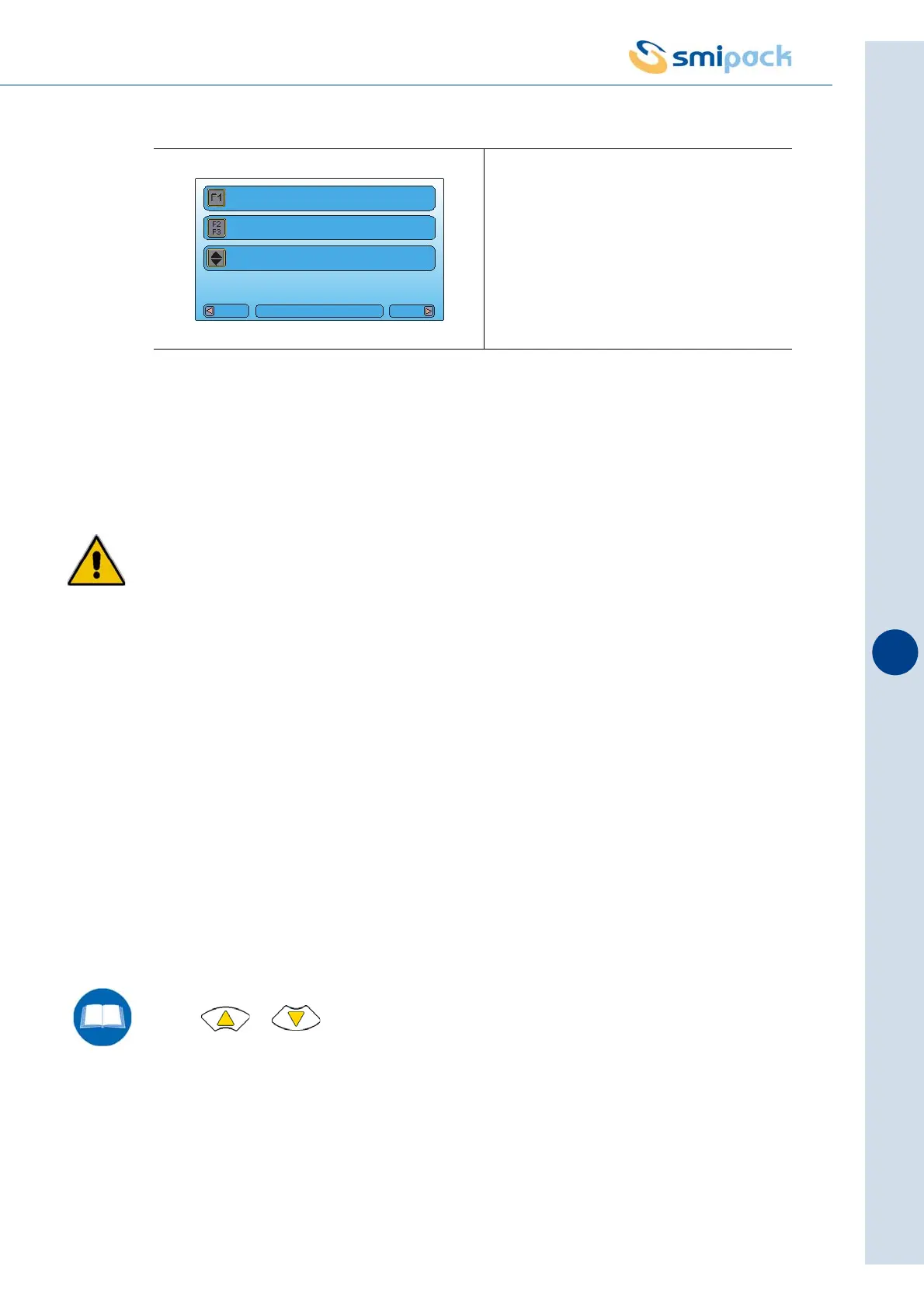
F1 key: Activates film sealing
Press the F1 key for one second to carry out a sealing cycle. The sealing operation can be
carried out only when the safety door is closed.
Do not bypass the safety guards for any reason whatsoever as the sealing bar is very
dangerous mechanical device. In every situation always maintain an appropriate
distance as the risk of crushing, cutting and burning subsists.
F2 key: Activates slow dragging of the film
Use the F2 key intermittently to activate the dragging function of the film at a reduced speed.
This function is used to insert the film inside the dragging and waste recovery devices. See
paragraph 8.7 for further details. The dragging operation may only be carried out with the doors
shut.
F3 key: Activates fast dragging of the film
Use the F3 key to drag the film at the speed set by the programme. This function is useful when
carrying out operating tests, especially to check whether the set sealing temperature is the best
for that given film dragging speed.
The dragging operation can be carried out only when the safety doors are closed.
Keys - : Adjust the height of the top square of the machine (only CS
models)
Use these keys to regulate the position of the top square based on the height of the format that
requires wrapping.
If you press the “MANUAL” key while the machine is running in automatic mode, it will perform
a stop procedure before switching to manual mode. In order to return to automatic mode, press
“AUTO”.
Fig. 9.7.1
Vers
Menu
PACKS NUMBER:0
SEALING
DRAGGING
SQUARES HEIGHT



 To Next Page