9 - Operation and use
90
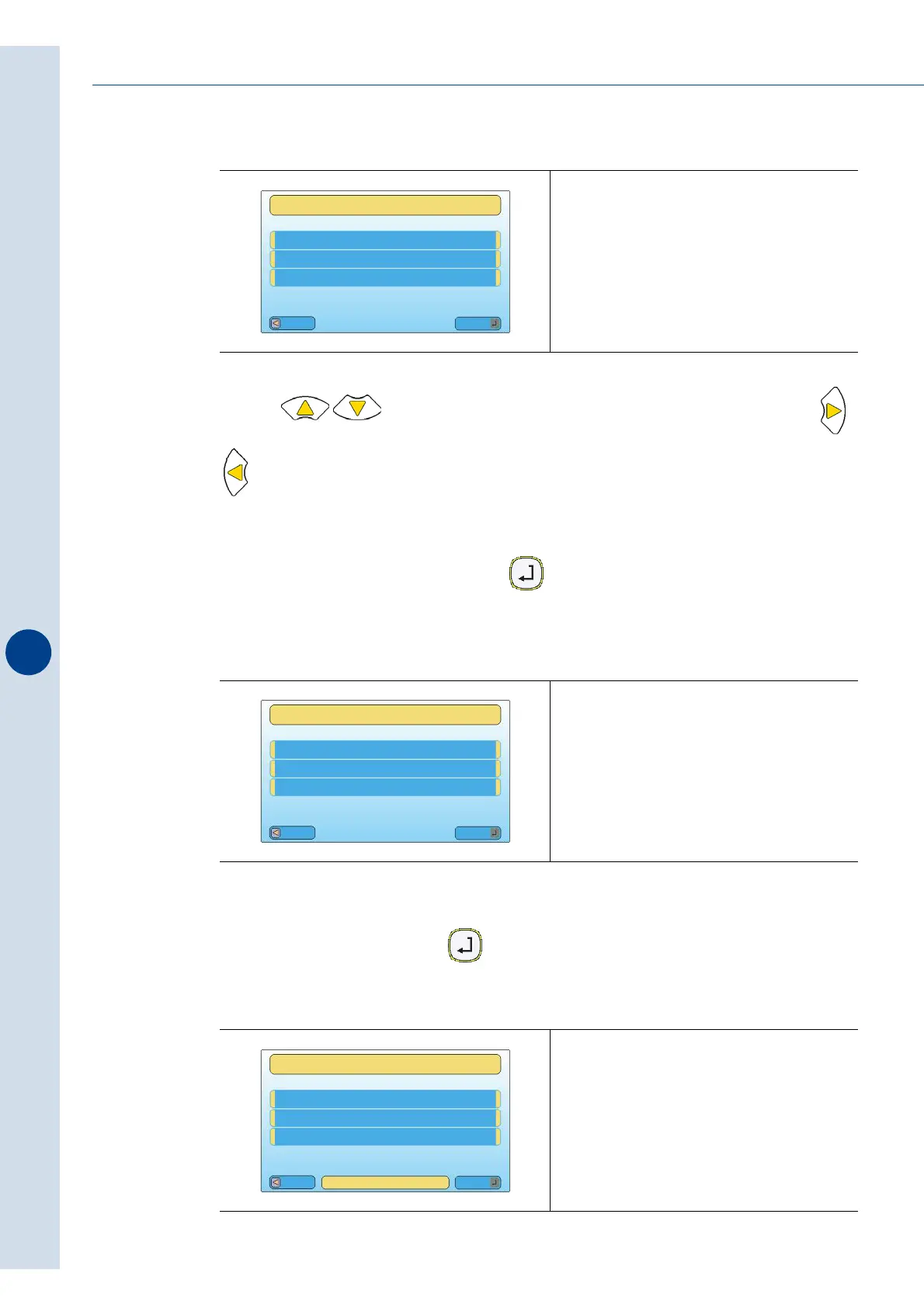
Use the keys to choose an alphanumeric character to insert, while the ,
keys are used to move from one character to another.
The character being modified is highlighted with a dash.
After giving the format a name, press the key to accept.
The display will show:
Save the format by pressing the key for more than 1 second.
Fig. 9.13.38
Fig. 9.13.39
Fig. 9.13.40
Esc
Mod
FORMAT NAME
FORMAT PARAMETERS
*M01 BOTTLE 01
Esc
Mod
SAVE FORMAT?
FORMAT PARAMETERS
M01 BOTTLE 01
Esc
Mod
SAVE FORMAT?
FORMAT PARAMETERS
M01 BOTTLE 01
P
R
E
S
S
E
N
T
E
R
1
S
E
C



 To Next Page