9 - Operation and use
96
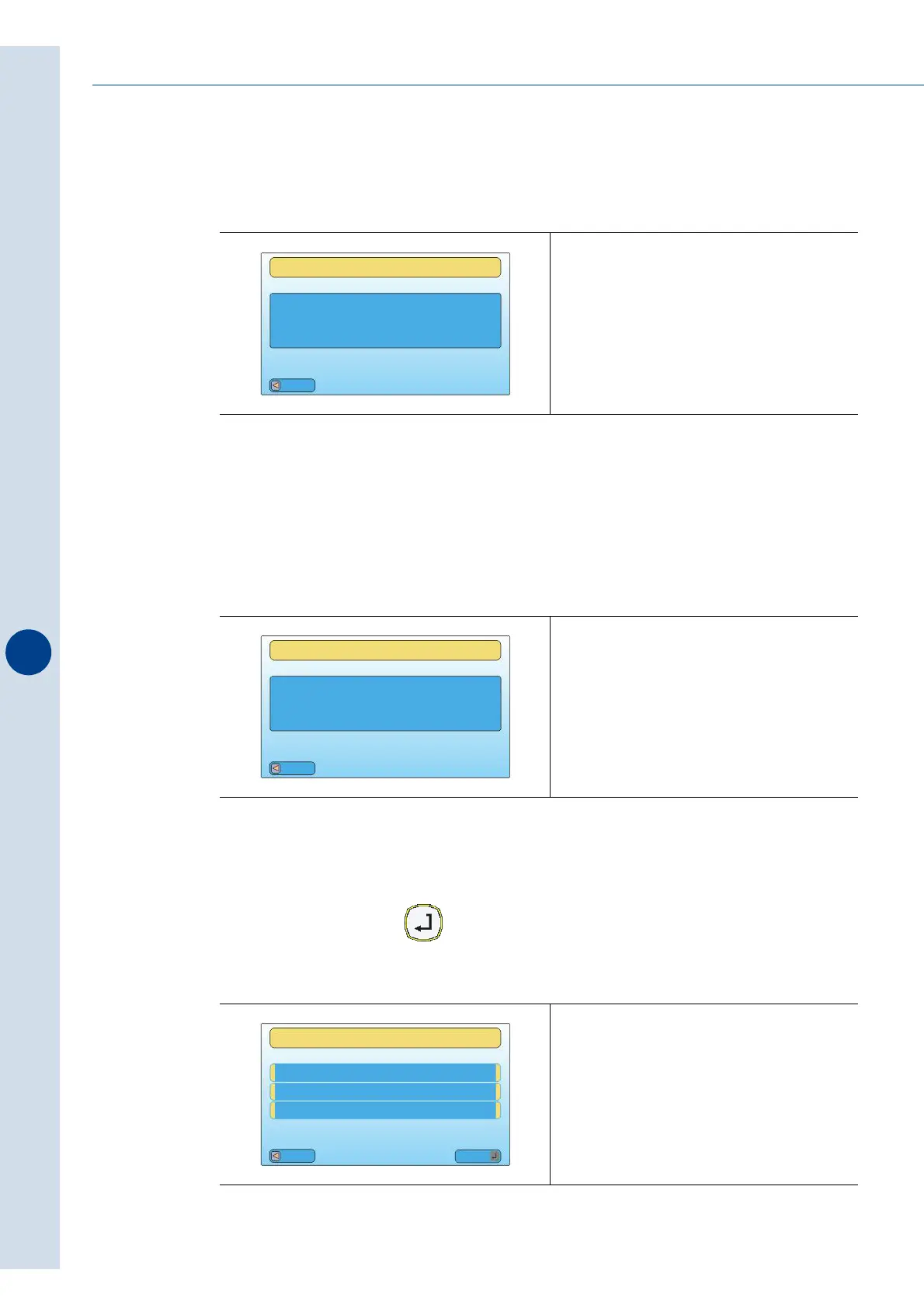
11 - Power board inside temperature
Displays the temperature inside of the machine's power board.
12 - Total number of machine packs
It displays the total number of packs processed during the whole life of the machine.
The value can not be set to zero.
13 - Data reset
Setting YES and pressing cancels all the data in the menu "DATA DISPLAY"
Fig. 9.15.11
Fig. 9.15.12
Fig. 9.15.13
XX
DATA DISPLAY
POWER BOARD
INSIDE TEMPERATURE
[°C]
Esc
XXXXXXX
DATA DISPLAY
MACHINE TOTAL
PACKS NUMBER
[N]
Esc
Esc
Mod
RESET DATA NO
DATA DISPLAY
_ _ _ _ _ _ _ _ _ _ _ _ _ _ _ _ _



 To Next Page