MV-32/64 Multiviewer www.snellgroup.com Connection to Other Equipment
Issue 1 Rev 11 Page 96 © 2014 Snell Limited
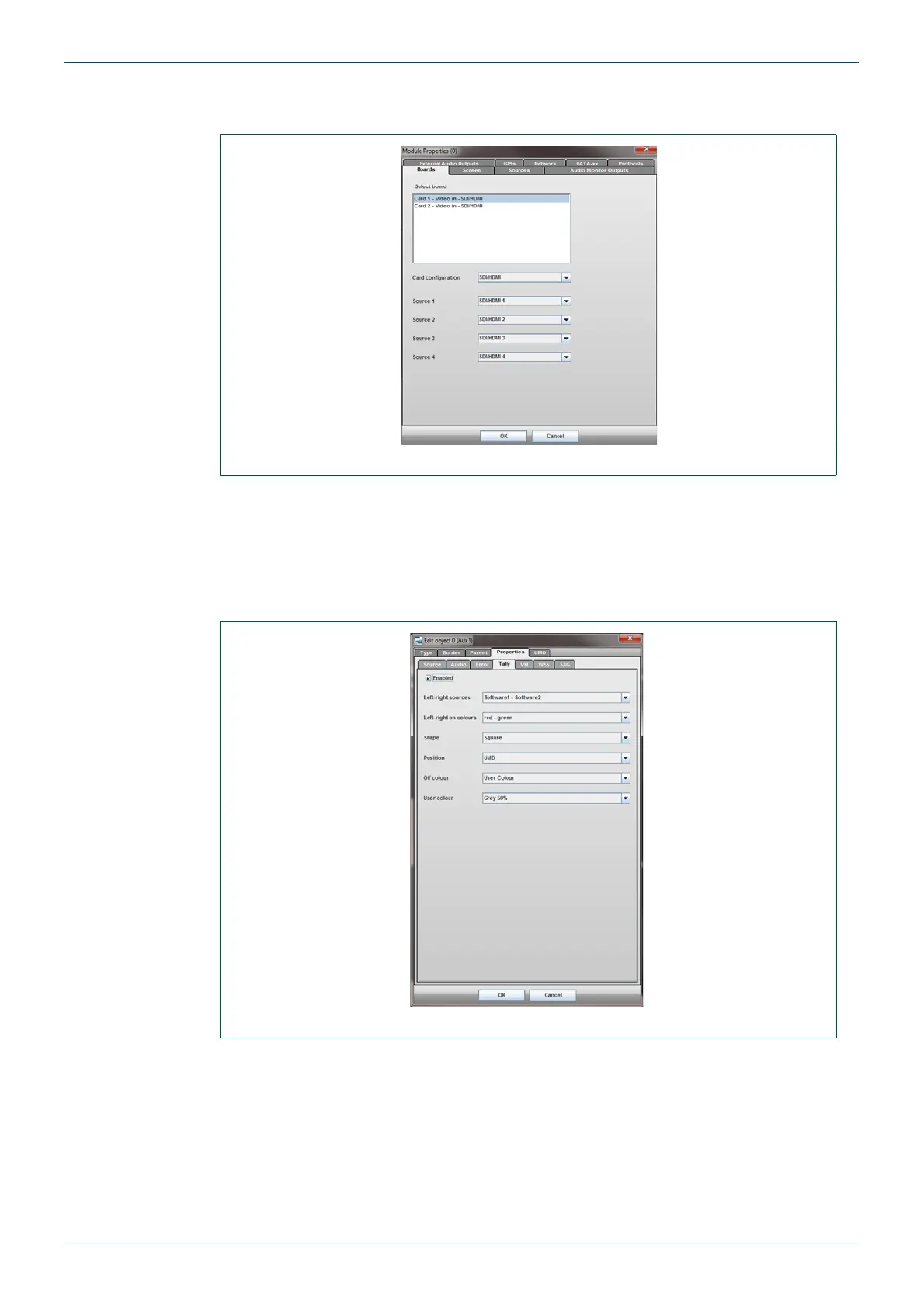
8. Select the Boards tab to check the Sources (inputs) to the multiviewer. For example
to make sure they are SDi rather than DVi etc.
9. Click on the OK button to save the changes.
10. Once you have a multiviewer on-screen layout setup, double click the screen to be
edited. The Edit Objects dialog for that screen is displayed.
11. From this screen select the Properties tab and then select the Tally tab
Settings should be as shown in Fig 83.
Fig 82. Module Properties - Boards Tab
Fig 83. Edit Object - Properties Tab - Tally Tab



 To Next Page