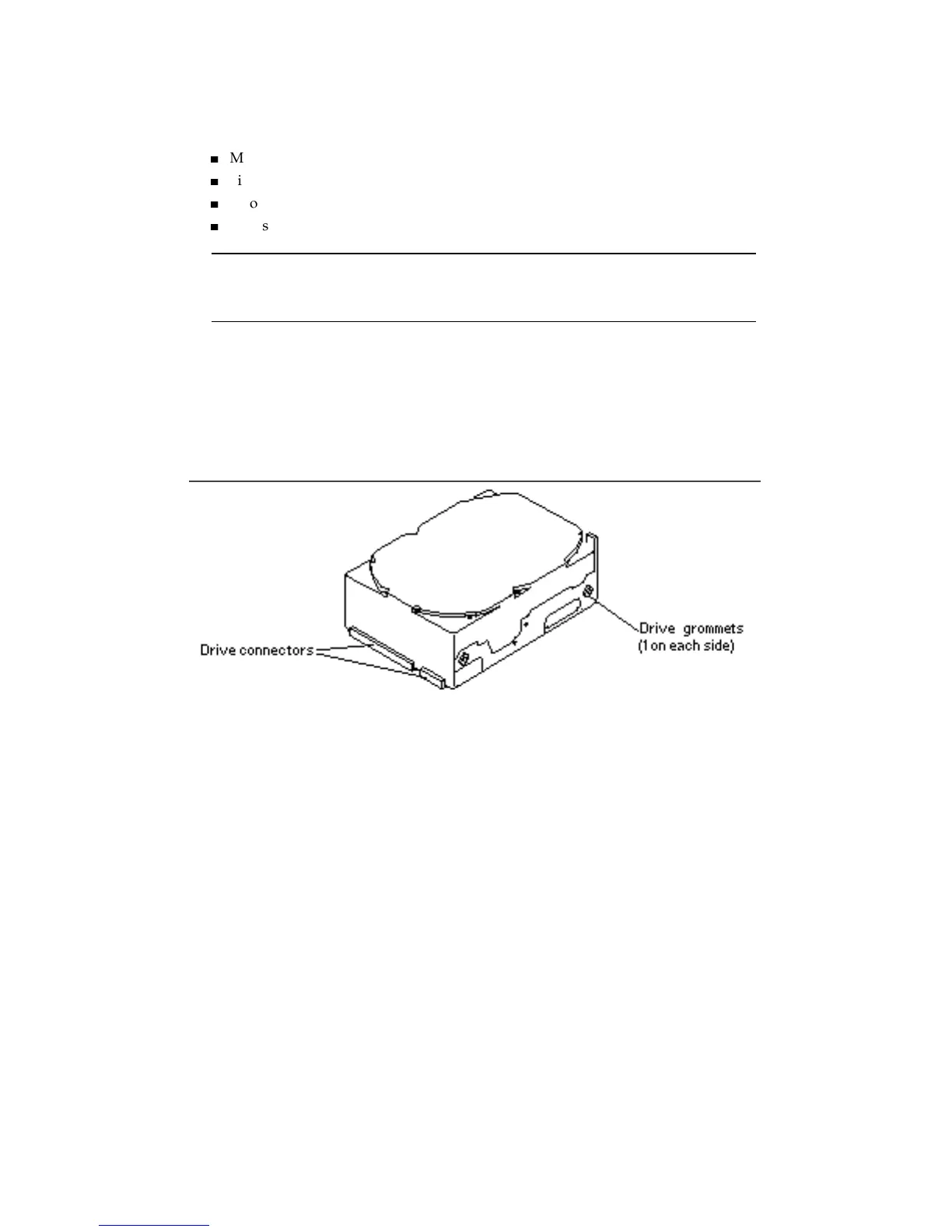
5. A new mounting bracket must be installed on 1.05 Gbyte drives. Position the
drive with the circuit board up so you have access to the drive bottom.
6. Check that the mounting bracket kit contains the following items:
4
Metal mounting bracket
4
Six screws
4
Two slip-on grommets
4
Two screw-in grommets with split washers
Note - If your drive already has four screw-in grommets installed, remove the
front two grommets (near the drive connector) and go to Step 1 on page 120 in
this procedure.
7. If not already installed, insert two one-piece screw-in drive grommets and split
washers on each side of the replacement drive rear (away from the drive
connector). Use a Phillips screwdriver. These grommets and the two front
slip-on grommets slide into the drive mounts during installation.
See Figure 12–9.
Figure 12–9 1.05 Gbyte Hard Disk Drive — Screw-In Grommets
8. Press the two plain rubber slip-on grommets (without screws) into place over
the metal bracket side tabs.
See Figure 12–10.
Hard Disk Drives 129














 To Next Page