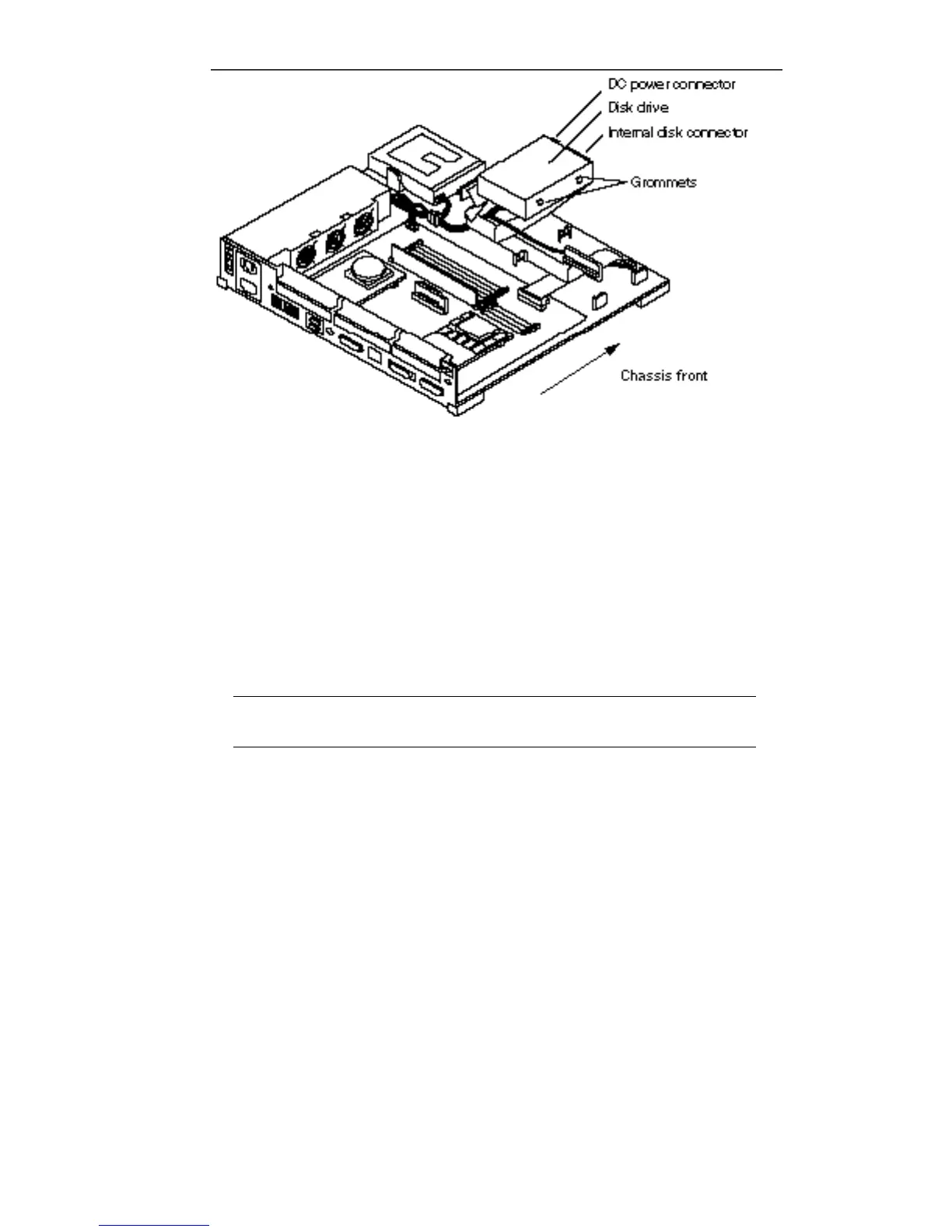
Figure 15–13 Reconnecting the Disk Drive
c. Connect the internal disk connector to the disk drive.
The connector is keyed so it fits only one way.
d. Connect the DC power connector to the disk drive.
The connector is keyed so it will fit only one way.
e. Lower the drive and slide it forward toward the front of the chassis until
the grommets sit tightly in the drive mounts.
See Figure 15–14.
Note - If the drive is not pushed forward far enough and seated properly, the
system cover may not close correctly.
f. Repeat steps a through e if a second disk drive is present.
Internal Disk Cable 159














 To Next Page