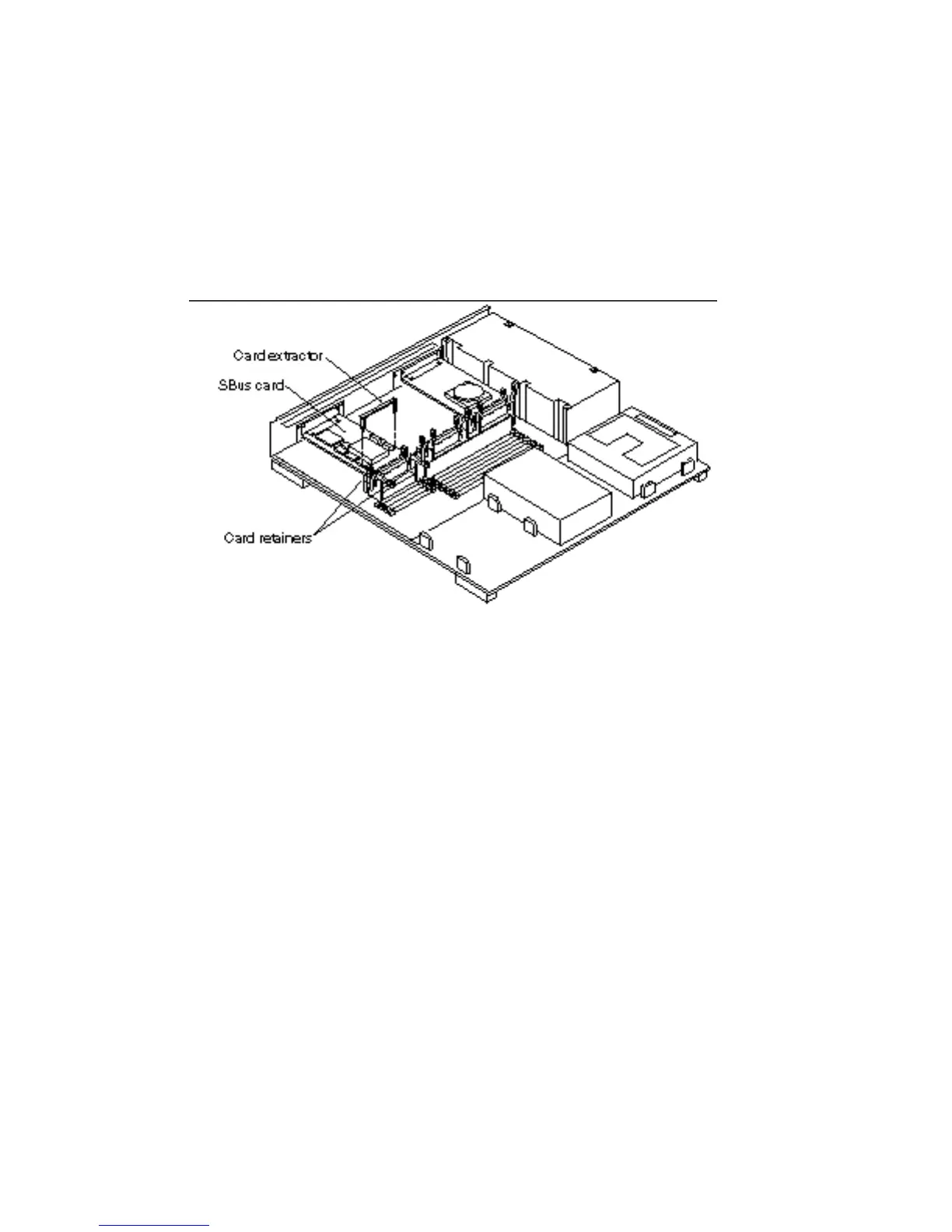
7. Push back all card retainers holding an SBus card.
If the SBus card occupies one or two slots go to step d. Go to the next step if the
SBus card occupies three slots.
8. Hold both corners of the card and pull it out until the connectors are out of the
slot.
You do not need card extractors. Go to step g.
9. Install the card extractor on the SBus card. See Figure 6–2.
Install two card extractors on an SBus card that occupies two slots.
Figure 6–2 SBus Card—Card Retainers and Card Extractor
10. Hold both ends of the card extractor with your fingers and pull on both corners
of the SBus card until the connector is out of the slot.
See Figure 6–3 for a single width SBus card or Figure 6–4 for a double width SBus
card.
Open Boot PROM 75














 To Next Page