5-2 Sun Ultra 45 and Ultra 25 Workstations Service and Diagnostics Manual • May 2006
Caution – Do not operate the workstation without the fan tray.
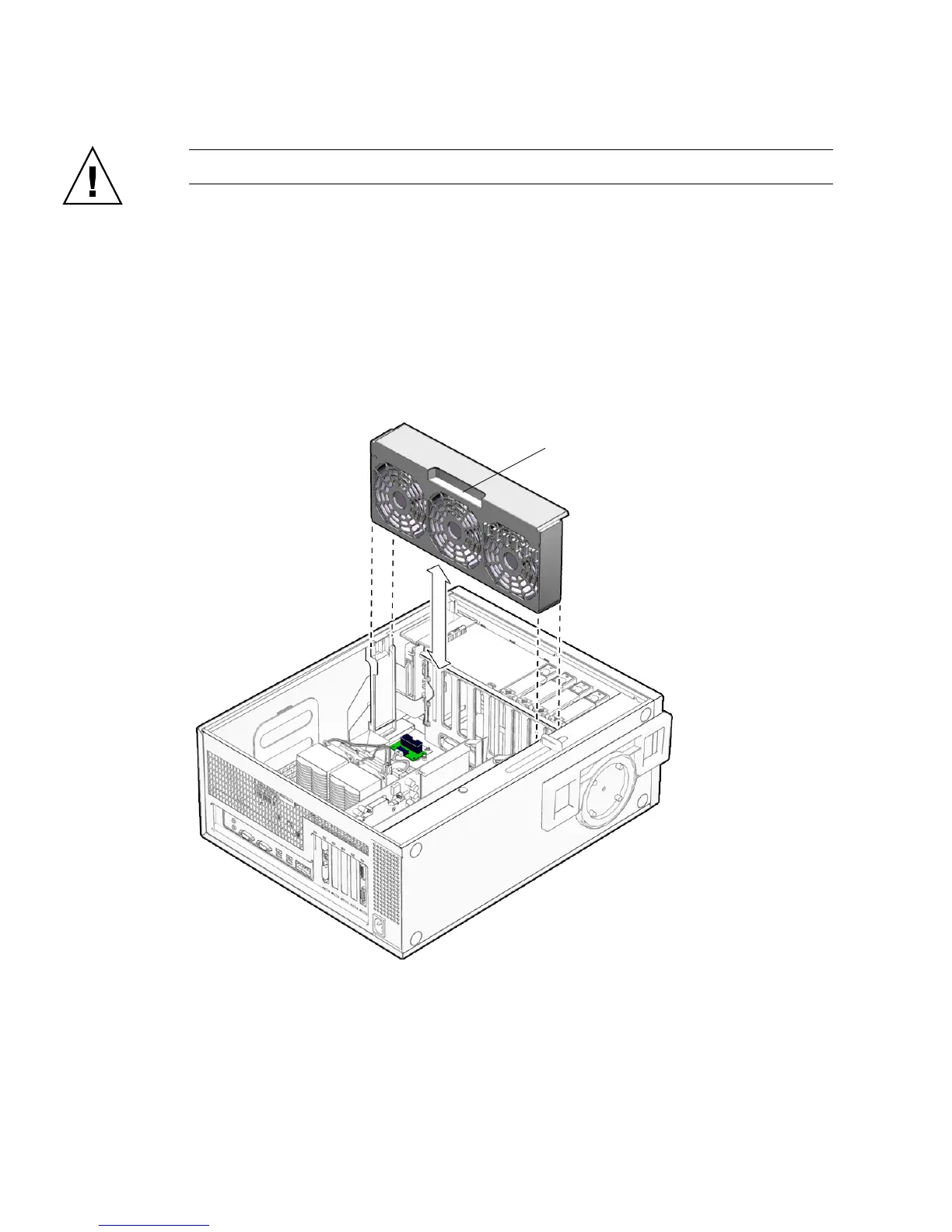
5.1.1 Removing the Fan Tray
1. Power off the system and attach an antistatic wrist strap. Open and position the
chassis, and remove the access panel.
Refer to “Powering Off the Workstation” on page 2-4.
2. Using the handle, pull the fan tray from the chassis and set it aside.
FIGURE 5-1 Removing the Fan Tray
Fan tray handle














 To Next Page