7-6 Sun Ultra 45 and Ultra 25 Workstations Service and Diagnostics Manual • May 2006
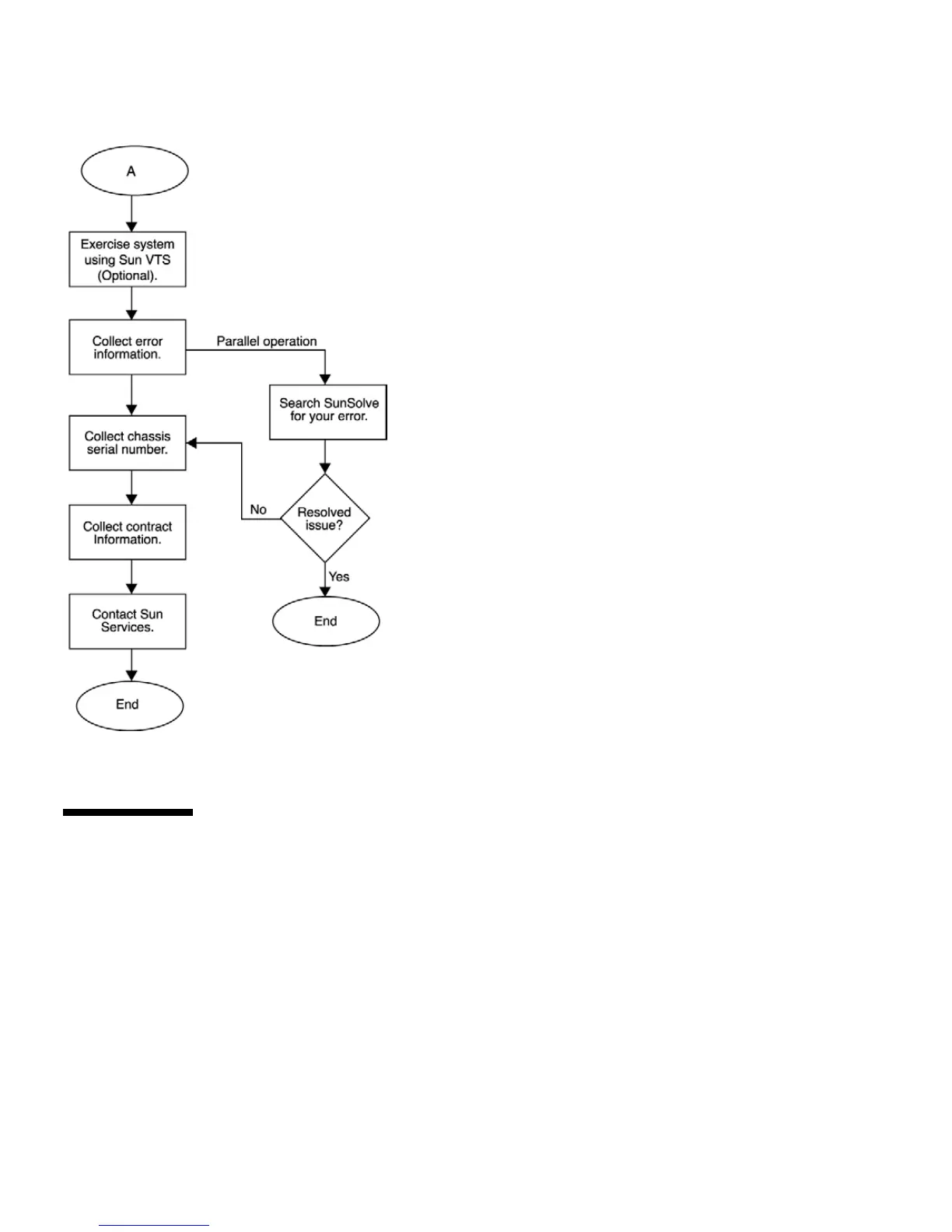
FIGURE 7-2 Diagnostics Method Flow Chart – Traditional Data Collection
7.3 Power-On Sequence
When you power on the Sun Ultra 45 or Ultra 25 workstation, a series of processes
brings the workstation to a user-ready state.
The sequence of power-on events is shown below:
1. User presses the Power button.
2. OpenBoot PROM initiates system power-on reset (SPOR).
3. OpenBoot PROM initiates power-on self-test (POST) (if enabled).














 To Next Page