12 Software description
CyFlow
®
Cube 8 | Operating Manual | May 2018 | Revision 032 115
The Wizard retains settings until you open or create a new Playlist.
Click the Report Wizard button to launch the Wizard. The button is disabled
when there are no plots in the Workspace.
The Report Wizard is made up of five types of pages:
Welcome Page,
Plots Selection Page,
Statistics Layout Page,
Statistics Selection Page,
Report Layout Page.
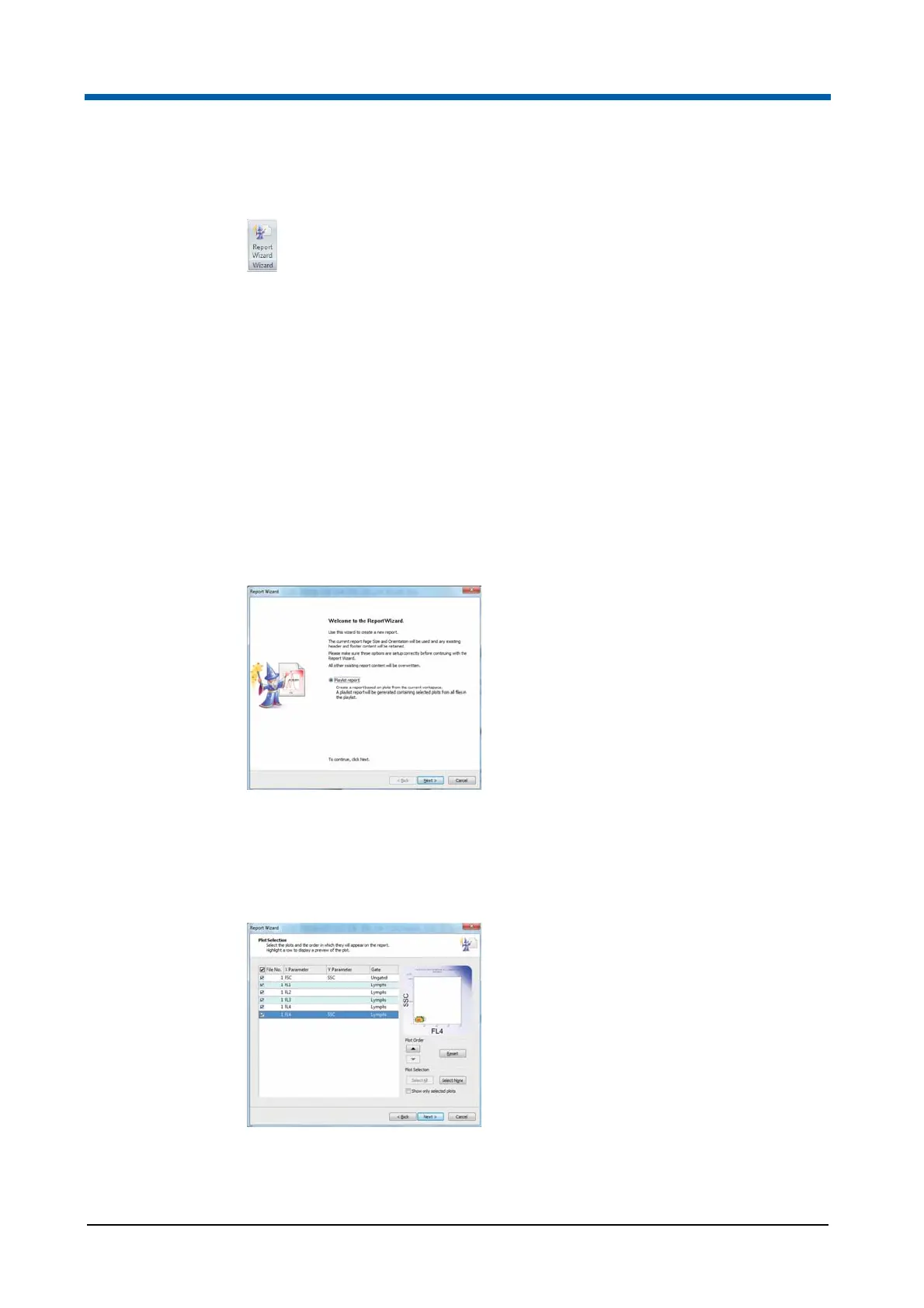
Report Wizard: Welcome page
The Welcome page introduces you to the Wizard’s functionality.
Click the Next button to proceed to the Plots Selection page of the Wizard.
Report Wizard: Plots Selection page
The Plots Selection page enables you to pick the required plots for the report
that will be created by the Wizard.
A list of the plots of the current Workspace is displayed. By selecting a line of
the list, the line is highlighted and a preview of the corresponding plot is
displayed.



 To Next Page