12 Software description
CyFlow
®
Cube 8 | Operating Manual | May 2018 | Revision 032 125
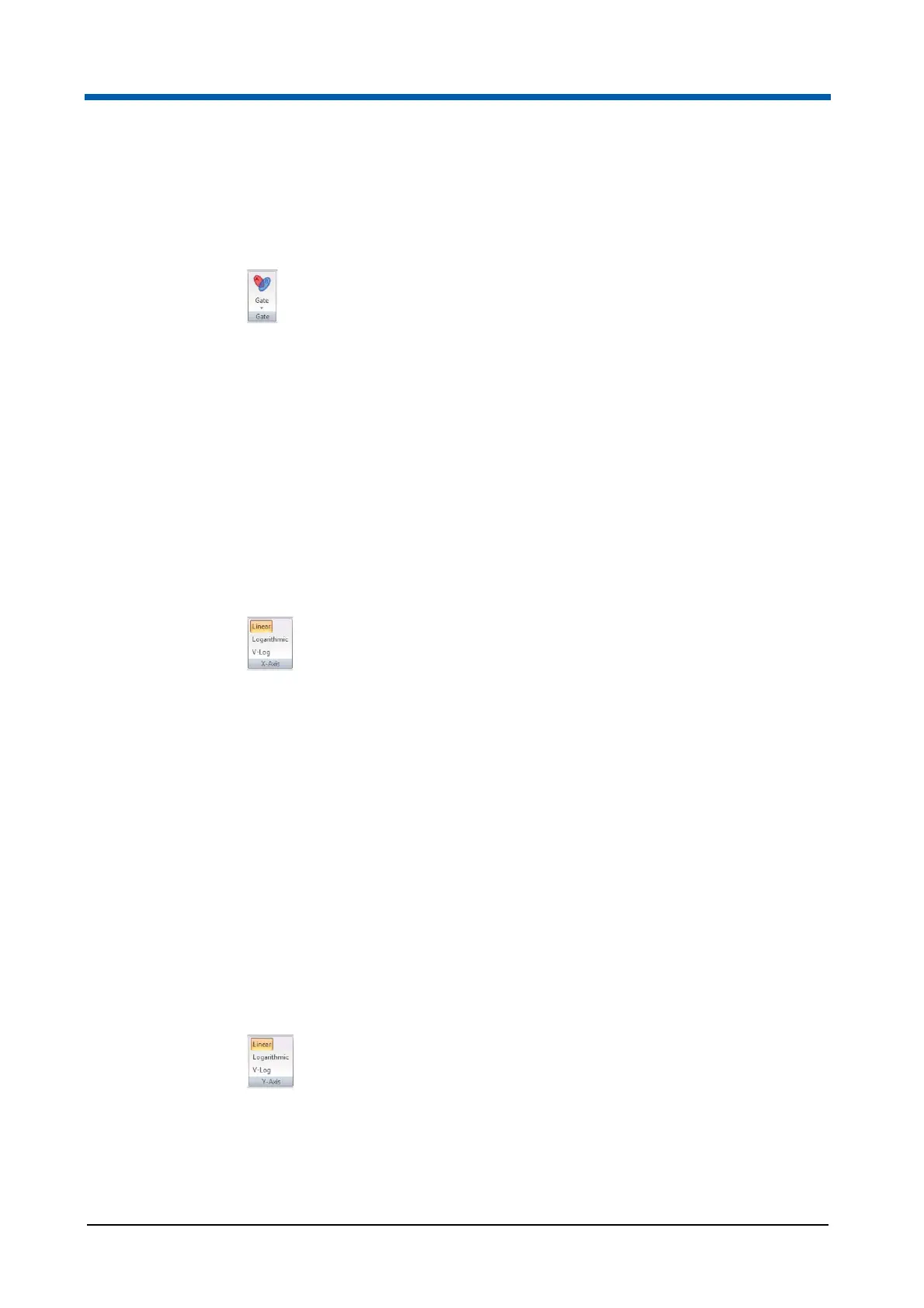
Gate group
The Gate group contains an option to choose a gate to be applied to
selected plots.
Click the drop-down arrow positioned on the Gate group to display a list of all
the available gates. Click the desired gate from this list to apply the gate to
selected plots.
X-Axis group
The X-Axis group contains options to change the X-axis of the selected plots
to the linear, logarithmic or V-Log scale type.
If a low-resolution file is open, the axis parameters are set by the information
within the LMD file header and cannot be changed. The X-axis buttons are
disabled for low-resolution files and if cell-cycle plots have been selected.
For information on the available plot scaling types, see chapter Scaling on
page 168.
The X-Axis group contains the following options:
Linear, Logarithmic, V-Log: Select the desired plots in the Plots area. If
the selected plots have different axis types, multiple axis buttons will be
highlighted. Click the desired button to apply the axis selection to the
selected plots.
Y-Axis group
The Y-Axis group contains options to change the Y-axis of the selected plots
to the linear, logarithmic or V-Log scale type.
If a low-resolution file is open, the axis parameters are set by the information
within the LMD file header and cannot be changed. The Y-axis buttons are
disabled for low-resolution files and if single parameter histogram plots have
been selected.
For information on the available plot scaling types, see chapter Scaling on
page 168.
The Y-Axis group contains the following options:
Linear, Logarithmic, V-Log: Select the desired plots in the Plots area. If
the selected plots have different axis types, multiple axis buttons will be
highlighted. Click the desired button to apply the axis selection to the
selected plots.



 To Next Page