12 Software description
130 CyFlow
®
Cube 8 | Operating Manual | May 2018 | Revision 032
Use the "Center Y" input field to position the quadrant intercept on the
Y-axis. Increase the value to shift the intercept upwards. Decrease the
value to shift the intercept downwards.
The "Bendy X" and "Bendy Y" input fields are disabled when the
"Straight" option is selected.
Use the "Bendy X" input field to position the ‘bent’ upper divider edge on
the X-axis. Increase the value to shift the divider edge to the right.
Decrease the value to shift the divider edge to the left. "Bendy X" values
must be greater than the "Center X" value.
Use the "Bendy Y" input field to position the ‘bent’ right divider edge on
the Y-axis. Increase the value to shift the divider edge upwards.
Decrease the value to shift the divider edge downwards. "Bendy Y"
values must be greater than the "Center Y" value.
All values must be an integer between 0 and 1023.
Tracking group
The Tracking group contains an option to link region positions on plots that
display the same parameters. If one of the linked regions is changed, all the
linked regions are adjusted simultaneously.
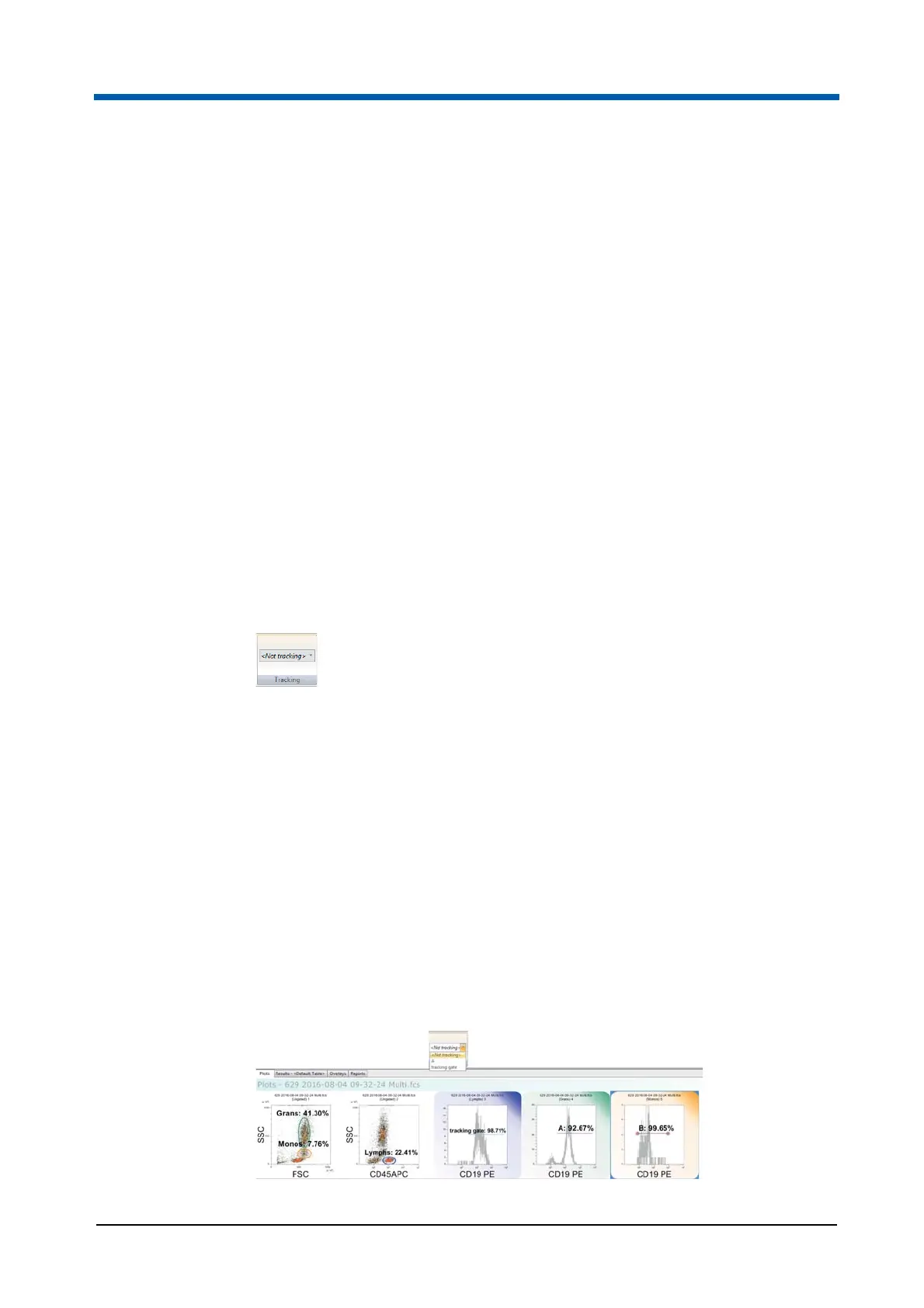
The Tracking group contains the following option:
Region Tracking: To link one region to another, first select the region
and then click the drop-down arrow of the box. If the currently selected
region can’t be linked to any regions, the only option in the box is "(Not
tracking)". If there are regions to which the currently selected region can
be linked, the drop-down list displays them. Select the region you would
like the currently selected region to be linked to. The selected region
inherits its position from the "linked to" region and is now displayed in the
"Region Tracking" field.
A region is only linked to one region and once it has been linked it will be
removed from the "Region Tracking" list.
Moving any linked region will move all tracking regions.
To unlink linked regions, select each region and select "(Not Tracking)"
from the "Region Tracking" list.



 To Next Page