12 Software description
CyFlow
®
Cube 8 | Operating Manual | May 2018 | Revision 032 173
To select all rows from the currently selected one to the end of the table,
press Ctrl + Shift + End.
To select all rows from the currently selected one to the beginning of the
table, press Ctrl + Shift + Home.
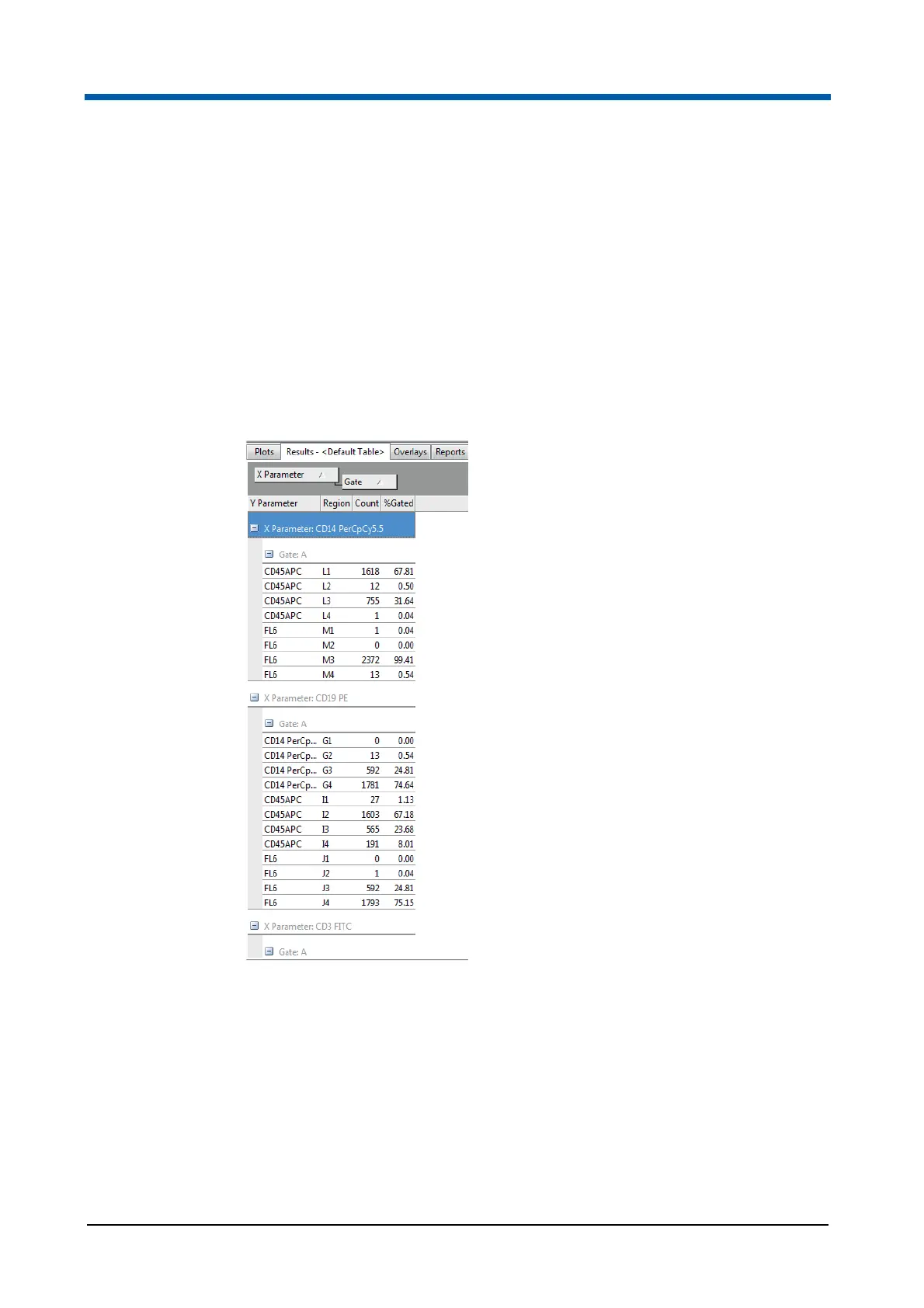
Grouping results by column headers
Results can be grouped by the values displayed in the column headers. You
can do this by dragging a column header from the results table onto the grey
field above the table labeled "Drag a column header here to group by that
column". When the header is dragged, two red arrows indicate where the
column header will be placed on the field.
The following options are available:
To group by a column and remove the column from the results table,
drag the desired column header into the grey field.
To group by a column without removing the column from the results
table, hold the Ctrl key while dragging the desired column header into
the grey field.
To group by more than one column, drag the desired column headers
into the grey field. Drag and drop the headers in the field to sort them in
the desired sort order.



 To Next Page