12 Software description
CyFlow
®
Cube 8 | Operating Manual | May 2018 | Revision 032 55
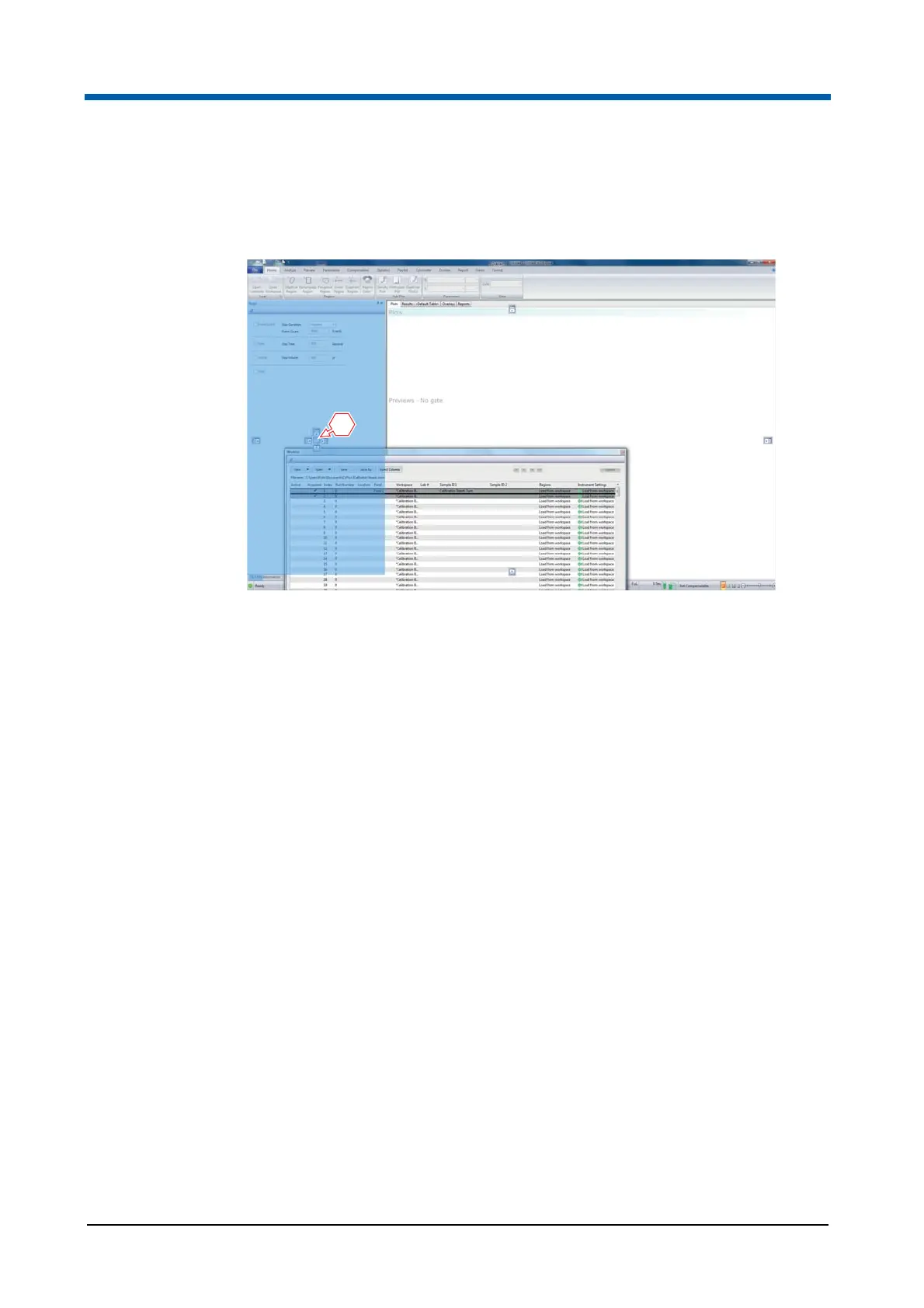
The Worklist pane can be docked and nested with the other panes by
dragging it and placing the cursor in the centre of the relocation arrows on
the left-hand side of the software window.
The size of docked panes can be adjusted by dragging the splitter bar to the
desired position.
To get back to the default view of the software window, select the Views tab
of the Ribbon and click the Default Position button.
1 Centre of the relocation arrows



 To Next Page