12 Software description
CyFlow
®
Cube 8 | Operating Manual | May 2018 | Revision 032 71
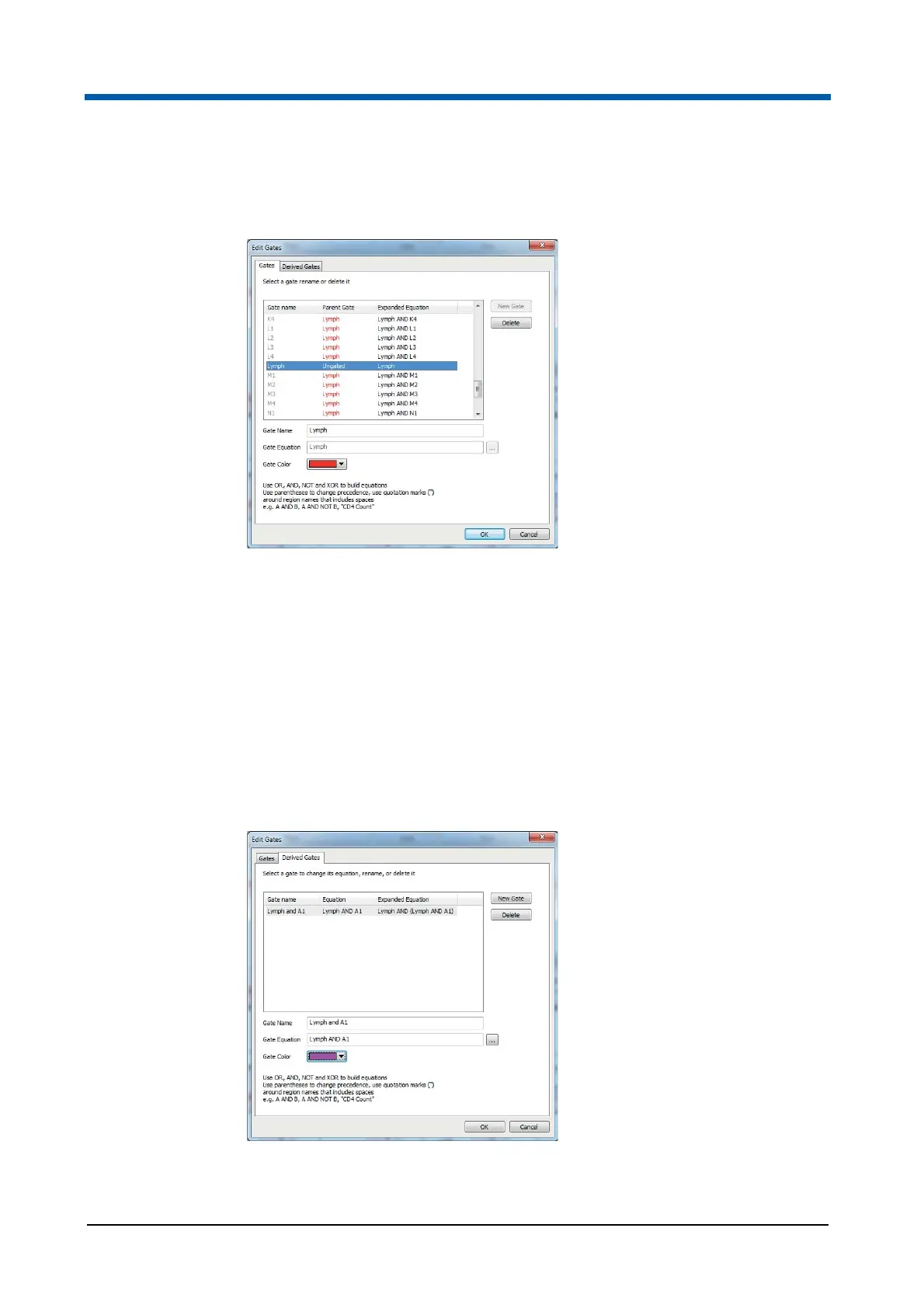
Using the Edit Gates button, you can create, edit and delete gates. In
addition, you can view the Parent Gate and Expanded Equation information.
The Edit Gates dialogue displays a Gates list containing all the currently
existing gates. In the Gates tab, you can rename and delete gates. In the
Derived Gates tab, you can rename, delete and change the gate equation of
derived gates. To edit a gate, first select it in the Gates list.
In the Gates tab, the Gates list contains the following columns:
The "Gate name" column displays the name of the gate. The colour of
the font is the colour of the gate.
The "Parent Gate" column displays the parent gate for the gate. If the
gate has no parent gate, this field displays "Ungated".
The "Expanded Equation" column displays the full expanded equation for
the gate. The parent gate equation is shown in full.



 To Next Page