12 Software description
CyFlow
®
Cube 8 | Operating Manual | May 2018 | Revision 032 81
The Zoom tool allows you to modify the zoom level for parameters of a
plot. To set or change a zoom level for parameters of the selected plot,
select the tool and then use it to define a zoom region. On a single
parameter plot, the tool draws a linear zoom region. On a dual parameter
plot, the tool draws a rectangular zoom region.
The button is not available when a low-resolution LMD file is currently
opened in the Workspace. The button is only enabled when at least one
plot is added to the Plots area of the Workspace.
Any change in scale via the Zoom tool will update the settings in the
Parameter Zoom tab of the Scales Properties dialogue. Any plots in the
Plots and Previews areas that are already zoomed will update
accordingly.
Display Zoomed: If zoom values are defined with the Zoom tool or in the
Parameter Zoom tab of the Scales Properties dialogue, clicking the
button toggles between the zoomed and un-zoomed view of the currently
selected plots.
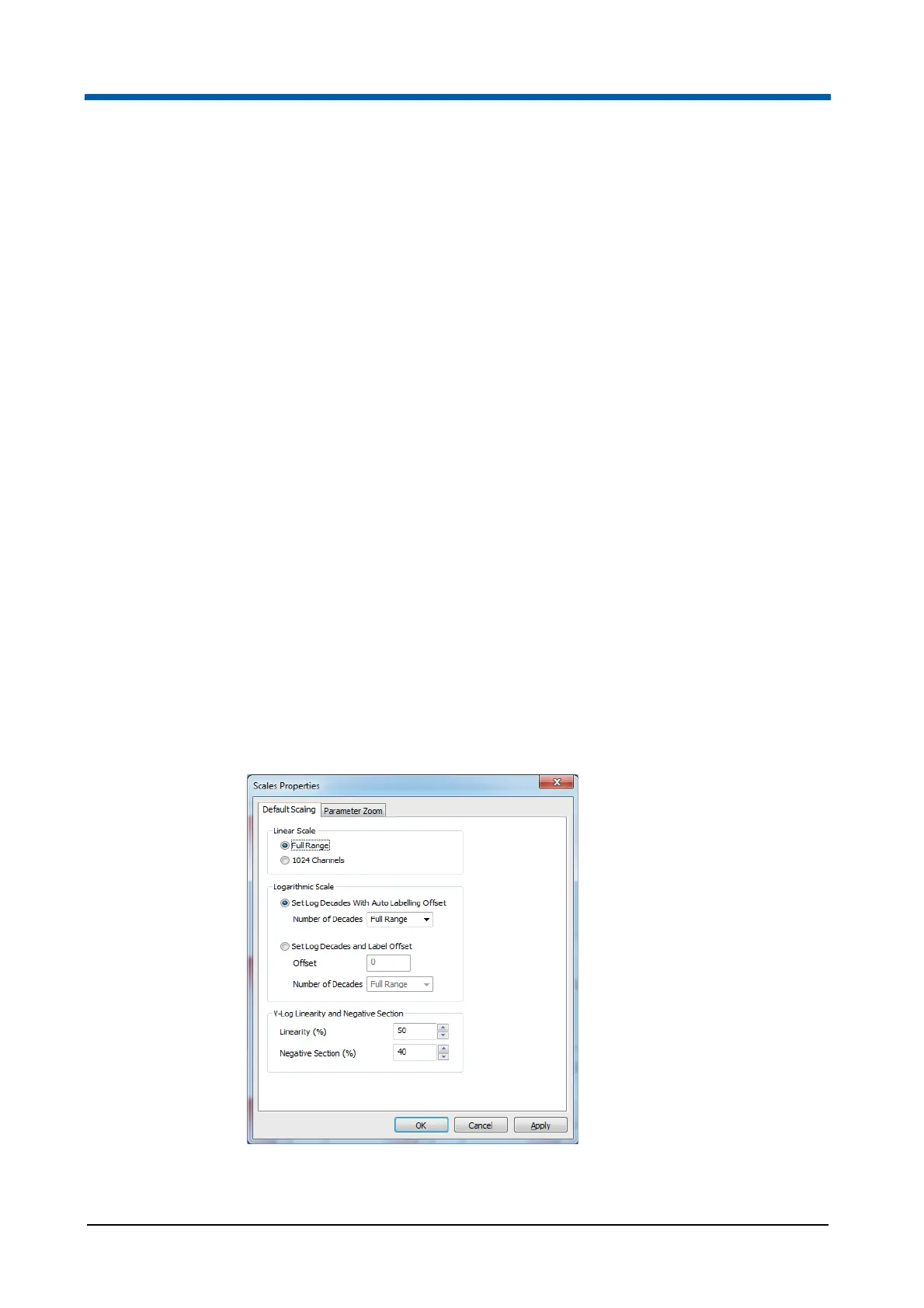
Scales Properties dialogue
The Scaling button opens the Scales Properties dialogue that is used for
presetting scaling of parameters for display in the Workspace.
The Scales Properties dialogue contains two tabs:
In the Default Scaling tab, you can modify the Linear, Logarithmic and
V-Log scaling options for parameters in the Workspace
In the Parameter Zoom tab, you can edit the displayed scale values for
each parameter.



 To Next Page