12 Software description
80 CyFlow
®
Cube 8 | Operating Manual | May 2018 | Revision 032
Hovering the cursor over a check box will open a tooltip containing the
display name followed by the stain name for the parameter if a stain name is
available.
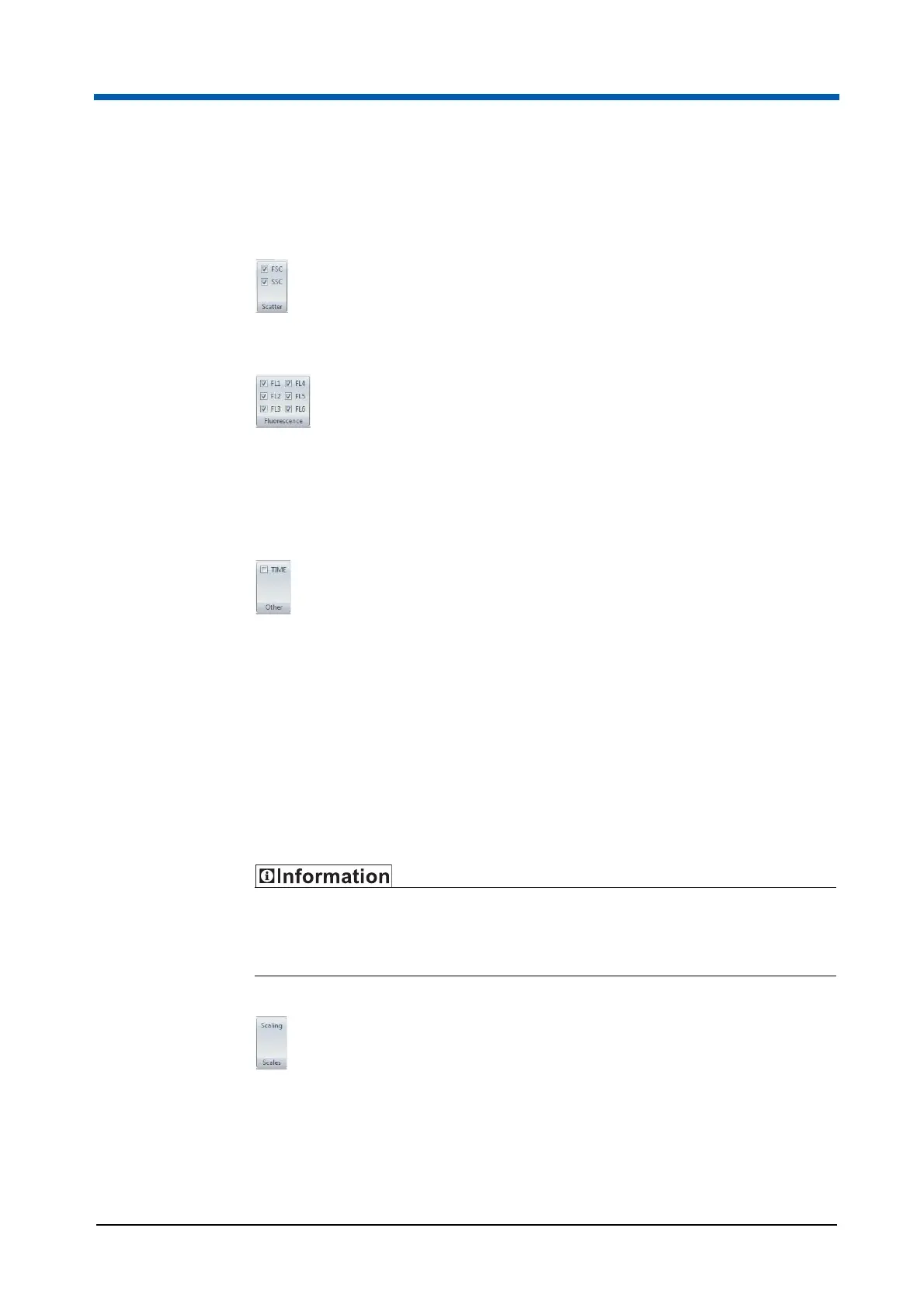
The Scatter group lists the scatter parameters, forward scatter (FSC) and
side scatter (SSC).
The Fluorescence group lists all fluorescence parameters.
If a file has a large number of fluorescence parameters, they will not all fit on
the Ribbon. In this case, a Fluorescence drop-down arrow is displayed. Click
the arrow to display a window listing all the available fluorescence
parameters.
The Other group lists parameters that are not scatter or fluorescence
parameters. Examples of parameters that would belong to this group are
TIME and RATIO. The displayed parameter names are the parameter name,
stain name or custom as selected in the Customize tab of the Parameter
Properties dialogue (see Parameter Properties on page 76).
Scales group
The Scales group contains options for adjusting the scaling and zooming of
parameters. The Scales group is only enabled if a Worklist item or a Playlist
item is open in the Workspace.
If you change the zoom status on a plot with a region, the region position
does not change. You may need to reposition any regions set on zoomed
parameters.
The Scales group contains the following options:
The Scaling button opens the Scales Properties dialogue that is used for
presetting scaling of parameters for display in the Workspace (see
chapter Scales Properties dialogue on page 81).



 To Next Page