12 Software description
CyFlow
®
Cube 8 | Operating Manual | May 2018 | Revision 032 89
Back: Selecting the button returns you to the previous page of the
Compensation Wizard. The Back button on the first Compensation page
is disabled if the "Use negative control file" option was not selected.
Next: Selecting the button proceeds to the next Compensation page or to
the Review page when on the last Compensation page.
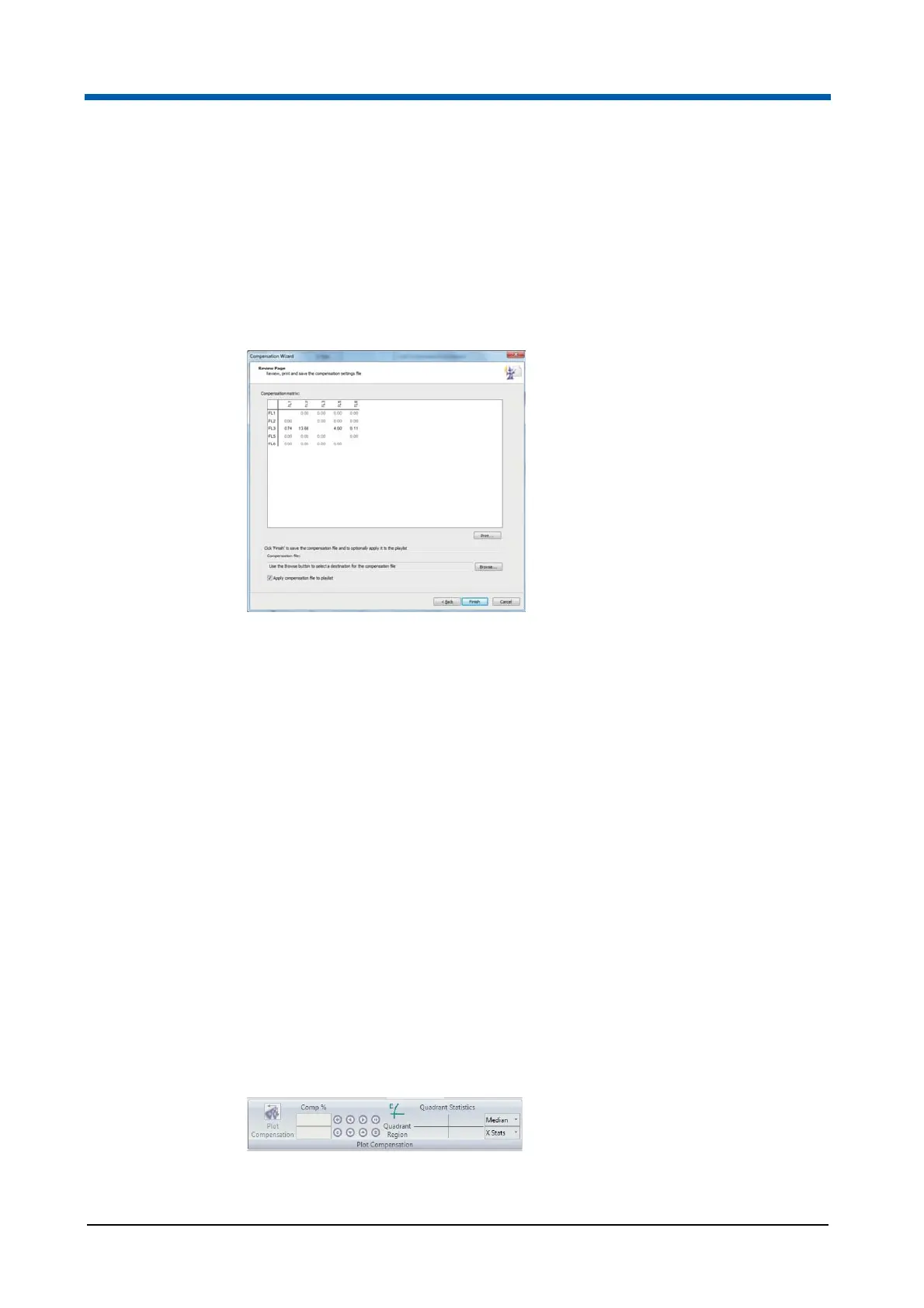
Compensation Wizard: Review Page
The page contains the following options:
Compensation matrix: The matrix displays the completed matrix of
compensation values.
Print...: Click the button to print the compensation matrix.
Compensation file: The field displays the destination path and file name
for the compensation file. Click the Browse button to specify the
destination and name for the compensation file. The compensation file is
not saved at this time.
Apply compensation file to playlist: Select the check box if you wish to
replace the current compensation values in the Workspace with the
newly calculated compensation coefficients.
Finish: Click the button to complete the Compensation Wizard and save
the compensation file with the specified name.
Plot Compensation group
The Plot Compensation group contains options to adjust the compensation
on the current sample using plots in the Plots area. Populations can be
dragged into position or accurately adjusted using the arrow buttons. Mean
or Median values for the current plot can be used to help set the correct
compensation.



 To Next Page