12 Software description
CyFlow
®
Cube 8 | Operating Manual | May 2018 | Revision 032 91
Click the Mean/Median button to select whether the mean or median
statistic is displayed for the quadrant region (default: "Median").
Click the X Stats/Y Stats button to select whether the displayed statistics
are for the X parameter or the Y parameter (default: "X Stats").
Preview Details group
Controls in the Preview Details group contains options to manually adjust the
compensation of the current sample using the preview plots and also to
display the compensation percentage on the preview plots. The buttons in
the group are only enabled when a compensable LMD file is loaded in the
Workspace.
The Preview Details group contains the following option:
Show Compensation %: Click the button to display or hide the
compensation coefficients for each parameter combination on all dual
parameter preview plots. Compensation coefficients are only displayed
on preview plots that have two relevant fluorescence parameters.
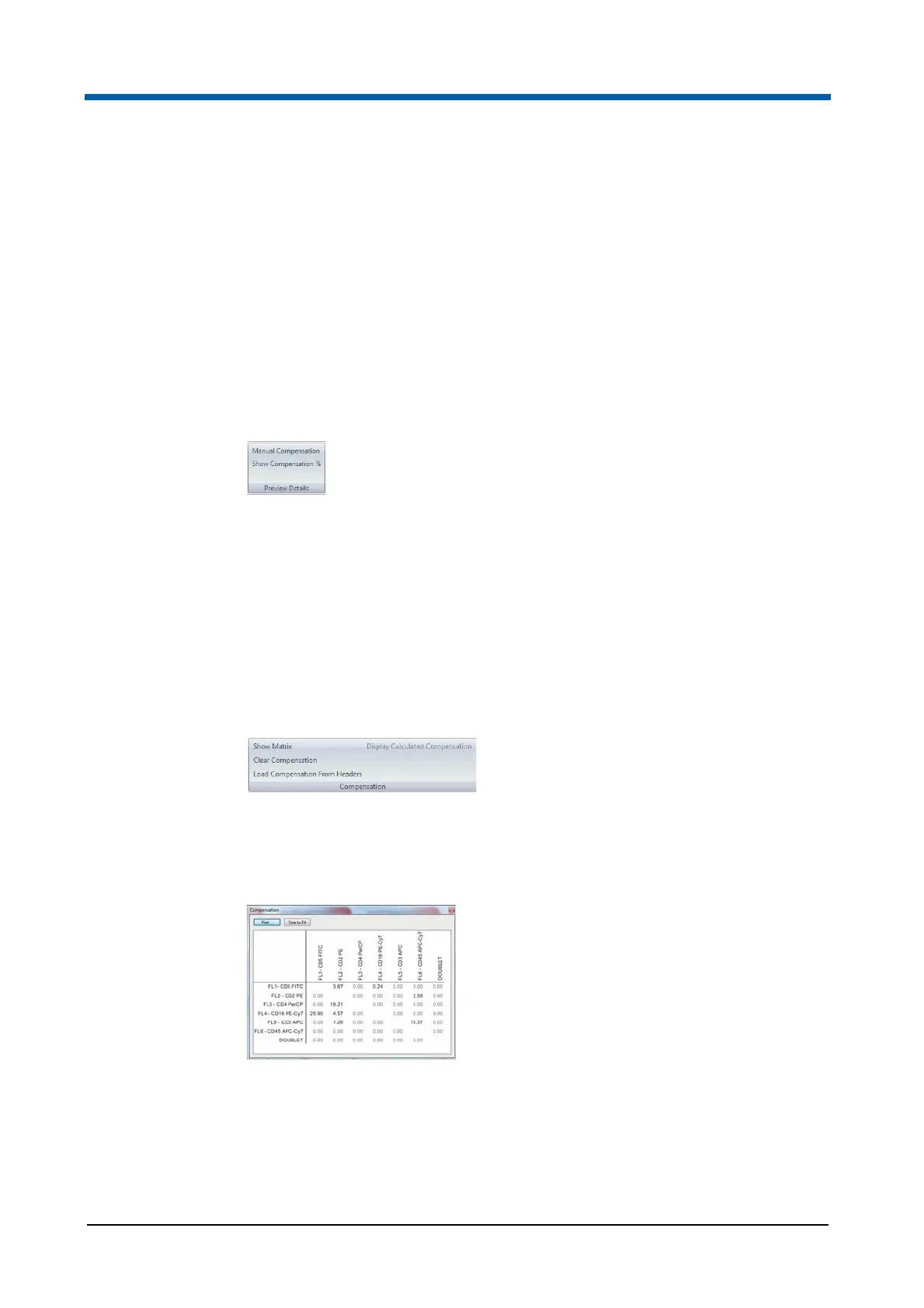
Compensation group
The Compensation group contains options for displaying the compensation
matrix, for clearing the current compensation matrix and for loading the
compensation settings from the current file header.
The Compensation group contains the following options:
Show Matrix: Click the button to display the Compensation Matrix
dialogue. The dialogue shows the compensation matrix associated with
the current file.
Click the Print button to print the compensation matrix. The default font
size for printing the matrix is 10 pt. If the matrix does not fit in the printing
area, the font size for the print out of the matrix will be reduced. If the
minimum font size is reached and the matrix still cannot fit in the printing
area, the printout switches layout (from portrait to landscape or vice
versa) and the fitting procedure is applied again. If the matrix still cannot



 To Next Page