EXCITE + - Crossover: Technical Service guide- Ver. 4.1
Pagina 9.15
9.3.3. LOW KIT PARAMETER
This function provides access to parameters used for modifying certain settings of the lower
assembly. To access this menu, when the display shows:
LOW KIT PARAM.
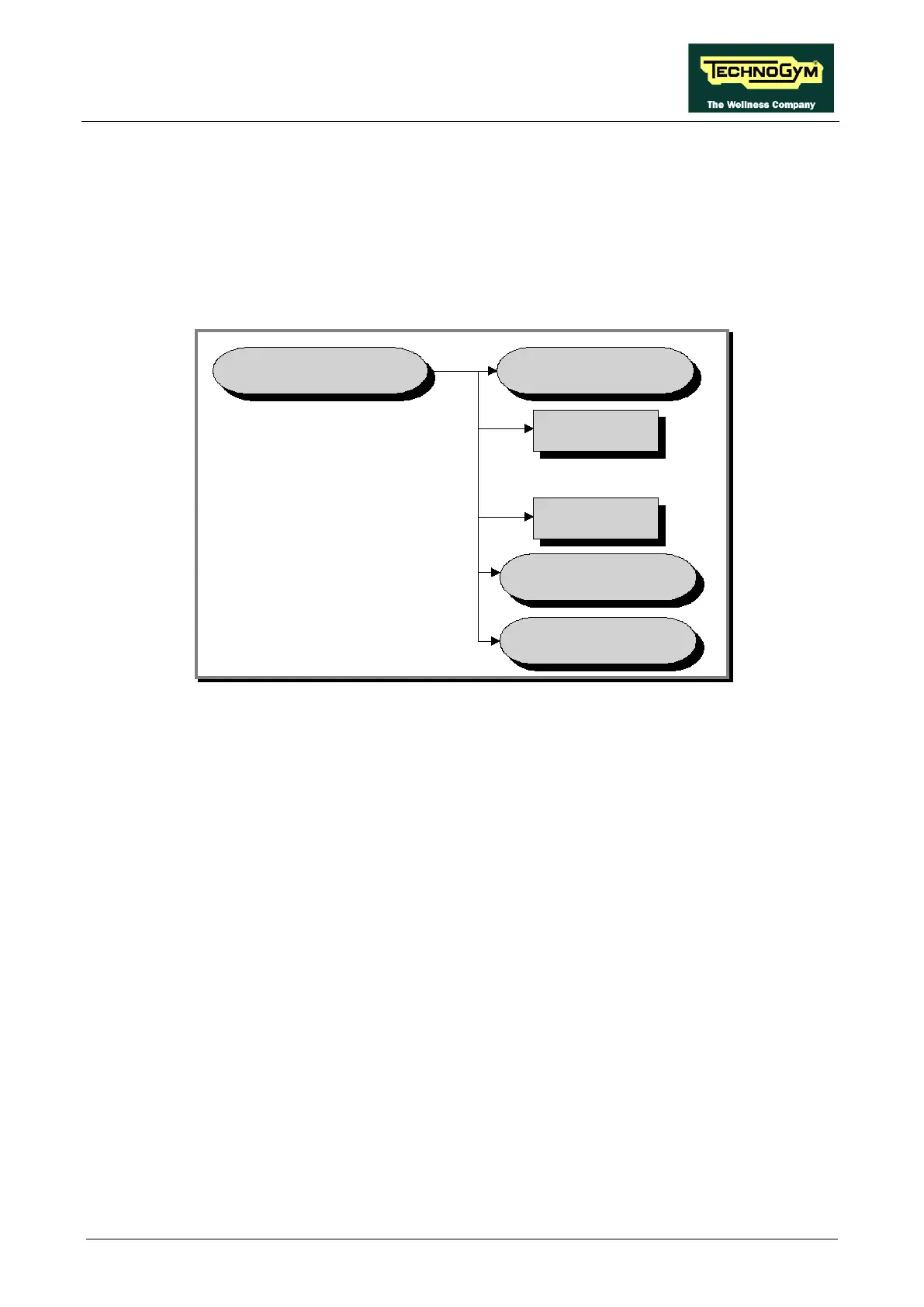
Press ENTER. This function is structured as follows:
LOW KIT PARAM.
Par.13
Par.01
WRITE TO
LOW KIT ?
DEFAULT
SETTINGS ?
READ FROM
LOW KIT ?
.......................
In addition to the 13 configuration parameters, this function also includes the 3 sub-functions
described below:
9.3.3.1. Read from low kit
To read the parameter values from the low kit memory and view them on the display, scroll using
the +/- keys until the display shows:
READ FROM LOW KIT ?
Press ENTER to read the errors from the low kit, and return to the upper menu level by pressing
CLEAR for a few seconds.
9.3.3.2. Write to low kit
To write the values of the currently displayed parameters to the low kit, scroll using the +/- keys
until the display shows:
WRITE TO LOW KIT ?
Press ENTER to write the parameters to the low kit, and return to the upper menu level by pressing
CLEAR for a few seconds.












 To Next Page