Model 200E Instruction Manual Operating Instructions
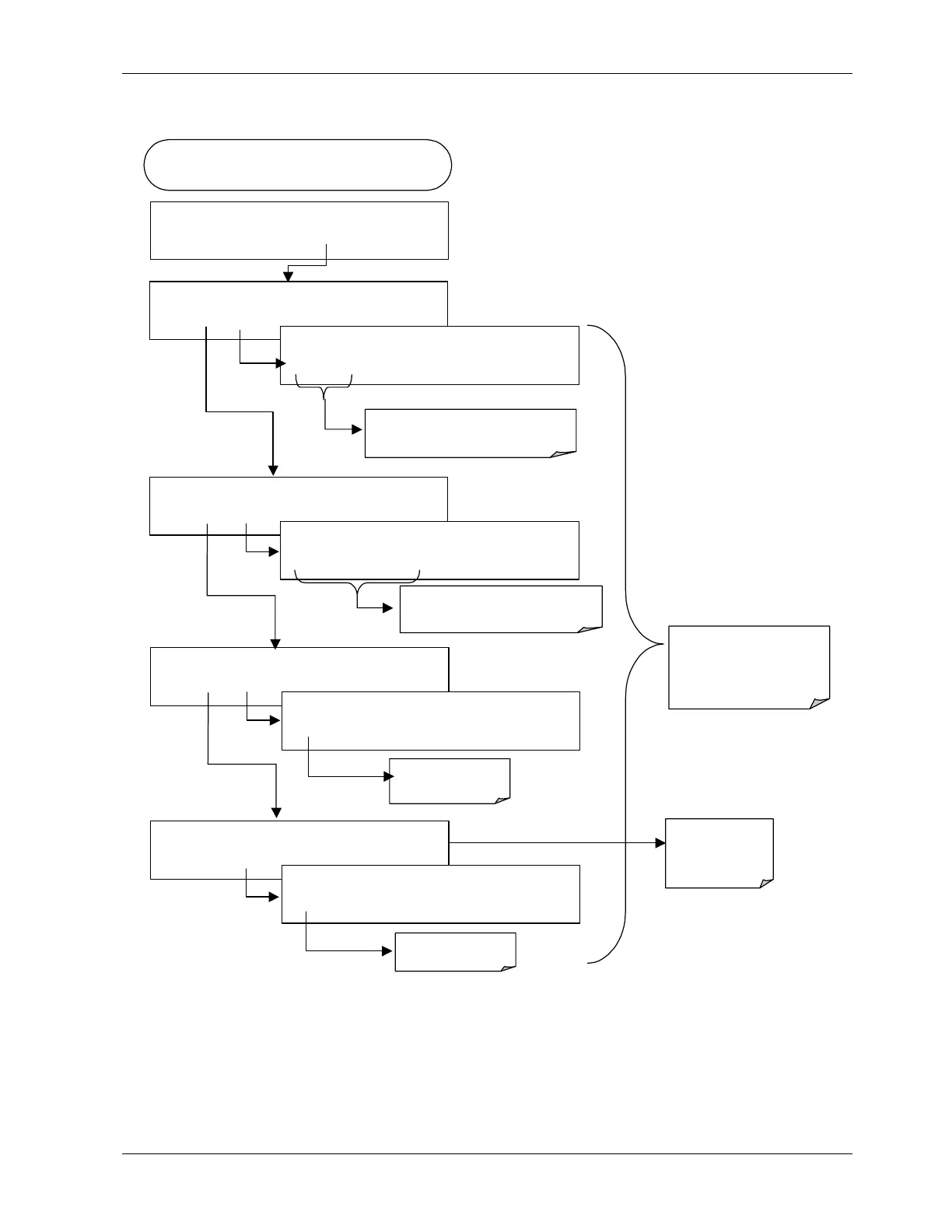
To configure the parameters for a specific data parameter, press:
FROM THE EDIT DATA PARAMETER MENU
(see previous section)
SETUP X.X
0) PARAM=PMTDET, MODE=INST
PREV NEXT INS DEL
EDIT
EXIT
SETUP X.X
PARAMETERS: PMTDET
SET> EDIT
EXIT
SETUP X.X
SAMPLE MODE: INST
<SET SET>
EDIT
EXIT
SETUP X.X
PARAMETERS: PMTDET
PREV NEXT ENTR EXIT
Cycle through list of available
Parameters.
ENTR
accepts the new
setting and returns to the
previous menu.
EXIT
ignores the new setting
and returns to the previous
SETUP X.X
SAMPLE MODE: INST
INST AVG MIN MAX
EXIT
Press the key for the desired mode
SETUP X.X
PRECISION: 1
<SET SET>
EDIT
EXIT
SETUP X.X
PRECISION: 1
1
EXIT
Set for 0-4
SETUP X.X
STORE NUM. SAMPLES: OFF
<SET
EDIT
EXIT
SETUP X.X
STORE NUM. SAMPLES: OFF
OFF
ENTR EXIT
Turn ON or OFF
<SET
Returns to
previous
Functions
6.10.2.6. Sample Period and Report Period
The iDAS defines two principal time periods, the SAMPLE PERIOD, which is the time
interval at which data are sampled (in volatile memory; not stored permanently), and the
REPORT PERIOD, which is the time interval of which data are permanently stored to the
Disk-on-Chip data storage and reported to the communication ports.
044100102 Rev A 95












 To Next Page