Operating Instructions Model 200E Instruction Manual
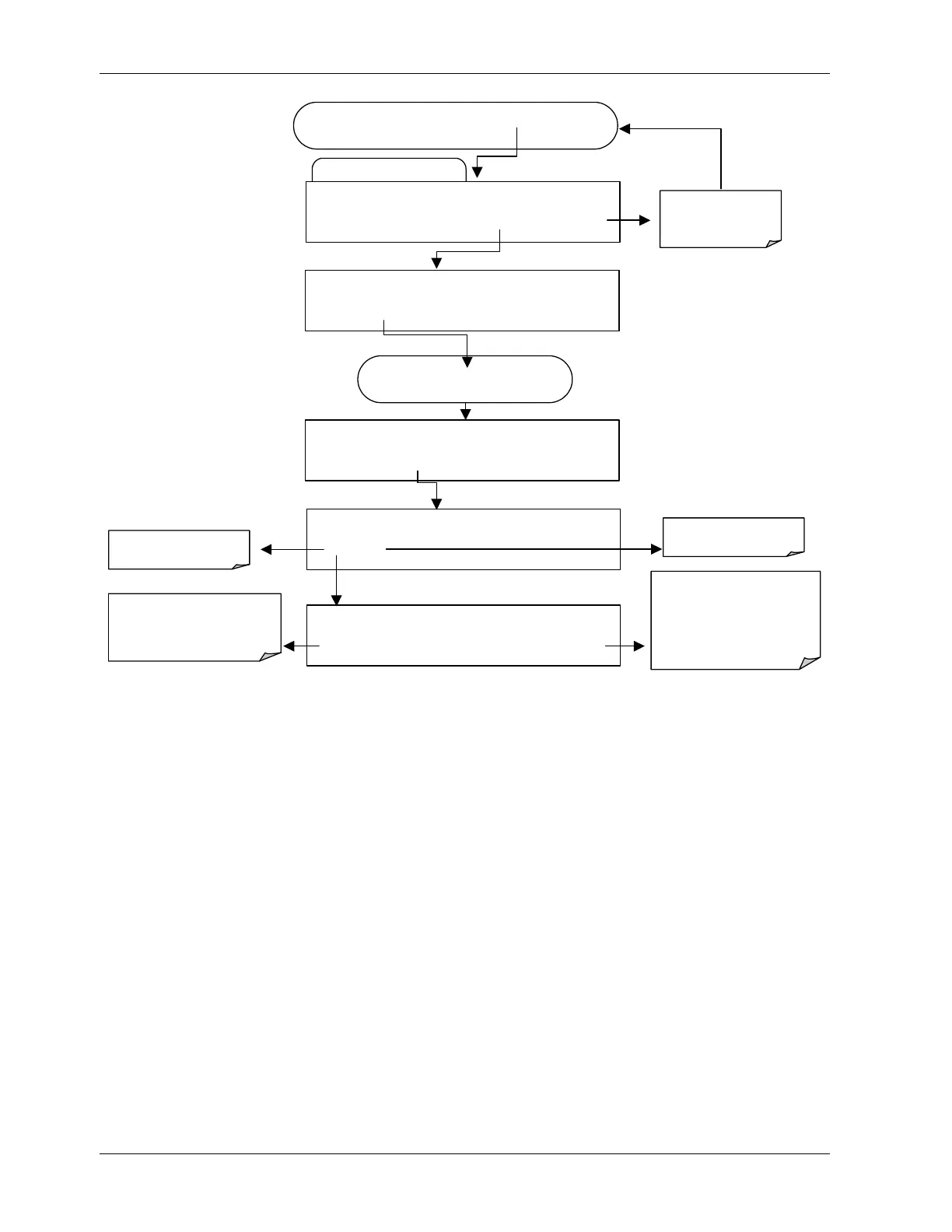
Edit Data Channel Menu
SETUP X.X 0) CONC: ATIMER, 2, 900
PREV NEXT INS DEL EDIT PRNT EXIT
FROM THE DAS PASSWORD MENU
Exits to the main
Data Acquisition
menu
SETUP X.X NAME:CONC
<SET SET> EDIT PRINT EXIT
SETUP X.X NUMBER OF RECORDS:000
<SET SET> EDIT PRINT EXIT
SETUP X.X
REPORT PERIODD:DAYS:0
0 0 0 0 0 ENTR EXIT
ENTR
accepts the new
setting and returns to the
previous menu.
EXIT
ignores the new setting
and returns to the previous
menu.
Toggle keys to set
number of records
(1-99999)
SETUP X.X EDIT RECOPRDS (DELET DATA)
YES NO
NO returns to the
revious menu.
YES will delete all data
in this channel.
Press
SET>
key until…
6.10.2.8. RS-232 Report Function
The M200E iDAS can automatically report data to the communications ports, where they
can be captured with a terminal emulation program or simply viewed by the user.
98 044100102 Rev A












 To Next Page