Model 200E Instruction Manual Getting Started
Firmware
fully booted
The revision level of the firmware
installed in your analyzer is briefly
displayed
SOFTWARE REVISION C.4
BOOT PROGRESS [XXXXXXXX 80% _ _]
The instrument is loading the
analyzer firmware.
M200E NOX ANALYZER
BOOT PROGRESS [XXXXX 50%_ _ _ _ _]
The instrument is loading
configuration and calibration data
from the flash chip
STARTING INSTRUMENT W/FLASH : 1
System waits 3 seconds then
automatically be
ins its initialization
routine. No action required.
System is checking the format of
the instrument’s flash memory chip.
SELECT DESIRED FUNCTION : 3
START .
CHECKING FLASH STATUS
: 1
STARTING INSTRUMENT CODE : 1
SAMPLE SYSTEM RESET NOX=X.X
TEST CAL CLR SETUP
If at this point,
**FLASH FORMAT INVALID**
appears, contact T–API customer
service
Press CLR to clear initial warning messages.
(see Section 3.2.3)
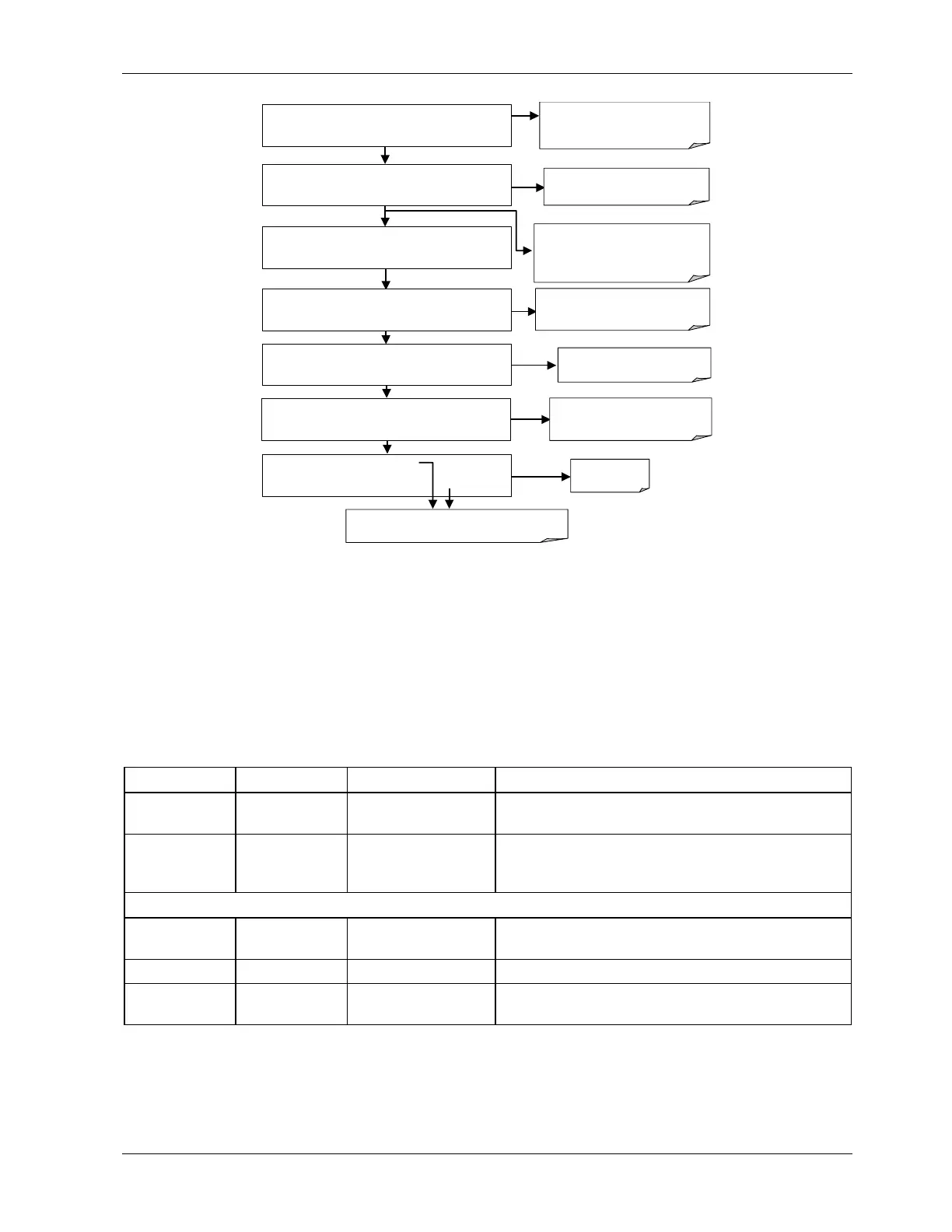
Figure 3-10: Front Panel Display During Startup Sequence
3.5.2. Warm-Up
The M200E requires about 30 minutes warm-up time before reliable NO
X
, NO and NO
2
measurements can be taken. During that time, various portions of the instrument’s front
panel will behave as follows. See Figure 3-4 for locations.
Table 3-5: Front Panel Display During System Warm-Up
Name Color Behavior Significance
Concentra-
tion Field
N/A
Switches between
NO
X
, NO and NO
2
This is normal operation.
Mode Field N/A
Displays blinking
“SAMPLE”
Instrument is in sample mode but is still in the
process of warming up (hold-off period is
active).
STATUS LEDs
Sample Green On
Unit is operating in sample mode, front panel
display is continuously updated.
Cal Yellow Off The instrument’s calibration is not enabled.
Fault Red Blinking
The analyzer is warming up and out of
specification for a fault-free reading.
3.5.3. Warning Messages
During warm-up, internal temperatures and other parameters may be outside of specified
limits. The software will suppress most warning conditions for 30 minutes after power up.
044100102 Rev A 21












 To Next Page