Model 200E Instruction Manual Operating Instructions
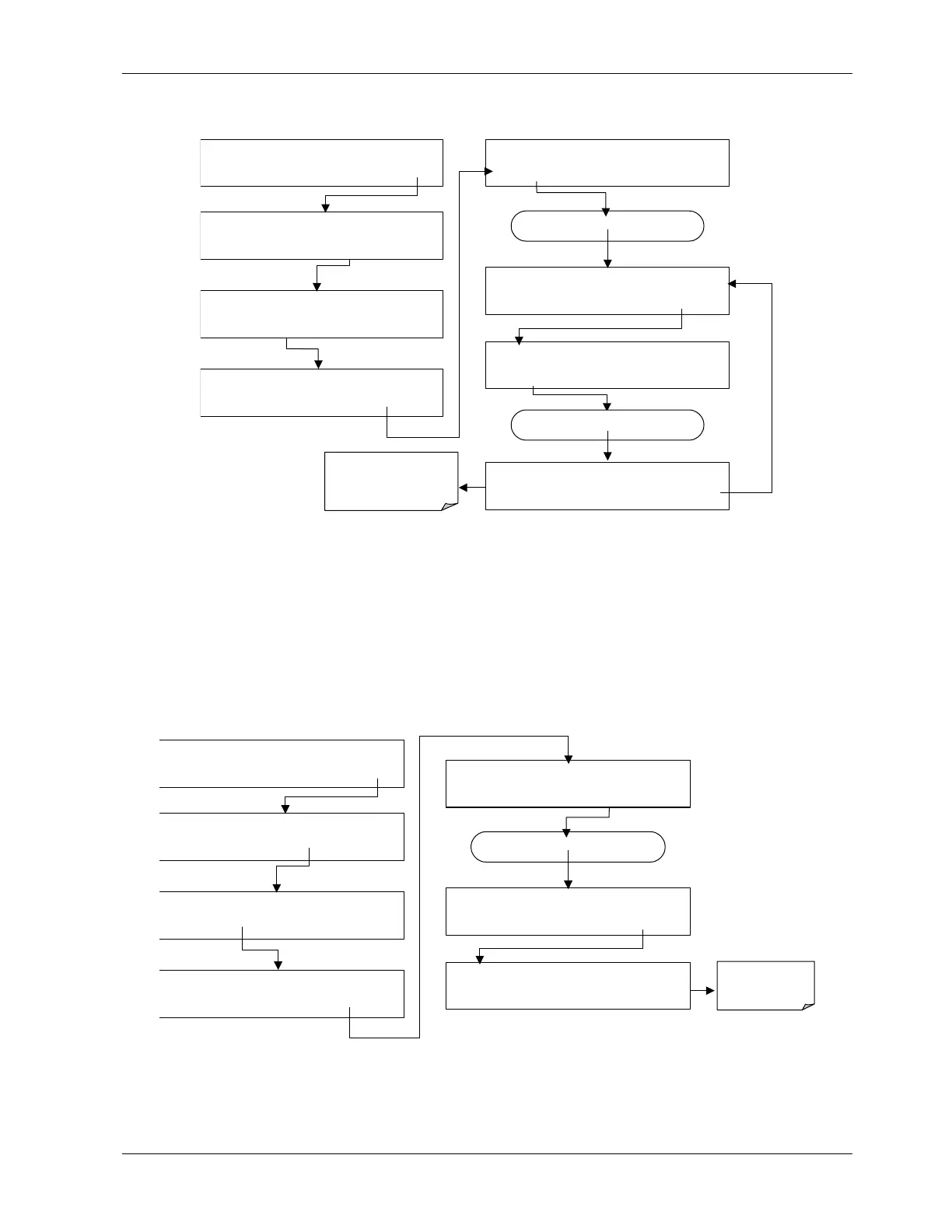
To activate the electrical test press the following keys.
SAMPLE RANGE = 500.0 PPB NOX=X.X
< TST TST > CAL SETUP
SETUP X.X PRIMARY SETUP MENU
CFG DAS RNGE PASS CLK MORE EXIT
SETUP X.X SECONDARY SETUP MENU
COMM VARS DIAG EXIT
DIAG
SIGNAL I / O
PREV
NEXT
JUMP
ENTR
EXIT
DIAG ELEC RANGE = 500.0 PPB NOX=X.X
<TST TST> EXIT
SETUP X.X ENTER DIAG PASS: 818
8 1 8
ENTR
EXIT
Press NEXT until…
DIAG ELECTRICAL TEST
PREV NEXT ENTR EXIT
Press TST until…
DIAG ELEC
PMT = 1732 MV
NOX=X.X
<TST TST> EXIT
While the electrical test is
activated,
PMT
should equal:
2000 mV ± 1000 mV
6.7.7. Ozone Generator Override
This feature allows the user to manually turn the ozone generator off and on. This can be
done before disconnecting the generator, to prevent ozone from leaking out, or after a
system restart if the user does not want to wait for 30 minutes during warm-up time. Note
that this is one of the two settings in the DIAG menu that is retained after you exit the
menu. To access this feature press the following keys. Also note that the ozone generator
does not turn on if the ozone flow conditions are out of specification (e.g., if there is no flow
through the system or the pump is broken).
SAMPLE RANGE = 500.0 PPB NOX=X.X
< TST TST > CAL SETUP
SETUP X.X PRIMARY SETUP MENU
CFG DAS RNGE PASS CLK MORE EXIT
SETUP X.X
SECONDARY SETUP MENU
COMM VARS
DIAG
EXIT
SETUP X.X ENTER DIAG PASS: 818
8 1 8 ENTR EXIT
DIAG SIGNAL I / O
PREV NEXT JUMP ENTR EXIT
DIAG OZONE OZONE GEN OVERRIDE
OFF ENTR EXIT
Press NEXT until…
DIAG OZONE GEN OVERRIDE
PREV NEXT ENTR EXIT
Toggle this key to
turn the O
3
generator ON/OFF.
044100102 Rev A 71












 To Next Page