Calibration Procedures Model 200E Instruction Manual
Set the expected NO and NO
X
values according to Section 7.2.
Perform the zero point calibration:
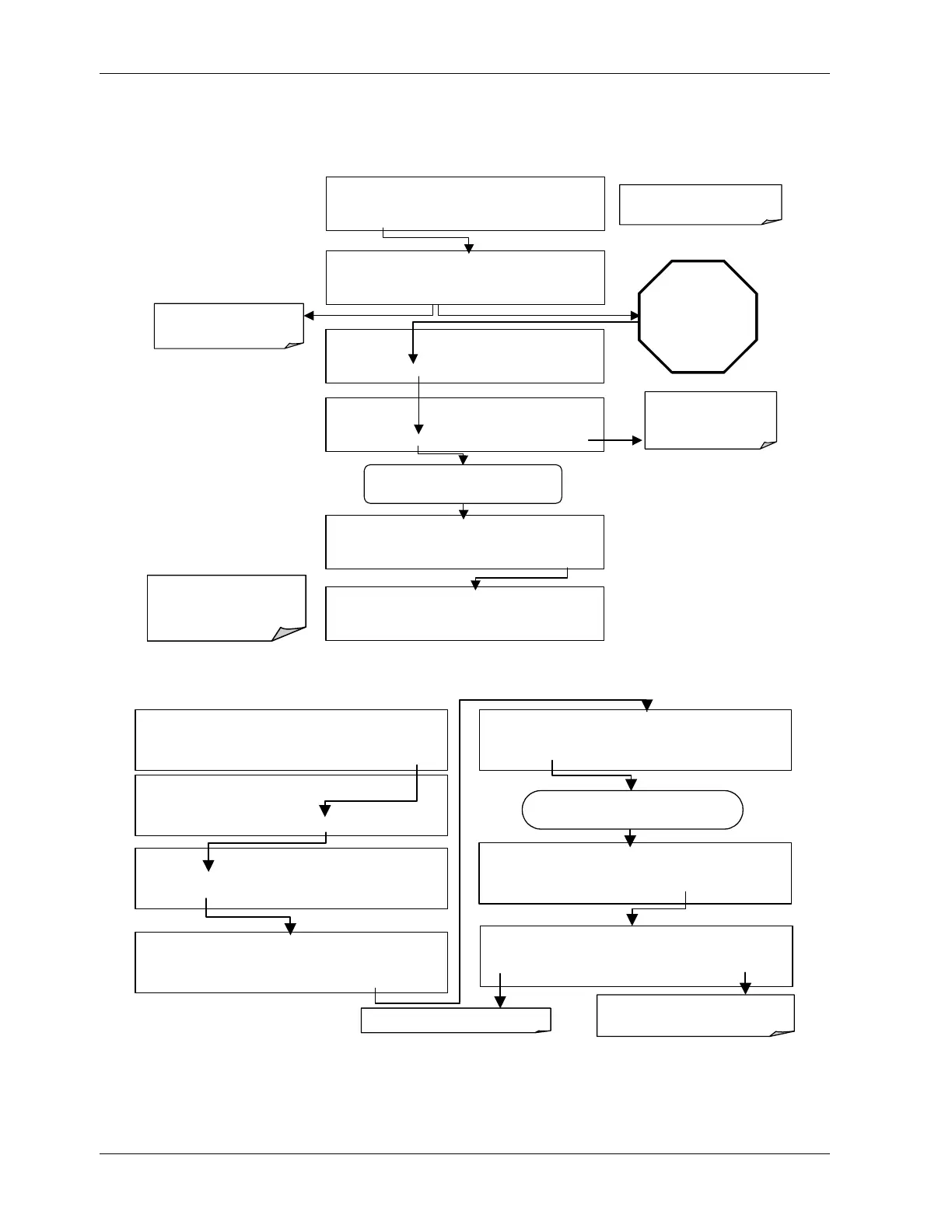
Wait until STABIL
value falls below
0.5 ppb. This may
take several
minutes.
ZERO CAL M
NOX STB=XXX.X PPB NOX=X.X
< TST TST >
ZERO
CONC
ZERO CAL M NOX STB=XXX.X PPB NOX=X.X
< TST TST >
ENTR
CONC
EXIT
If the
ZERO
button does
not appear, see Chapter
11 for troubleshooting.
Analyzer enters
ZERO CAL
mode
EXIT
terminates
calibration and returns to
SAMPLE
mode.
ZERO CAL M NOX STB=XXX.X PPB NOX=X.X
< TST TST > ZERO CONC
EXIT
ZERO CAL M NOX STB=XXX.X PPB NOX=X.X X
< TST TST > CAL
CALZ CALS SETUP
SAMPLE RANGE = 500.0 PPB NOX= X.X
< TST
TST >
CAL
CALZ CALS SETUP
SAMPLE
NOX STB=XXX.X PPB
NO = X.X
< TST TST > CAL
CALZ
CALS SETUP
Set the Display to show the
NOX STB
test function.
Pressing
ENTR
changes the
calibration of the instrument.
Turn ON the CAL_ON_NO
2
feature:
SAMPLE RANGE = 500.0 PPB NOX=X.X
< TST TST > CAL
SETUP
SETUP X.X
PRIMARY SETUP MENU
CFG DAS RNGE PASS CLK
MORE
EXIT
SETUP X.X
SECONDARY SETUP MENU
COMM VARS DIAG EXIT
SETUP X.X 0 ) DAS_HOLD_OFF=15.0 Minutes
NEXT
JUMP
EDIT
PRNT EXIT
SETUP X.X
ENTER VARS PASS: 818
8 1 8 ENTR EXIT
EXIT
ignores the new setting.
ENTR accepts the new setting.
SETUP X.X
8) C
L_ON_NO
2
= OFF
PREV NEXT
JUMP
EDIT
PRNT EXIT
SETUP X.X 8) C
L_ON_NO
2
= ON
ON ENTR EXIT
Toggle this key to change setting
Press NEXT until …
Perform the span calibration procedure:
118 044100102 Rev A












 To Next Page