Operating Instructions Model 200E Instruction Manual
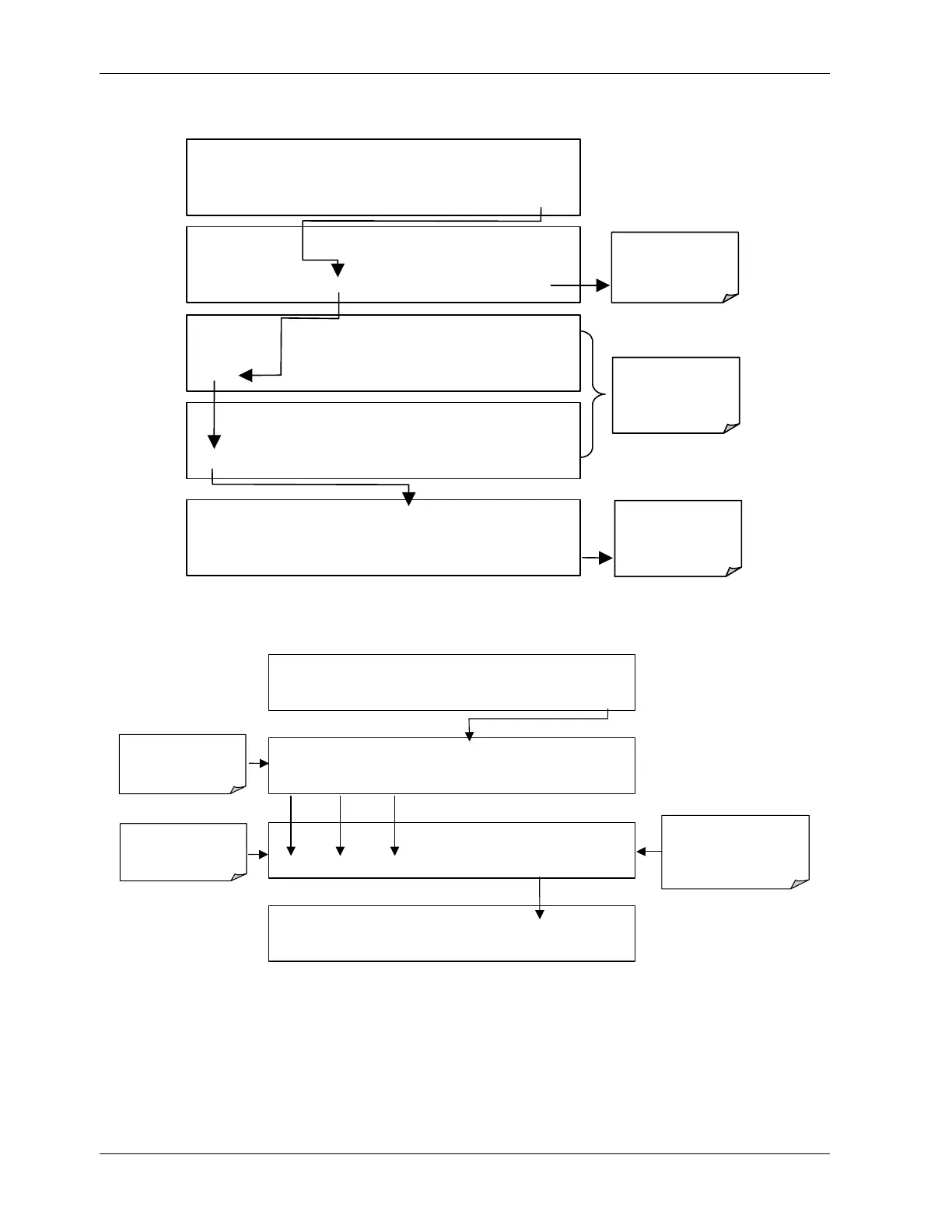
To enable or disable passwords, press the following keystroke sequence:
SAMPLE RANGE = 500.0 PPB NO
x
=XXX.X
< TST TST > CAL
SETUP
SETUP X.X PRIMARY SETUP MENU
CFG DAS RNGE
PASS
CLK MORE EXIT
SETUP X.X PASSWORD ENABLE:
OFF
OFF ENTR EXIT
SETUP X.X PASSWORD ENABLE:
ON
ON ENTR EXIT
SETUP X.X PASSWORD ENABLE: ON
ON
ENTR
EXIT
ENTR enables
the password
feature
Disable
or enable
passwords
Exit returns to
SAMPLE
display
Example: If all passwords are enabled, the following keypad sequence would be required to
enter the SETUP menu:
SAMPLE RANGE = 500.0 PPB NOX =XXX.X
< TST TST > CAL SETUP
SAMPLE ENTER SETUP PASS: 0
0 0 0 ENTR EXIT
prompts for
password
number
Example: this
password enables the
SETUP mode
SAMPLE ENTER SETUP PASS: 0
8 1 8 ENT
EXIT
SETUP X.X PRIMARY SETUP MENU
CFG DAS RNGE PASS CLK MORE EXIT
Press individual
keys to set
numbers
Note that the instrument still prompts for a password when entering the VARS and DIAG
menus, even if passwords are disabled, but it displays the default password (818) upon
entering these menus. The user only has to press ENTR to access the password protected
menus but does not have to enter the required number code.
46 044100102 Rev A












 To Next Page