Model 200E Instruction Manual Operating Instructions
SETUP X.X
PRIMARY SETUP MENU
CFG DAS RNGE PASS CLK
MORE
EXIT
SETUP X.X
SECONDARY SETUP MENU
COMM
VARS DIAG EXIT
SAMPLE RANGE = 500.0 PPB O3 =XXX.X
< TST TST > CAL
SETUP
SETUP X.X
COMMUNICATIONS MENU
ID
INET
COM1
COM2 EXIT
INTERNET CONFIGURATION
GTWY
IP SNET PORT STRT STOP
EXIT
SETUP X.X
GATEWAY IP: [0] 00.000.000
<CH CH> INS DEL [0]
ENTR EXIT
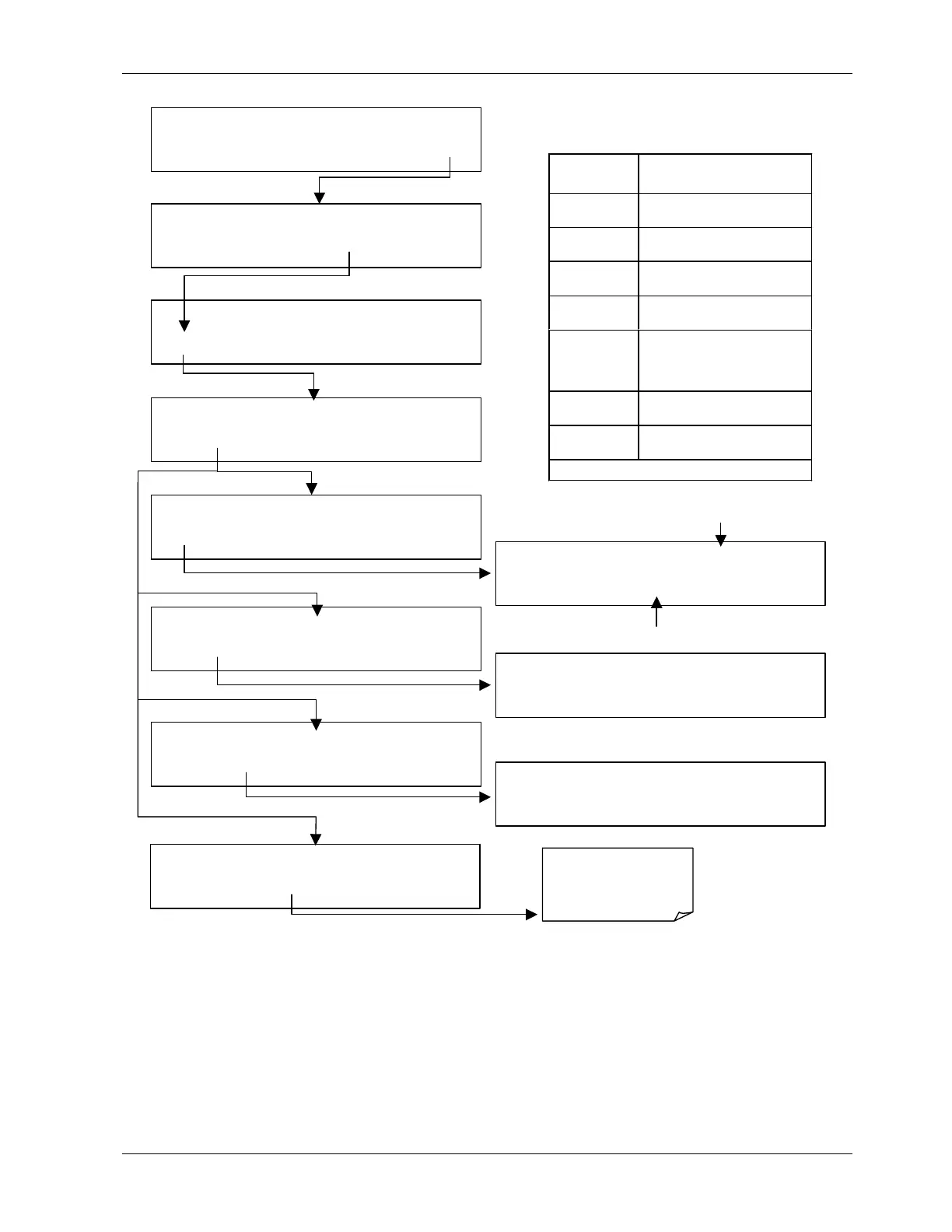
Internet Configuration
Keypad Functions
KEY FUNCTION
<CH
Moves the cursor one
character to the left.
CH>
Moves the cursor one
character to the right.
INS
Inserts a character before the
cursor location.
DEL
Deletes a character at the
cursor location.
[?]
Press this key to cycle
through the range of
numerals and characters
available for insertion.
ENTR
Accepts the new setting and
returns to the previous menu.
EXIT
Ignores the new setting and
returns to the previous menu.
Some keys only appear as needed.
INTERNET CONFIGURATION
GTWY
IP
SNET PORT STRT STOP
EXIT
SETUP X.X
INST IP: [0] 00.000.000
<CH CH> INS DEL [0]
ENTR EXIT
INTERNET CONFIGURATION
GTWY IP
SNET
PORT STRT STOP
EXIT
SETUP X.X SUBNET MASK: [0] 00.000.000
<CH CH> INS DEL [0]
ENTR EXIT
INTERNET CONFIGURATION
GTWY IP SNET
PORT
STRT STOP
EXIT
Cursor location is indicated by brackets
The PORT number
needs to remain at
3000
. Do not change
this setting!
Change the cursor value with this button
044100102 Rev A 83












 To Next Page